Schedule YouTube videos and Shorts with the thumbnail already picked
Upload once, set the title, description, tags, and visibility, and let the video go live on schedule. FoPost publishes through the official Data API with resumable uploads for big files and views reported back per video.
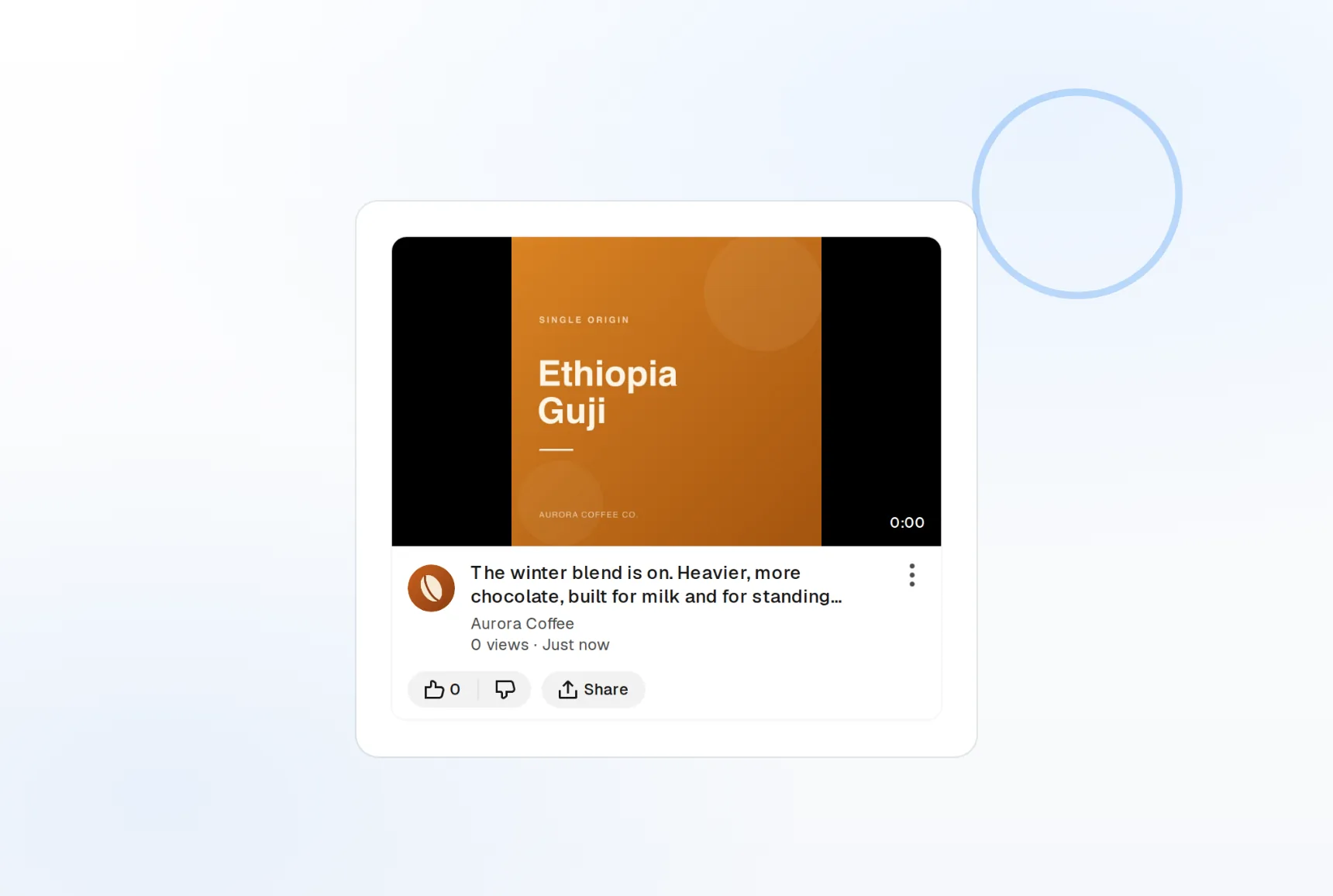
Resumable uploads
Large files finish even if the connection drops.
Custom thumbnails
Pick the thumbnail in the composer, not after.
Shorts included
Vertical clips tagged #Shorts automatically.
One upload flow for the episode and the clips
Publish the full episode on Tuesday and three Shorts from it across the week, all from one calendar. FoPost handles files up to 256GB with resumable uploads and tags vertical clips as Shorts on the way out.
Schedule an upload
Video uploads
Files up to 256GB, uploaded with resume on disconnect.
Shorts
Vertical clips with #Shorts added automatically.
Visibility control
Public, unlisted, or private, chosen per video.
Title, description, tags, and thumbnail in one place
The parts that get a video clicked are set before it publishes. Write a title up to 100 characters, a description up to 5,000, tags up to 500 characters total, and choose any attached image as the thumbnail, all in the composer.
Set up a video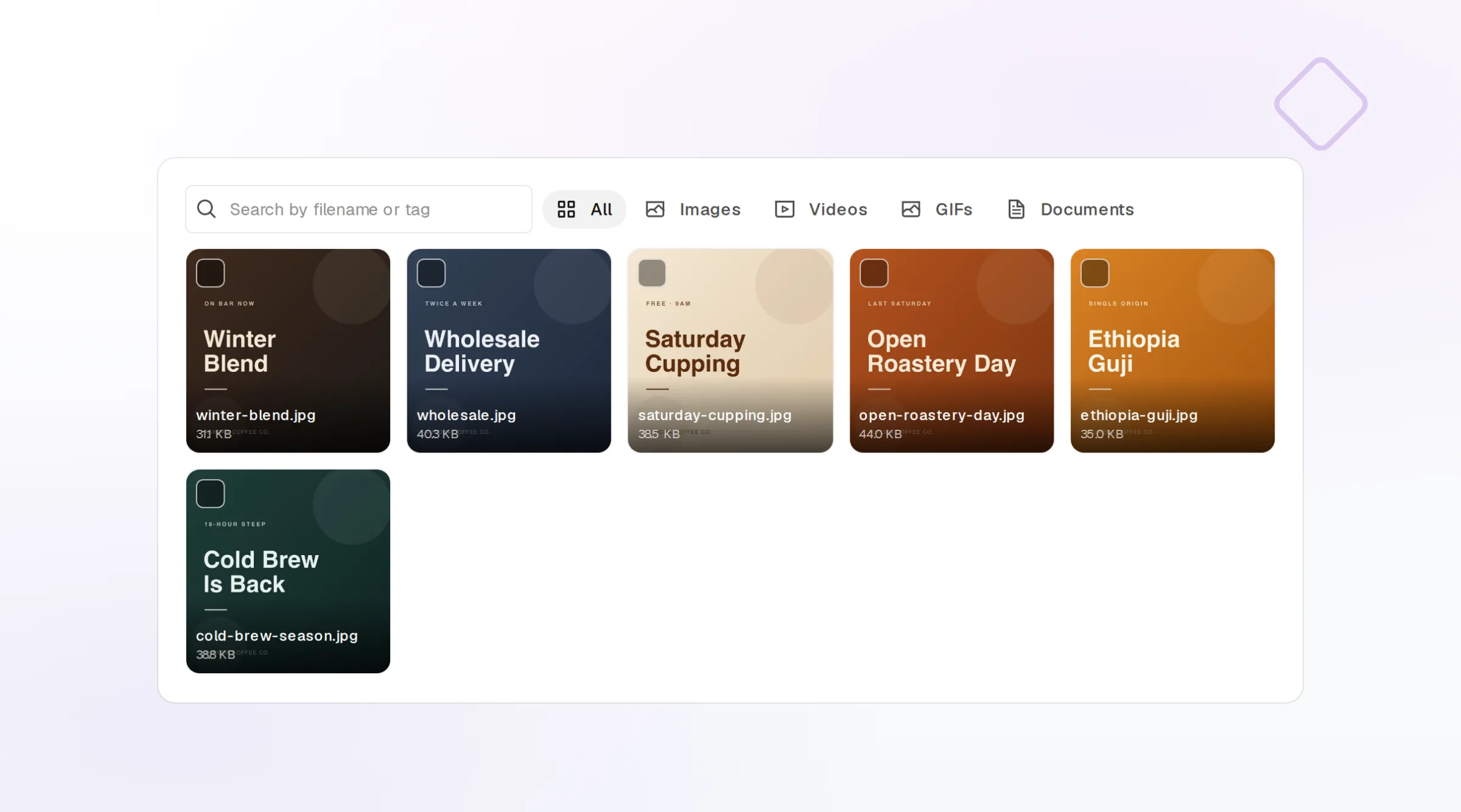
Thumbnail picker
Any attached image becomes the thumbnail.
Tags and hashtags
Tags counted live against the 500 character total.
Description editor
Timestamps, links, and credits with a live count.
Descriptions written while the file uploads
Give FoPost your brand voice and a rough outline and it drafts the title options, the description, and the hashtags while the upload runs. Paste the transcript and it pulls out the chapters.
Try the AI writer
Title options
Several titles to choose from before you publish.
Repurpose
A blog post or transcript becomes the description.
Brand voice
Tone and banned words applied to every draft.
See which videos kept people watching
Views, likes, comments, and watch time report back into FoPost per video. Compare Shorts to long-form and morning to evening releases, then cross-post the same clip to TikTok and Instagram Reels from the same draft.
See your numbers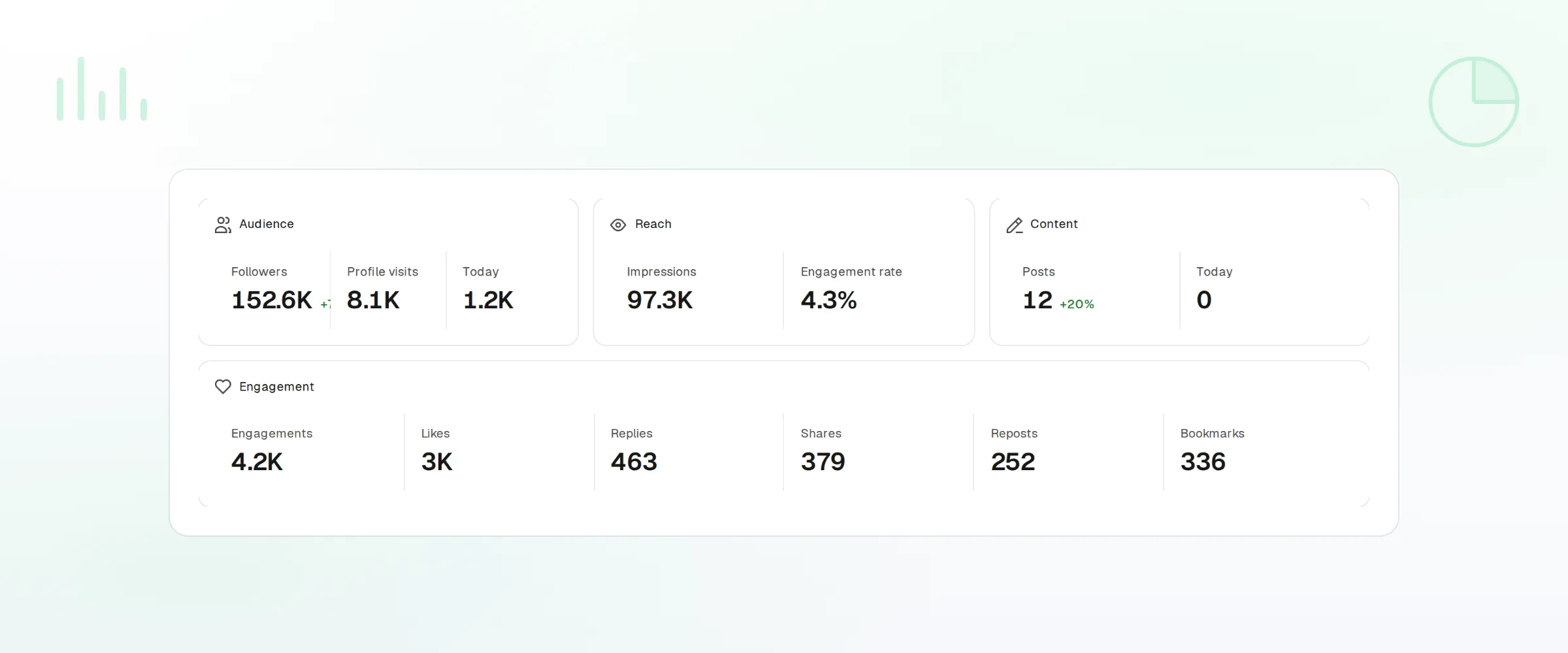
Per-video metrics
Views, likes, comments, and watch time.
Cross-post natively
The same clip to TikTok, Reels, and every other network.
Webhooks and API
Every publish and failure event pushed to your own tools.
What FoPost publishes to YouTube
Formats, limits, and how the connection works, so there are no surprises at publish time.
Formats
- Video upload
- Shorts
- Custom thumbnails
- Tags & descriptions
- Playlists
- Captions and transcripts
Limits
- Title
- Up to 100 chars
- Description
- Up to 5,000 chars
- Tags
- Up to 500 chars total
- File size
- Up to 256GB
- Edit after publishing
- Yes
- Unpublish
- Yes
Connection
OAuth 2.0 via the YouTube Data API. Requires a verified channel.
YouTube questions, answered
How do I connect my YouTube channel?
Can I schedule Shorts?
What are the limits?
Can I set the thumbnail and visibility?
Can I manage several channels?
Is there an API for posting to YouTube through FoPost?
Start publishing to YouTube today
Starting is free. Connect YouTube, schedule a week of posts, and see the results before you pay.
Schedule your first upload