Know what works on every network
Stop opening a different dashboard for each account. FoPost pulls post and account analytics from every connected network into one view, so you can compare, spot growth, and decide what to publish next with numbers instead of guesses.
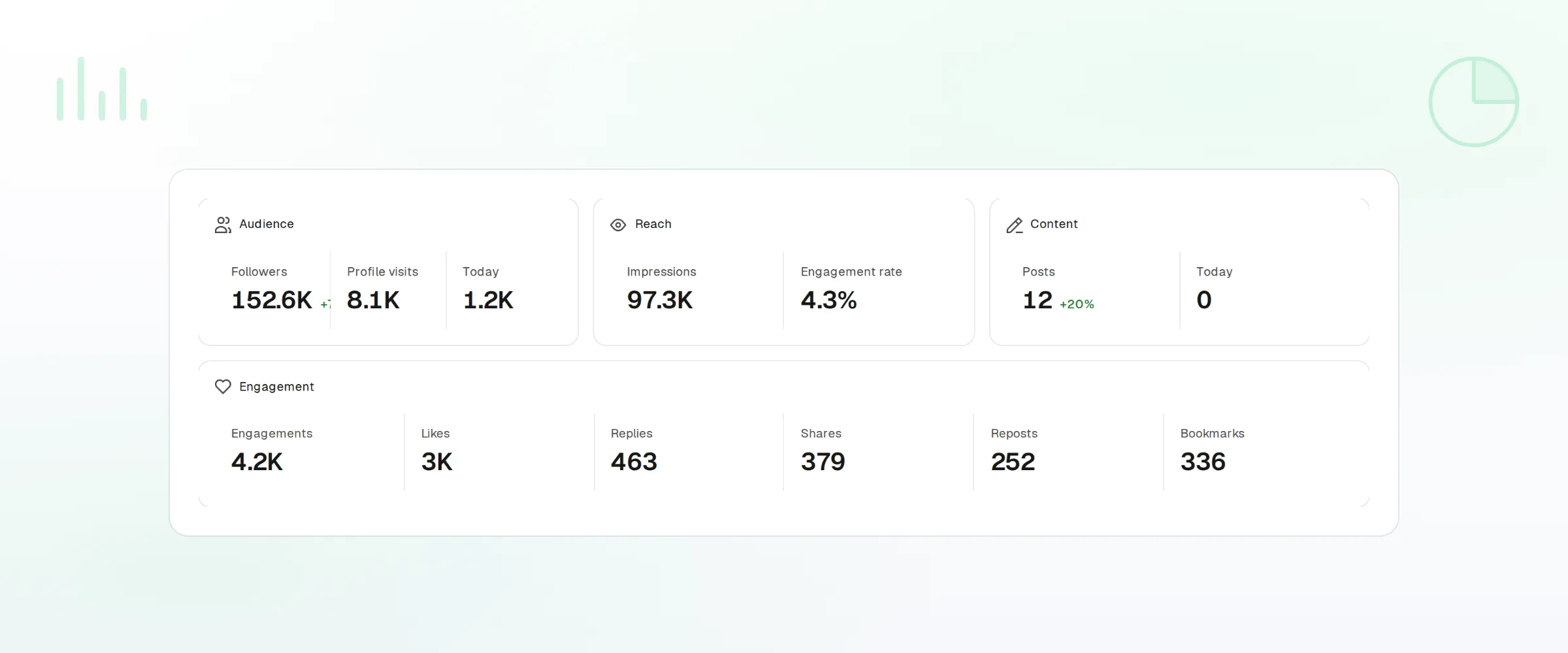
Every Network, One View
Reach, engagement, and followers for every connected account, lined up so you can compare.
Growth Over Time
Pick a range and see where each account was, where it is, and what moved it.
Your Data, Your Dashboard
Export to CSV or pull the same numbers from the Analytics API.
Posts And Accounts Side By Side
A post that did well on one network often flops on another. FoPost shows each post with its per-account results next to each other, and each account with its own totals, so the pattern is visible in one glance rather than after an afternoon of tab switching.
Post Analytics
Impressions, engagement, clicks, and saves for every published post.
Account Analytics
Followers, reach, and profile activity for each connected account.
Per-Network Breakdown
Filter to one network or one account when you need the detail.
Find The Times And Formats That Land
Once the data is in one place, the questions get easier. When does your audience respond? Do carousels outperform single images? Which label or campaign carried the month? Growth charts and best-time suggestions answer these from your own history, not a generic benchmark.
Explore Analytics
Growth Over Time
Follower and engagement trends over any range, per account or combined.
Best Posting Times
Suggested slots based on when your own posts got the most engagement.
By Label
Group posts by campaign or client label and compare their results.
Take The Numbers Wherever They Need To Go
Client reports, a company dashboard, a spreadsheet for the monthly review: none of them should require copying numbers by hand. Export any view as CSV, or read the same data from the Analytics API and SDK. Workspaces keep each client's data separate, so a key for one client never sees another.
CSV Exports
Download post or account analytics for any range.
Analytics API
Scoped, read-only keys pull the numbers into your own tools.
Per Workspace
Each client workspace has its own analytics and its own keys.
Turn Results Into The Next Post
Analytics are only useful if they change what you publish. Sort by engagement, add your best posts to an evergreen queue so they get a second life, and ask FoPost Agent what to write next based on what has worked. The loop from result to decision to post stays inside one tool.
Start Free
Recycle Winners
Send a top post to a recycling queue straight from its results.
Ask The Agent
Get a plain-language read on the month and a draft for what comes next.
Schedule At Best Times
Drop new posts into the slots the data says are strongest.
Analytics questions, answered
Which metrics are available?
How far back does the data go?
How often are the numbers refreshed?
Can I build my own dashboard?
Can clients see only their own analytics?
Run this workflow on FoPost
Starting is free and every feature on this page is included. Connect an account and publish your first post today.
See Your Numbers