Schedule Telegram channel posts and group messages
Run a news channel, a community group, or both without living in the app. FoPost sends through the Telegram Bot API with full Markdown, media, and link previews, on the schedule you set.
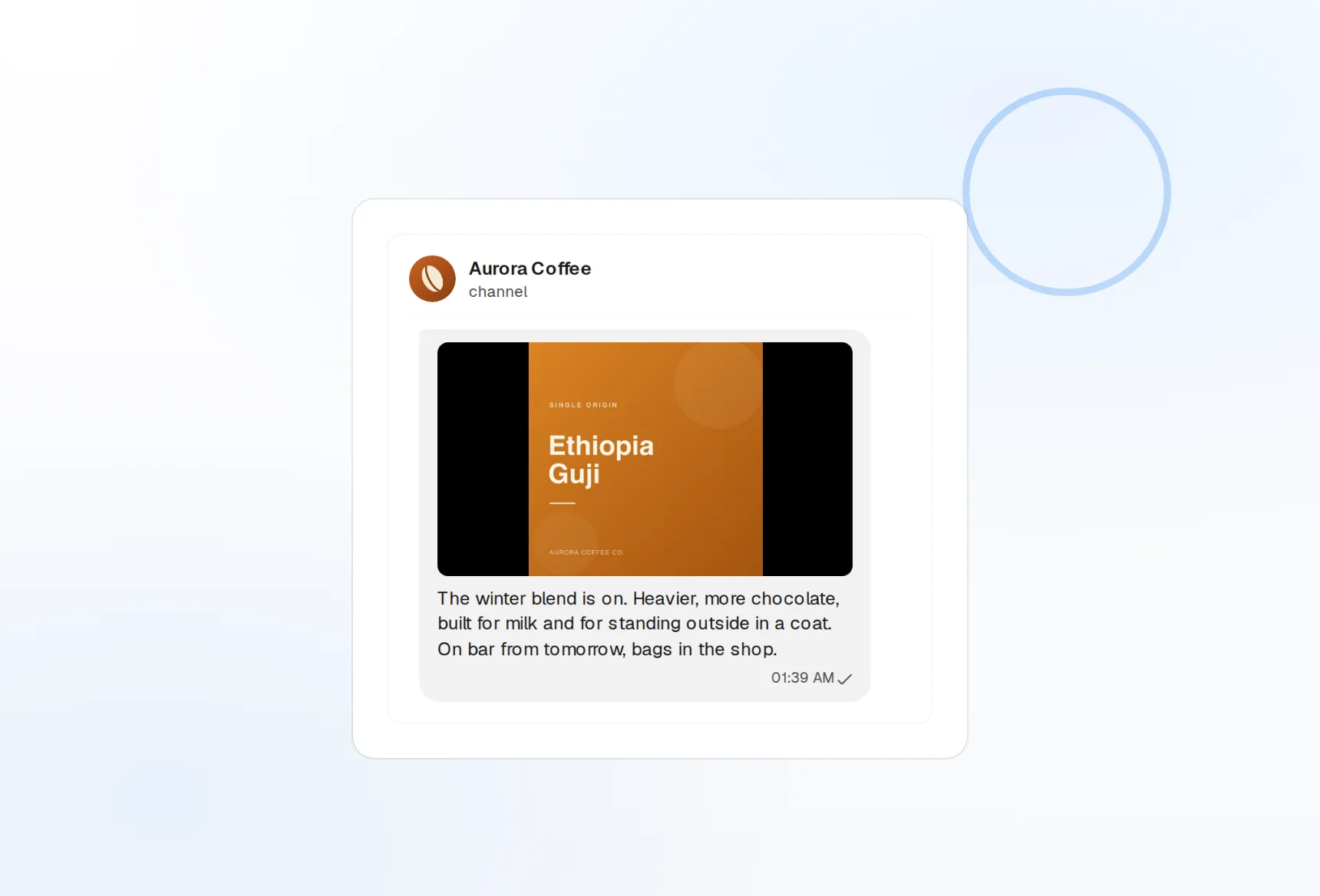
Channels and groups
Broadcast to a channel or post into a group from one bot.
MarkdownV2
Bold, code blocks, spoilers, and links render as written.
Media up to 50MB
Photos, videos, GIFs, and documents, all scheduled.
Broadcast on time, every time
A channel that posts at the same hour daily keeps its readers. Draft a week of announcements in one sitting, drop them on the calendar, and FoPost delivers each one to the channel through your bot.
Connect a channel
Channel broadcasts
Post to any channel where your bot is an admin.
Group messages
Send to groups and supergroups from the same connection.
Link previews
Keep or hide the preview card per message.
Messages that look the way you wrote them
Telegram readers expect structure: a bold headline, a code block, a clean link. FoPost writes MarkdownV2 for you and escapes the awkward characters, so a draft that looks right in the composer looks right in the channel.
Write a message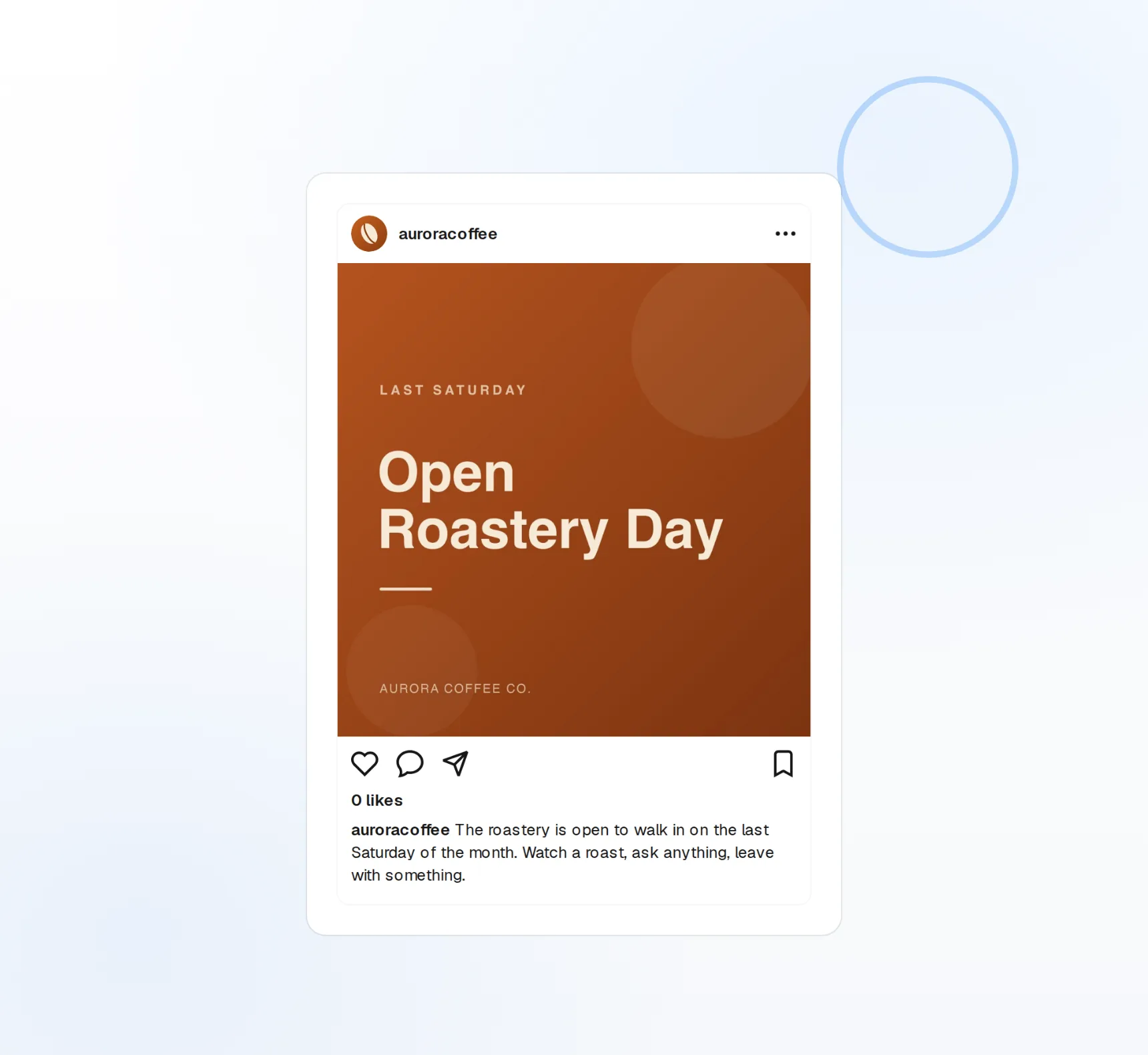
Full MarkdownV2
Bold, italic, code, spoilers, and inline links.
Media attachments
Photos, videos, GIFs, and documents up to 50MB.
4,096 characters
The composer counts against the real limit as you type.
The daily drop that runs itself
Crypto, gaming, and dev communities live on a rhythm: the morning digest, the weekly recap, the launch countdown. Set a post to recur, mirror your blog into the channel, and cross-post the same announcement to X, Discord, and every other network at once.
Set up a recurring post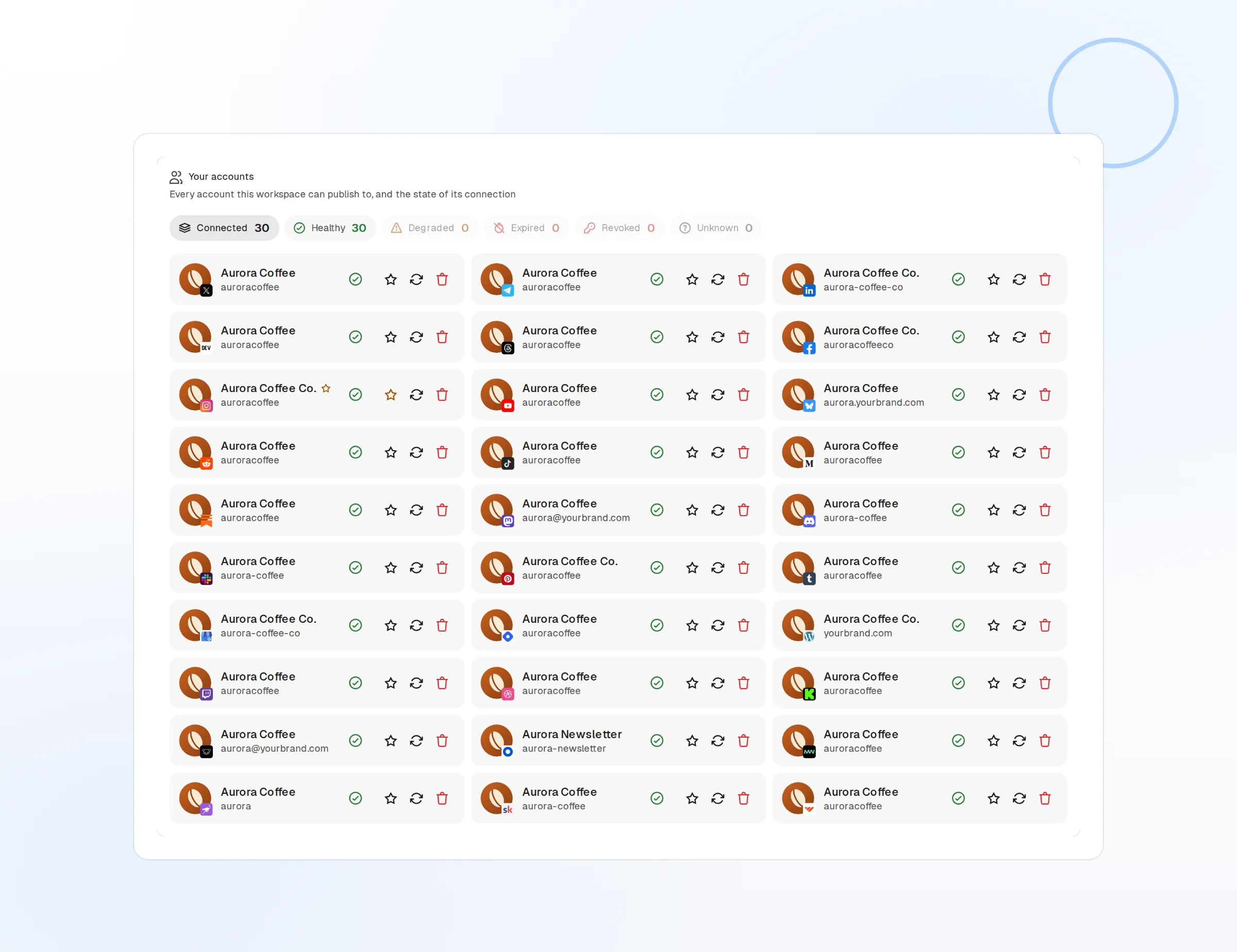
Recurring posts
Daily news drops and weekly digests on a fixed schedule.
Blog mirroring
New blog posts become channel posts automatically.
Cross-post
One draft, every network, published in the same minute.
See which posts your channel actually opens
Every channel post reports its view count back into FoPost. Compare morning to evening, short to long, and media to text, then use that to decide what goes out next week.
See your numbers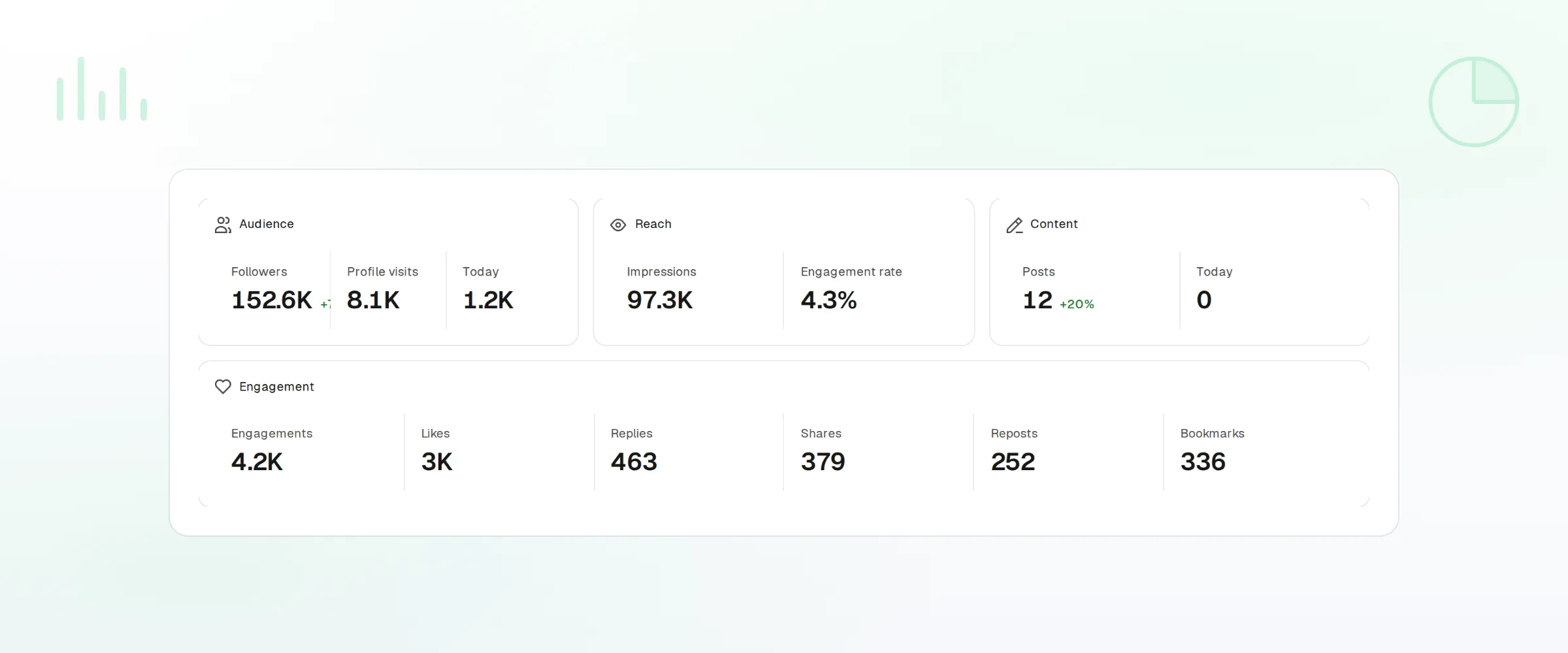
View counts
Views per post, refreshed after publishing.
Trends
Post performance over any date range.
Webhooks and API
Every publish and failure event pushed to your own tools.
What FoPost publishes to Telegram
Formats, limits, and how the connection works, so there are no surprises at publish time.
Formats
- Channel posts
- Group messages
- Media
- Link previews
Limits
- Message limit
- 4,096 chars
- Media size
- Up to 50MB via Bot API
- Markdown
- MarkdownV2 supported
- Edit after publishing
- Yes
- Unpublish
- Yes
Connection
Connects via a Telegram Bot you create, bot must be admin in the target channel.
Telegram questions, answered
How do I connect my Telegram channel?
Can I post to groups as well as channels?
What media can I attach?
Does Markdown work?
Can I manage several channels?
Is there an API for posting to Telegram through FoPost?
Start publishing to Telegram today
Starting is free. Connect Telegram, schedule a week of posts, and see the results before you pay.
Schedule your first channel post