Schedule Mastodon posts to any instance, with threads and content warnings
Post to mastodon.social, fosstodon.org, or the instance you run yourself, all from one calendar. FoPost connects through each instance’s official API and keeps visibility and content warnings under your control on every post.
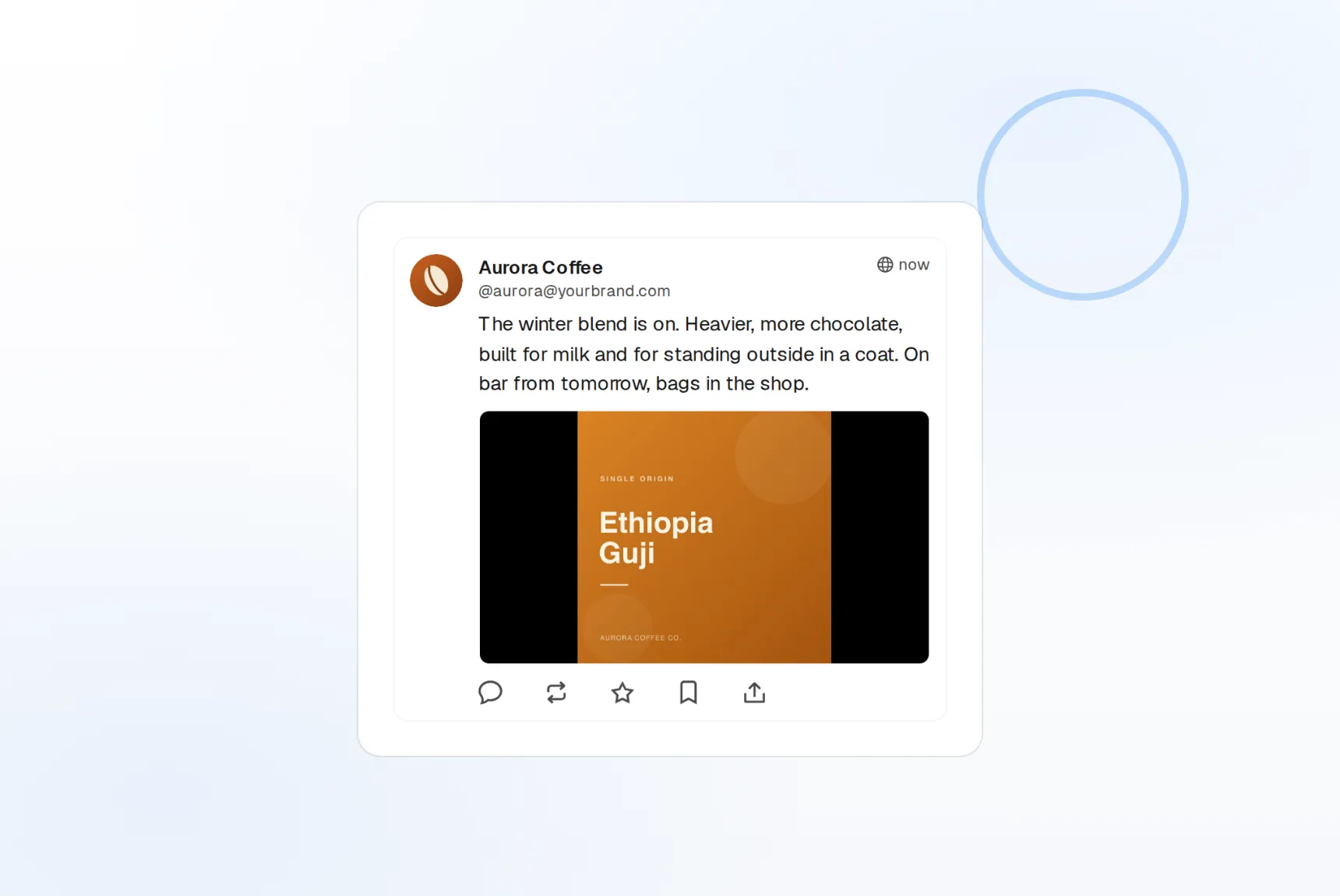
Any instance
Public servers or your own, connected one at a time.
Content warnings
A native CW field on every post, not a hack.
Visibility per post
Public, unlisted, followers-only, or direct.
One calendar for every server you post on
The fediverse is many servers, and most tools only know one. FoPost connects to each instance with its own OAuth login, so a journalist on a news server and a project account on a self-hosted instance sit side by side in the same account picker.
Connect an instance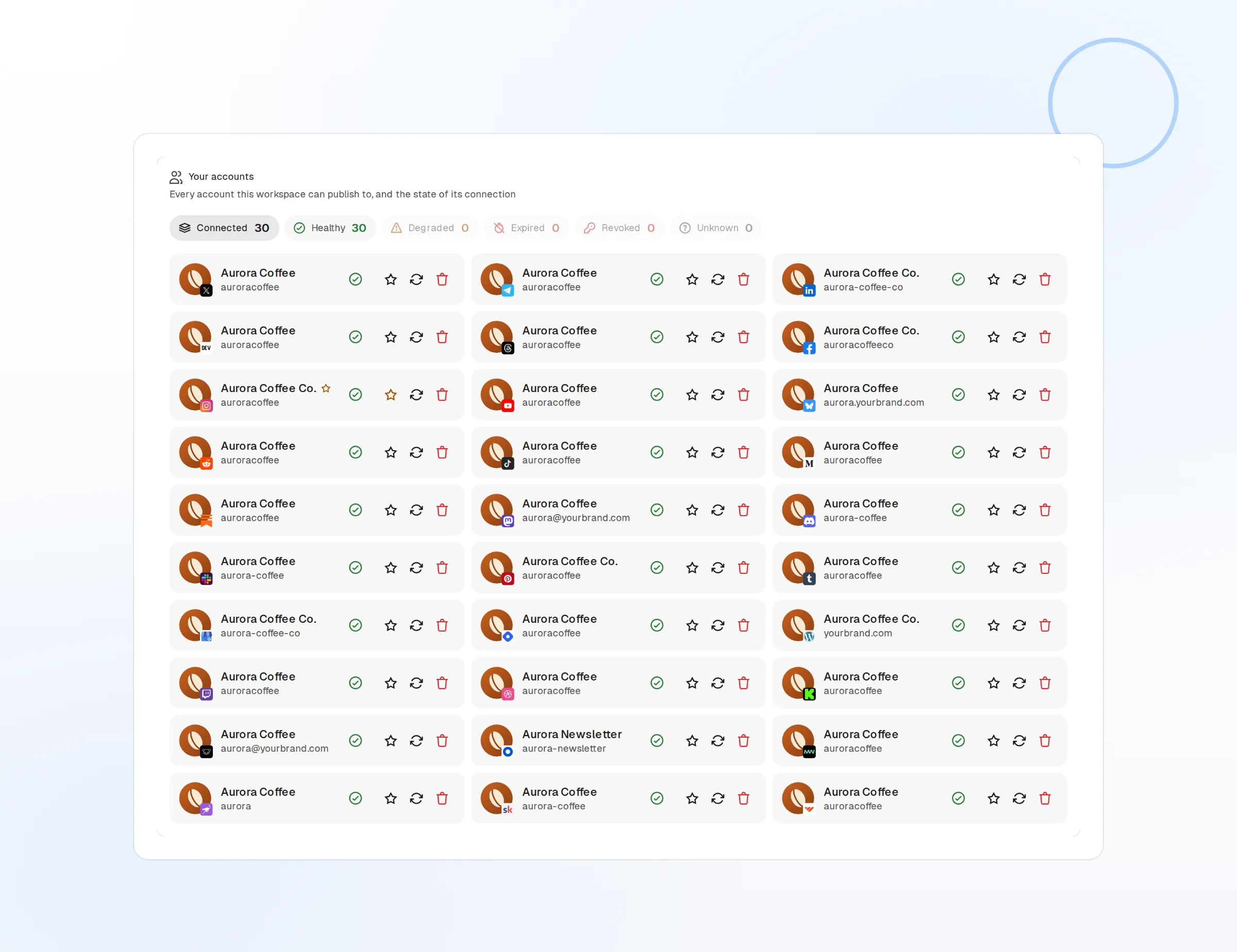
Self-hosted ready
Enter your instance URL and approve the login. That is the whole setup.
Any instance
Personal, project, and organisation accounts, each in its own workspace, on its own server.
Per-instance tokens
Each connection holds its own token and can be revoked alone.
Post the way the fediverse expects
Mastodon culture runs on content warnings, alt text, and threads that reply to themselves. FoPost builds those in: write a thread in one editor, add a CW on any post, and pick who can see it before it goes out.
Write a thread
Threads
Each post publishes as a reply to the previous one, in order.
Content warnings
Hide a post behind a warning until the reader opens it.
Visibility
Public, unlisted, followers-only, or direct, set per post.
Keep the timeline moving while you build elsewhere
Many accounts on Mastodon are a mirror of X or a project changelog. Draft once, schedule to Mastodon, and cross-post the same idea to Bluesky, Threads, and every other network in its native format, all from one draft.
Fill your calendar
Visual calendar
Drag to reschedule, duplicate, or move a post to another day.
Cross-post natively
The 500-character default is enforced per instance in the composer.
Media with alt text
Up to four images or one video, each with its own description.
Drafts that read like a person, not a press office
The fediverse notices marketing copy fast. Give FoPost your voice and it drafts plain, useful posts from a release note, a link, or a blog post, then shortens them to fit the instance limit.
Try the AI writer
Plain-spoken drafts
Tone tuned for a community, not a campaign.
Repurpose long-form
A changelog becomes a short thread in one click.
Brand voice
Tone, banned words, and examples applied to every draft.
What FoPost publishes to Mastodon
Formats, limits, and how the connection works, so there are no surprises at publish time.
Formats
- Toots
- Threads
- Content warnings
- Media (4 images)
Limits
- Character limit
- 500 (instance default)
- Media per post
- 4 images or 1 video
- Visibility
- Public, unlisted, followers, direct
- Edit after publishing
- Yes
- Unpublish
- Yes
Connection
OAuth 2.0 per instance, your credentials never leave the connection.
Mastodon questions, answered
How do I connect my Mastodon account?
Does it work with my self-hosted instance?
Can I set content warnings and visibility?
What are the media and character limits?
Can I manage several Mastodon accounts?
Is there an API for posting to Mastodon through FoPost?
Start publishing to Mastodon today
Starting is free. Connect Mastodon, schedule a week of posts, and see the results before you pay.
Schedule your first Mastodon post