Schedule X posts and threads that actually get read
Write once, thread it, schedule it, and watch the numbers come back. FoPost publishes to X through the official API, with AI that writes in the X voice and a calendar that keeps you posting daily.
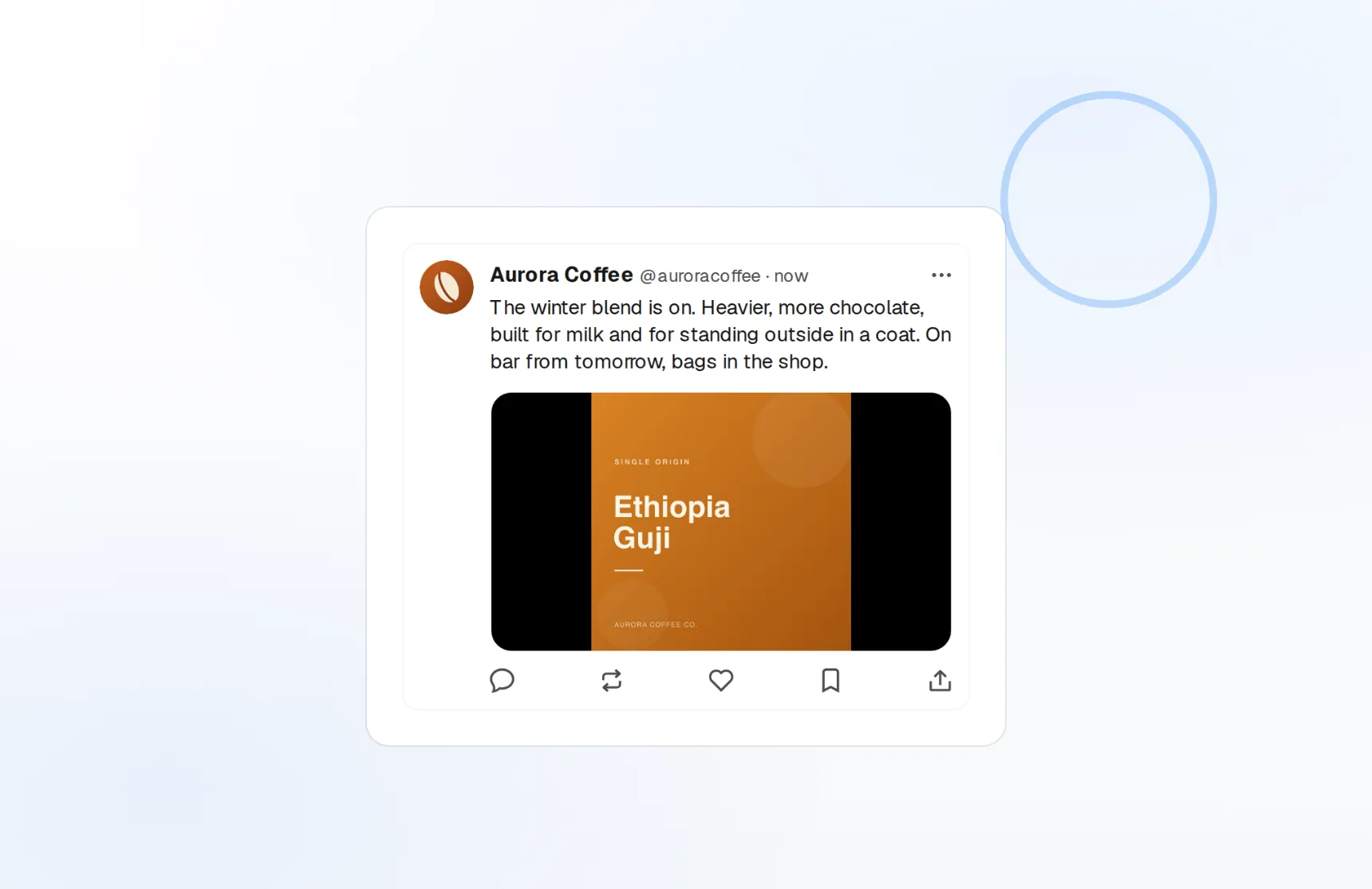
Threads in one editor
Auto-numbered, per-post counts, reordered by drag.
Writes like X
Hooks and rewrites tuned for the timeline, not a press release.
Numbers that refresh
Impressions, likes, reposts, and bookmarks per post.
Turn one idea into a thread people finish
Long-form on X lives in threads, and threads die in a notes app. FoPost gives you one editor for the whole thread: each post gets its own character count, the AI writes the hook and the closer, and the calendar posts every part in order.
Start a thread
Auto-numbering
Add, split, or reorder posts and the numbering follows.
Media per post
Up to four images or one video on every post in the thread.
Quote posts
Quote your own post or anyone else’s from the composer.
Sound like you, on your best day, every day
Build-in-public accounts win on consistency, not inspiration. Give FoPost your brand voice once and it drafts punchy, opinionated posts from a link, a note, or a blog post, then rewrites them shorter, sharper, or as a thread.
Try the AI writer
Hook generator
Five first lines to choose from before you write a word.
Repurpose long-form
A blog post becomes a seven-post thread in one click.
Brand voice
Tone, banned words, and examples applied to every draft.
Post every day without being online every day
Fill a week of X in one sitting. Pick times, drop posts on the visual calendar, and let the queue handle retries and rate limits. Cross-post the same idea to LinkedIn, Threads, and Bluesky from the same draft, each in its native format.
Fill your calendar
Visual calendar
Drag to reschedule, duplicate, or move a post to another day.
Best-time slots
Queue into recurring slots based on when your audience is on.
Cross-post natively
One draft, reformatted per network, published in the same minute.
Know which posts earned the follows
Every post reports impressions, engagement, replies, and bookmarks back into FoPost. Compare threads to single posts, morning to evening, and see which hook style your audience rewards, then feed that back into the next draft.
See your numbers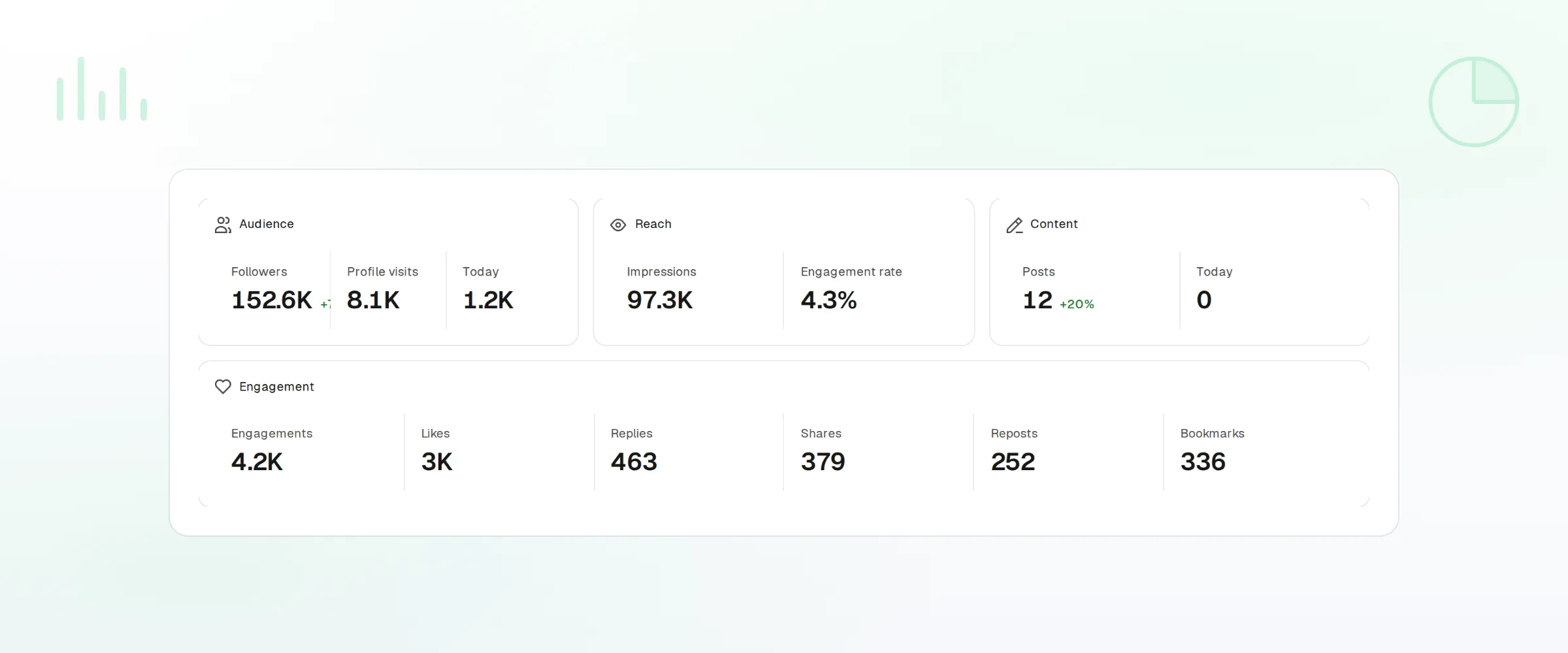
Per-post metrics
Impressions, likes, reposts, replies, and bookmarks.
Trends
Follower growth and engagement rate over any range.
Webhooks and API
Every publish and failure event pushed to your own tools.
What FoPost publishes to X
Formats, limits, and how the connection works, so there are no surprises at publish time.
Formats
- Single posts
- Threads
- Quote tweets
- Media (image, GIF, video)
Limits
- Character limit
- 280 (4,000 for X Premium)
- Media per post
- 4 images or 1 video
- Video length
- Up to 2:20 (10 min for Premium)
- Edit after publishing
- No
- Unpublish
- Yes
Connection
Connects via OAuth 2.0 with the official X API. Read + write permissions only, never DMs.
X questions, answered
How do I connect my X account?
Can I schedule threads?
Does it support X Premium limits?
Can I add images, GIFs, and video?
Can I manage several X accounts?
Is there an API for posting to X through FoPost?
Start publishing to X today
Starting is free. Connect X, schedule a week of posts, and see the results before you pay.
Schedule your first X post