Publish Markdown articles to DEV.to with canonical URLs intact
Cross-post your blog to DEV.to without losing the SEO credit. FoPost publishes through the official API with the canonical URL, cover image, and tags set, and AI writes the description for you.
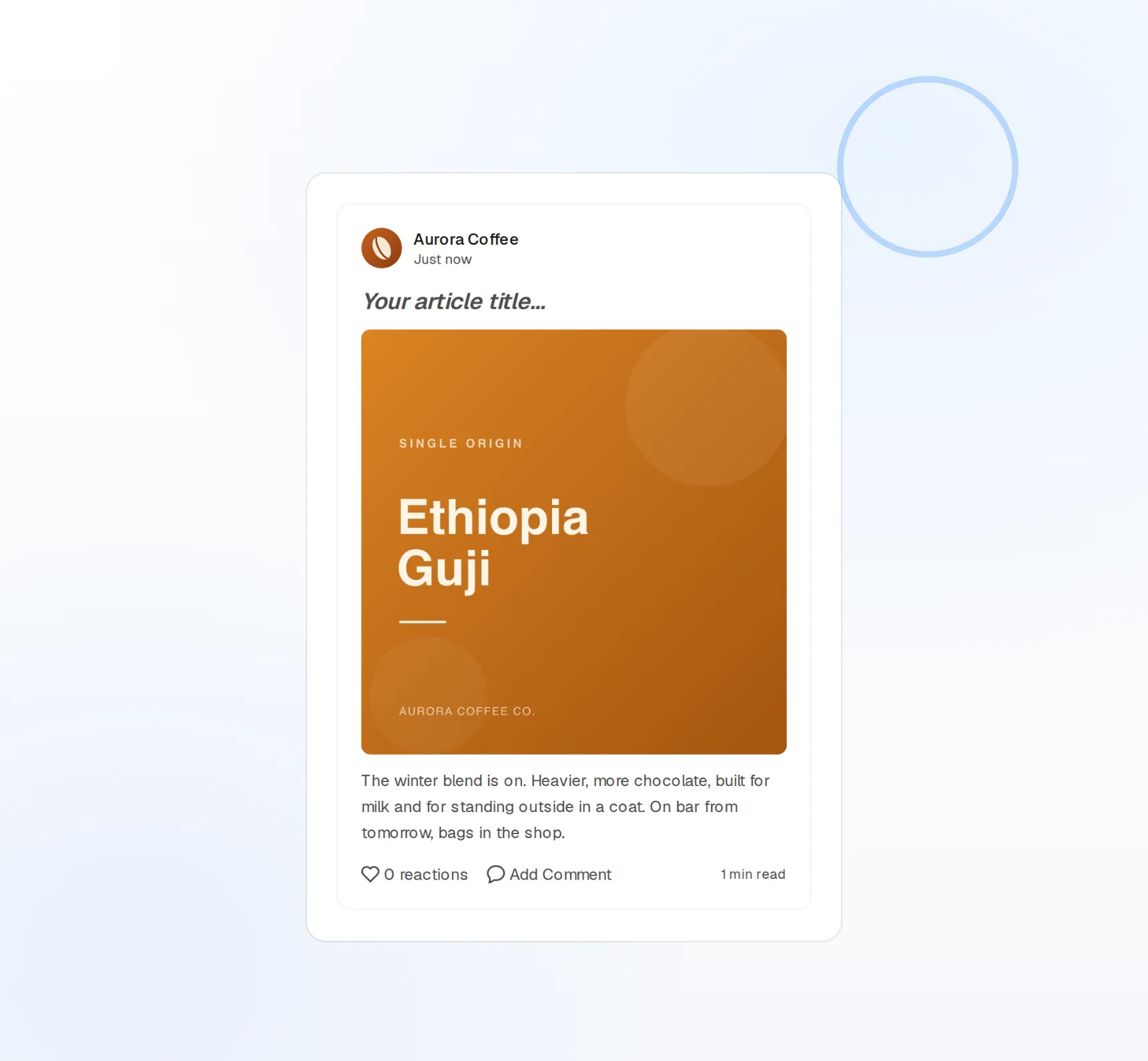
Markdown in, Markdown out
No conversion step, no broken code blocks.
Canonical URLs
Your blog keeps the search credit.
Tags and covers
Up to four tags and a cover image per article.
Your blog, mirrored to DEV.to on a schedule
The best DEV.to strategy is to publish everywhere your readers are without splitting your search ranking. FoPost fills the canonical URL from your original post, so DEV.to sends readers to you and search engines credit the source.
Cross-post an article
Canonical URLs
Auto-filled from your blog, editable per article.
Cover images
Upload or pick from your library, 1000×420 recommended.
Tags
Up to four tags per article, set as you publish.
Write the way developers write
Code fences, tables, embeds, and headings all survive the trip. Draft in the FoPost editor or paste from your repo, preview it, and publish exactly what you wrote.
Write an article
Native Markdown
Fenced code with language highlighting preserved.
Draft or publish
Publish now, or leave it unpublished to finish on DEV.
Series support
Group a multi-part tutorial under one series name.
The description and TL;DR, written for you
The article is the hard part; the summary should not be. FoPost reads the finished piece and drafts the description, suggests tags from DEV’s taxonomy, and can spin the key points into social posts for launch day.
Try the AI writer
AI descriptions
A search-friendly summary in one click.
Tag suggestions
Relevant DEV.to tags proposed from the content.
Repurpose
The article becomes a thread for X, Mastodon, and Bluesky.
Ship the tutorial series one part at a time
Write the whole guide over a weekend, then release a part every Tuesday. FoPost publishes each article at its scheduled time and posts the announcement to every other network in the same minute.
Schedule a series
Visual calendar
Drag an article to another day and the schedule follows.
Launch posts
Announce the article on social from the same draft.
Webhooks and API
Every publish and failure event pushed to your own tools.
What FoPost publishes to DEV.to
Formats, limits, and how the connection works, so there are no surprises at publish time.
Formats
- Article publishing
- Markdown
- Canonical URLs
- Cover images
Limits
- Format
- Markdown
- Cover image
- 1000×420 recommended
- Tags
- Up to 4 per article
- Edit after publishing
- Yes
- Unpublish
- Yes
Connection
Connects via DEV.to API key.
DEV.to questions, answered
How do I connect my DEV.to account?
Will cross-posting hurt my blog’s SEO?
Can I publish as a draft?
What about cover images and tags?
Can I manage several DEV.to accounts?
Is there an API for publishing to DEV.to through FoPost?
Start publishing to DEV.to today
Starting is free. Connect DEV.to, schedule a week of posts, and see the results before you pay.
Publish your first DEV.to article