Run your social workflow from a chat
Tell an agent what you want out this week and it drafts per network, picks the accounts, schedules, and reports back. FoPost Agent is built into FoPost, and the MCP server gives external coding agents the same tools. Nothing publishes until you approve it.

Agent Built In
FoPost Agent already sees your accounts, brands, and calendar. Open the tab and start delegating.
Bring Your Own Agent
The MCP server gives Claude Code, Cursor, Codex, and any MCP client the same tools over your workspace.
Approval On Every Publish
Scheduling and publishing are confirmation steps. An agent can propose, only you can release.
Describe the week, get the drafts
Ask for a launch thread, three follow-ups, and a recap for each network. FoPost Agent writes a version inside every network’s limits, shows all of them, and takes edits as replies. Your saved brand voice shapes every draft, so nothing reads like a stranger wrote it.
Try the AgentPer-Network Drafts
A thread here, a paragraph there, a caption elsewhere, from one request.
Brand Voice Applied
Pick a brand and its tone, colors, fonts, and logo assets guide text and images.
Visuals In The Same Chat
Ask for an image and it lands in the media library, attached to the post.
Use the coding agent you already have
If your team lives in Claude Code, Cursor, or Codex, point it at the FoPost MCP server with a workspace API key. It gets the same tools: list accounts, draft, schedule, read analytics, check deliveries. Scopes limit what a key can do, and workspaces keep one client’s data away from another.
Set Up the MCP ServerAn MCP client connected to a workspace with scoped tools
MCP Server
One config entry and your client can read and act on the workspace.
Scoped Keys
Grant read only, or posting too. Revoke a key without touching the rest.
API And SDK Underneath
Everything the agent does is a documented endpoint you can call directly.
The agent proposes, you release
Every schedule or publish action stops at an approval step that shows exactly what will post, where, and when. Approval workflows apply the same way whether a person or an agent drafted the post, so a reviewer signs off before anything reaches a network.
Explicit Confirmation
Nothing goes live from a chat without a confirm step.
Team Approvals
Route agent drafts through the same reviewer as human drafts.
Delivery Checks
Ask whether every account landed and fix a failed one from the chat.
Spend stays inside the lines you draw
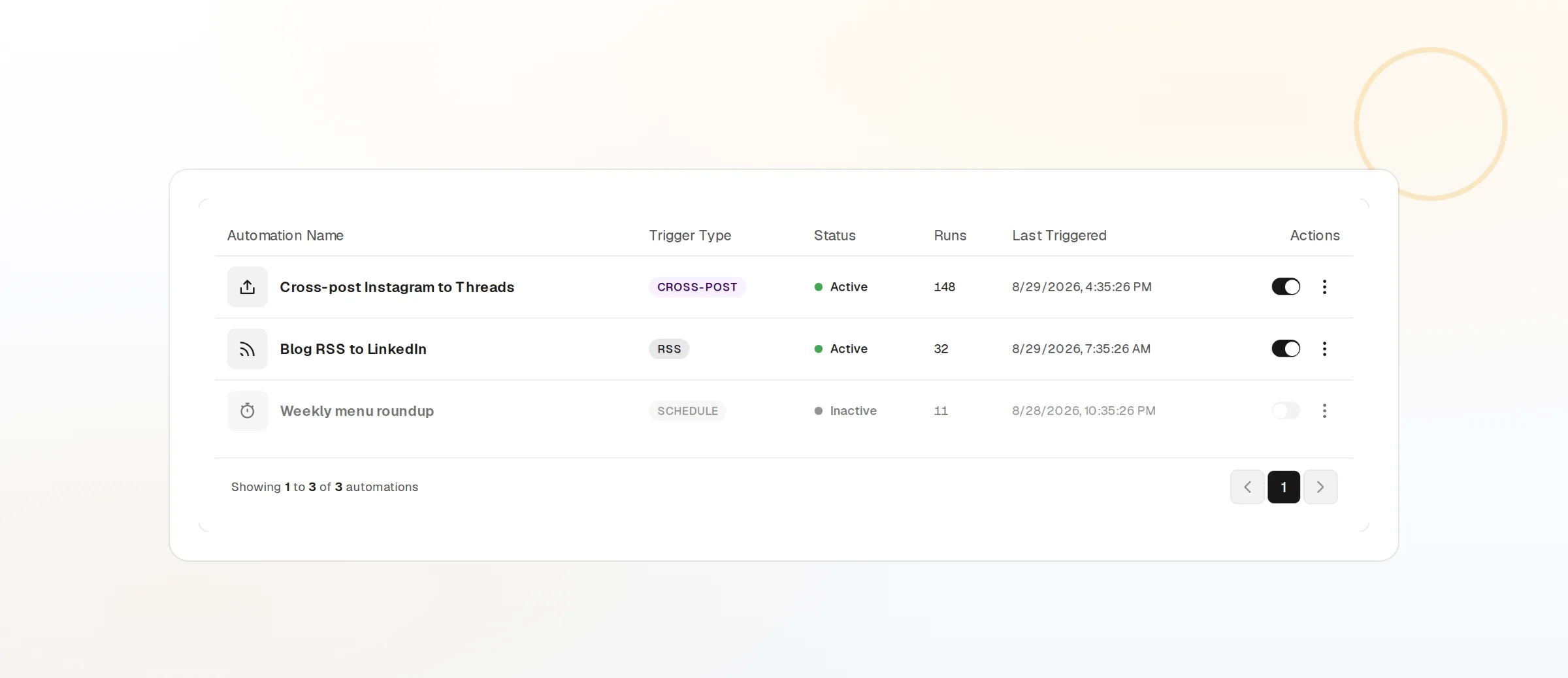
Drafting and image generation draw on your monthly usage credit. Automations carry a credit ceiling each, so a runaway loop stops at the number you set. The remaining balance is visible in Settings, and an empty balance halts new AI work instead of billing past it.
Credit Ceilings
Cap what each automation may spend before it runs.
Balance In View
See what is left in Settings before a long run.
Gaps Reported
An unsupported ask is logged for the team, never improvised.
AI Agents questions, answered
Will the agent post without me?
What is the difference between FoPost Agent and the MCP server?
Which MCP clients work?
Can the agent use my brand voice?
How is AI usage billed?
Can an agent see another client’s workspace?
Run this workflow on FoPost
Starting is free and every feature on this page is included. Connect an account and publish your first post today.
Start Free