Schedule Slack channel announcements for customers, communities, and teams
Weekly product updates, all-hands notes, and daily community prompts, written once and delivered on time. FoPost posts through a Slack incoming webhook, so setup takes a minute and no app install is needed.
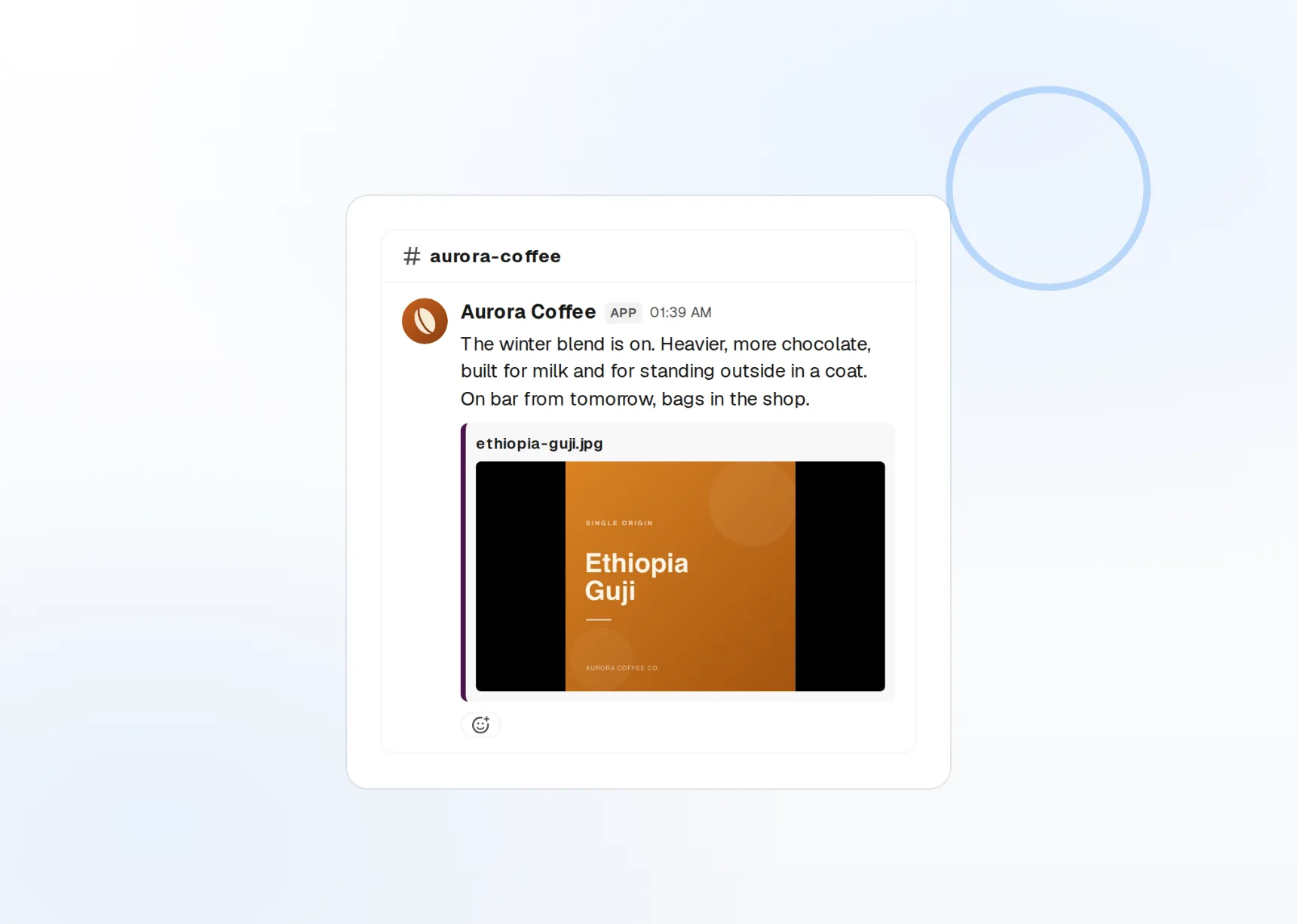
Webhook setup
Paste one URL. No OAuth, no admin approval.
Mentions
@channel, @here, and @user land as real mentions.
Attachments
Files and rich blocks in any message.
Every customer hears the update the same morning
Shared Slack channels are where customers actually read release notes. Write the update once in FoPost, pick every customer channel, and schedule it for their working hours instead of pasting it twenty times.
Connect a channel
Multi-channel
One message, many webhooks, one send time.
Timezone aware
Schedule per channel so nobody gets pinged at 3am.
Attachments
Up to 100 attachments and 50 blocks per message.
Messages that read well at a glance
A good Slack update has a headline, a few bullets, and a link. FoPost keeps your formatting intact, resolves mentions, and previews the message the way Slack will render it before you schedule.
Write an update
Slack markup
Bold, lists, code, and links, up to 40,000 characters.
Mentions
@channel, @here, and individual users.
Threaded follow-ups
Schedule the original and the reply that follows it.
The standup prompt that never forgets
Communities run on rituals: the Monday question, the Friday wins thread, the weekly newsletter. Set any message to recur and FoPost posts it on schedule, so the ritual survives holidays and busy weeks.
Set up a recurring messageRecurring messages
Daily, weekly, or custom cadence per channel.
Visual calendar
See Slack alongside every other network you post to.
Cross-post
Announce in Slack and on your social accounts in the same minute.
Turn a changelog into a message people read
Paste the release notes and FoPost drafts the customer-facing version: what changed, why it matters, where to click. Rewrite it shorter for a busy channel or longer for an internal one, in your brand voice.
Try the AI writer
Update drafts
From raw notes to a readable announcement in one pass.
Brand voice
Tone and vocabulary applied to every draft.
Webhooks and API
Every publish and failure event pushed to your own tools.
What FoPost publishes to Slack
Formats, limits, and how the connection works, so there are no surprises at publish time.
Formats
- Channel messages
- Mentions
- Attachments
Limits
- Message limit
- 40,000 chars
- Blocks per message
- Up to 50
- Attachments
- Up to 100
- Edit after publishing
- Yes
- Unpublish
- Yes
Connection
Connects via Slack incoming webhook URL. No OAuth, no permissions.
Slack questions, answered
How do I connect a Slack channel?
Can I post to several channels or workspaces?
Do mentions work?
What are the limits?
Can I schedule a message and a threaded reply?
Is there an API for posting to Slack through FoPost?
Start publishing to Slack today
Starting is free. Connect Slack, schedule a week of posts, and see the results before you pay.
Schedule your first Slack message