Publish on rules, not reminders
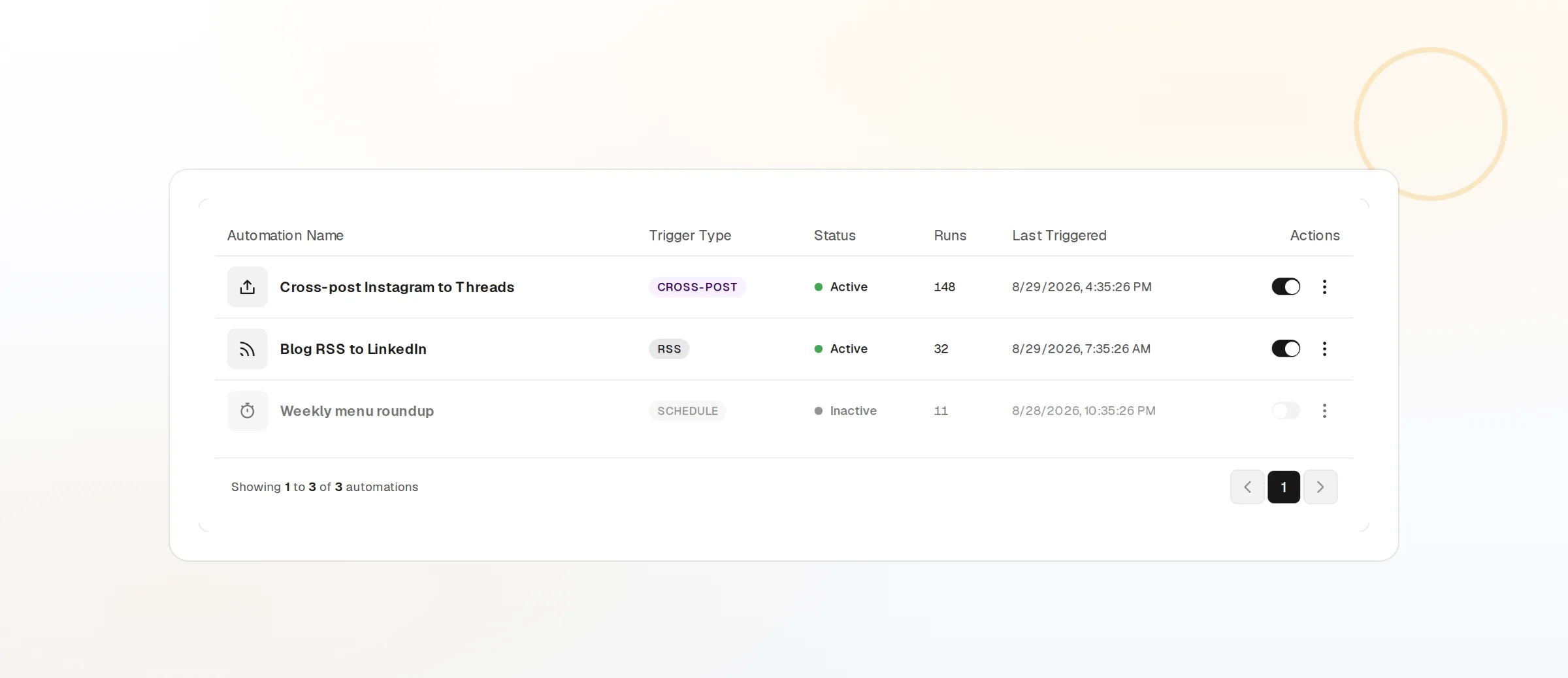
Pick a trigger, choose what happens, and FoPost runs it every time. A new article becomes a post on every account you chose, rewritten in your brand voice, with an approval step if you want one and a credit ceiling so the bill never surprises you.
Triggers You Already Have
A new RSS item, a new blog post, a fixed schedule, or a webhook from any tool you run.
Rewritten, Not Reposted
AI turns the source into a post in your brand voice, sized for each network it lands on.
Costs Stay Bounded
Every automation carries its own credit ceiling. When it is reached, the automation pauses.
Start From Something That Already Happens
Most teams already produce a signal worth posting about: an article goes live, a feed updates, a release ships. Point FoPost at that signal. Background workers watch the feed or wait for the webhook, so you never have to remember to copy a link into the composer.
RSS And Blog Posts
Watch any feed or your own blog and fire once per new item, never twice.
Schedules
Run every morning, every Monday, or on a cron you define.
Webhooks
Send a request from your CMS, store, or CI and pass the payload into the run.
Decide What Each Run Produces
Chain the actions you need. Rewrite the source with AI using a brand you have set up, so the tone, hashtags, and length match the account. Publish to the accounts you pick, or notify a channel so a person can act. FoPost Agent can build the same chain for you from a plain description.
See What The Agent Can Build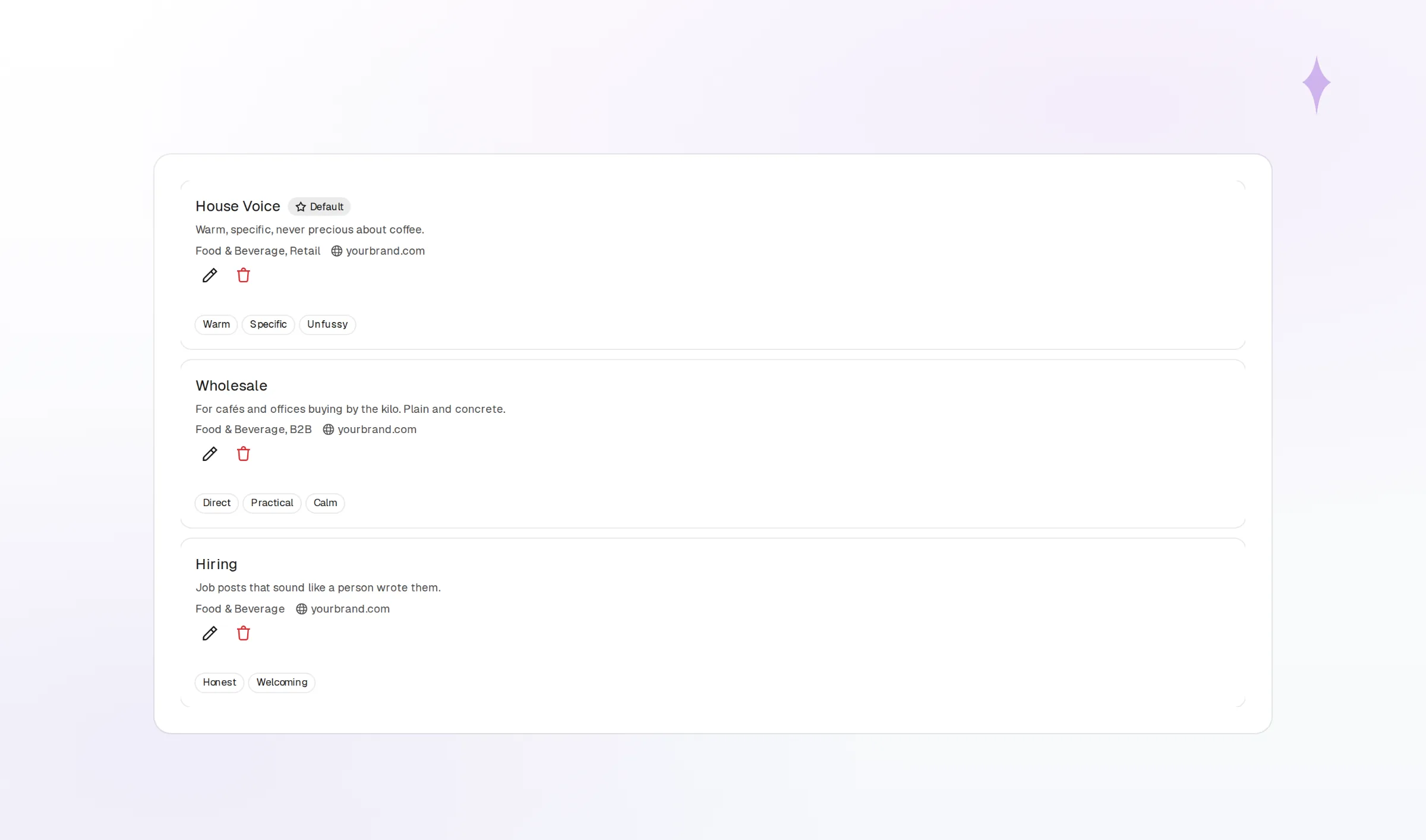
Rewrite In Brand Voice
One source becomes a short post for X and a longer one for LinkedIn.
Publish To Chosen Accounts
Pick the exact accounts per automation. Nothing else is touched.
Notify
Ping a webhook or a teammate when a run completes or needs a look.
Keep A Person And A Budget In The Loop
Automation should not mean surprise posts or surprise bills. Add an approval step and every run waits in the queue until someone signs off. Set a credit ceiling and the automation pauses itself the moment it would cross it. Nothing publishes without an explicit action or approval.
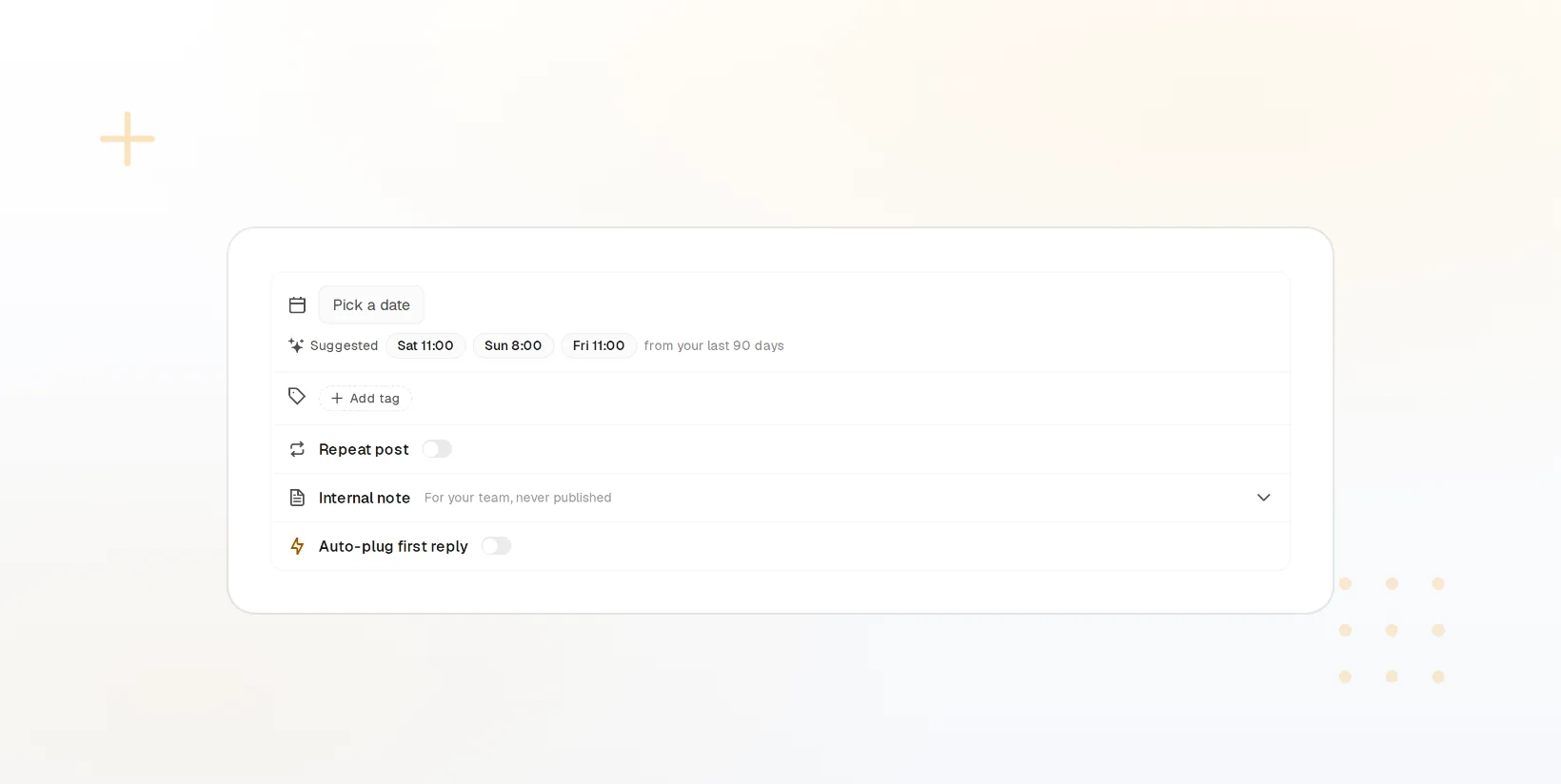
Optional Approval
Review the rewritten post, edit it, then approve or reject in one click.
Credit Ceiling
A per-automation cap on AI credits, set by you, enforced every run.
Pause Any Time
Switch an automation off without deleting it, and back on later.
Know What Ran And What It Made
Every run is logged: what triggered it, what the AI produced, which accounts it reached, and what it cost in credits. When a run fails or a network rejects a post, the reason is right there. Pair it with analytics to see whether automated posts perform like the ones you wrote by hand.
Start Free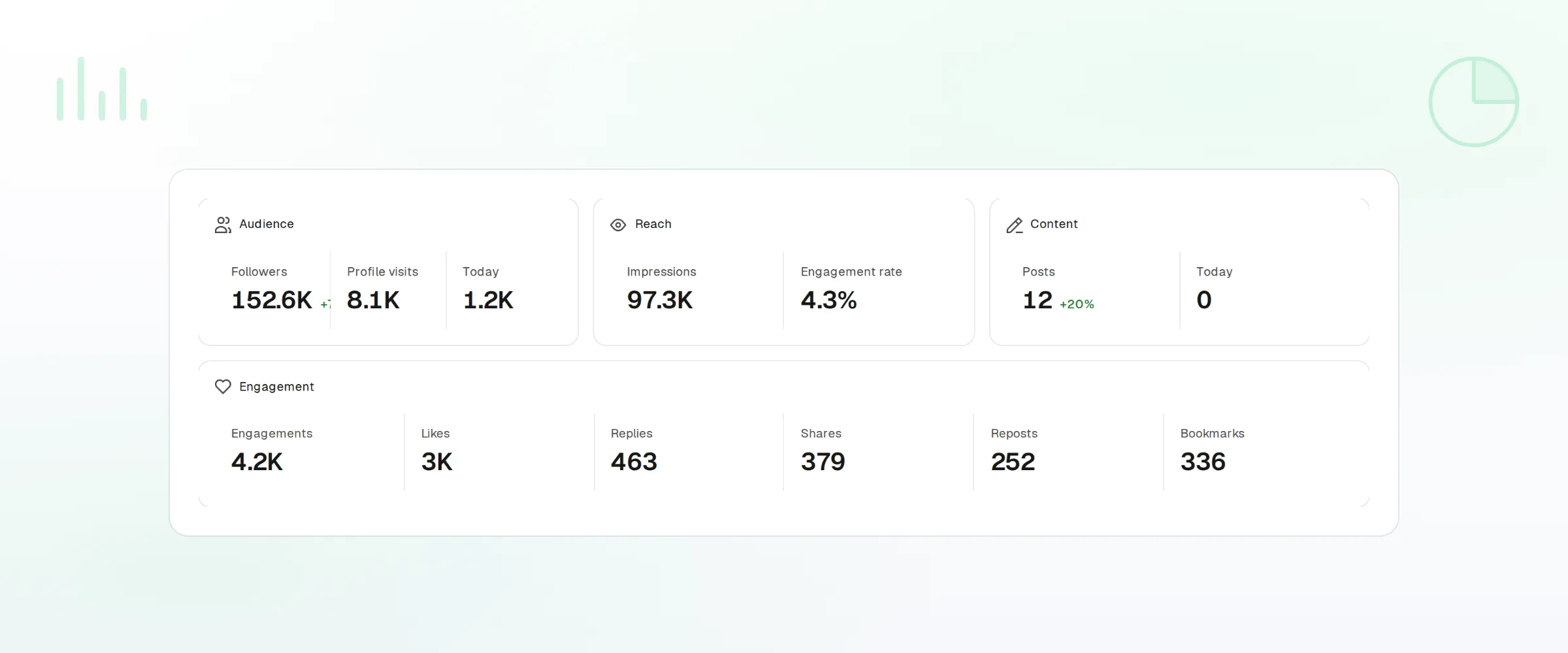
Run History
A timeline of every run with its input, output, and delivery status.
Clear Failures
A failed delivery shows the platform error so you can fix and rerun.
Performance
Automated posts show up in analytics like any other post.
Automations questions, answered
Will an automation post without me knowing?
How does the credit ceiling work?
Can I trigger an automation from my own system?
What happens if a feed publishes the same item twice?
Can I run different rules for different clients?
Can I manage automations from code?
Run this workflow on FoPost
Starting is free and every feature on this page is included. Connect an account and publish your first post today.
Build Your First Automation