FoPost Agent: chat with your social calendar
FoPost Agent is built into the FoPost dashboard, so there is nothing to install or connect. Describe what you want posted and it drafts, generates the image, picks the accounts, and waits for your approval before scheduling.

Nothing to install
Open the Agent tab in the dashboard. It already sees your workspaces, accounts, and brands.
Approval first
Every publish and schedule action is shown as a step you confirm. Nothing goes live on its own.
Text and images
Drafts copy per network and generates on-brand images in the same conversation.
From one sentence to a scheduled post
Tell FoPost Agent what you want to say and where. It writes a version for each network within that network’s limits, shows you the drafts, and schedules them once you approve. Edits are a reply away.
Try the agent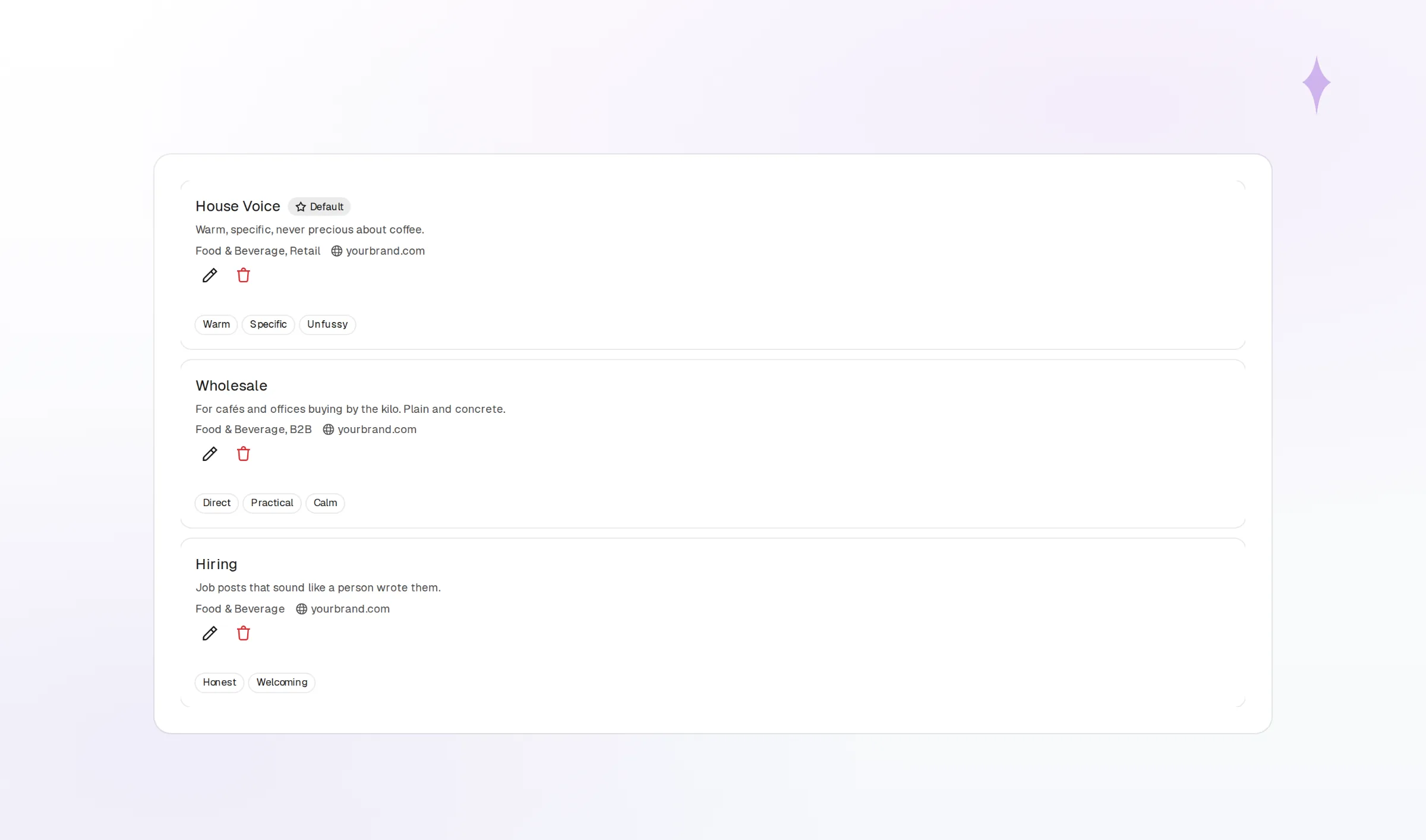
Per-network drafts
A thread for one network, a paragraph for another, from a single request.
Pick a time or a slot
Name a time, or let it queue into your next open slot.
Explicit approval
The schedule step waits for your confirmation and shows exactly what will post.
Images that match your brand without leaving the chat
Ask for an image and FoPost Agent uses the selected brand’s colors, fonts, and logo assets as reference. Pick Draft, Standard, or Best quality. Generated images land in your media library and attach to the post.
Generate an image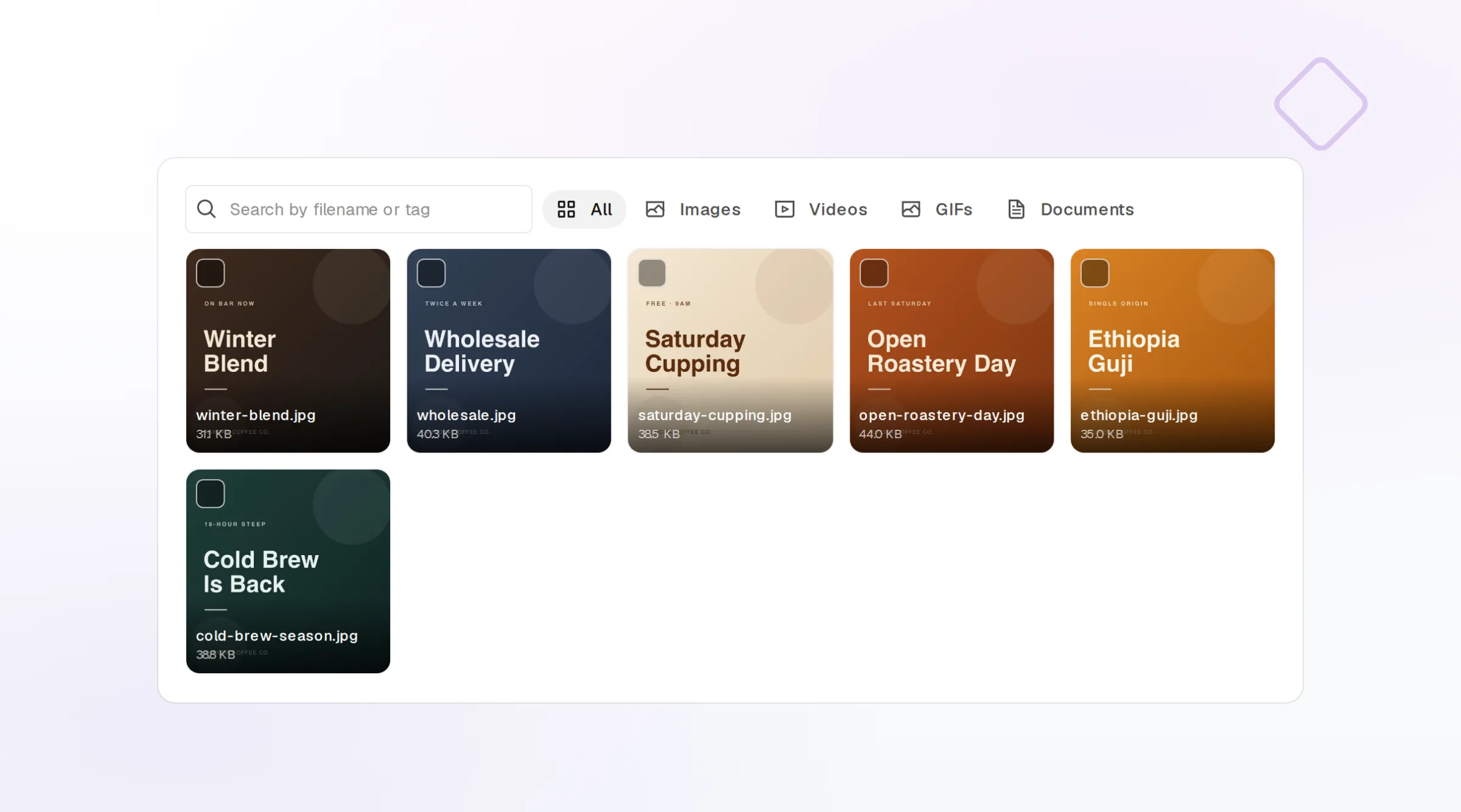
Brand-aware images
Palette, fonts, and logo assets from the brand you select shape every render.
Three quality tiers
Draft for quick ideas, Standard for most posts, Best for hero visuals.
Saved to the library
Every generation is a media library item you can reuse later.
Ask how last week went
FoPost Agent reads analytics too. Ask which posts performed best, whether a delivery failed, or which account needs reconnecting, and get the answer in plain language with links to the posts.
Start free
Performance summaries
Top posts, engagement, and follower change across the accounts you name.
Delivery checks
Confirms whether a scheduled post landed on every network.
Credit aware
Tells you your remaining AI balance before a long run.
FoPost Agent questions, answered
Where do I find it?
Will it publish on its own?
Does it use AI credits?
Can it use my brand?
How is it different from the MCP server?
What if it cannot do something?
Run FoPost from FoPost Agent
Starting is free and the MCP server is included. Create a key, add the server, and schedule your first post from your agent.
Start free