Draft Substack posts and Notes, then publish from your own browser
Plan newsletter issues and Notes on the same calendar as your social posts. FoPost hands each draft to Substack through its free browser extension while you stay logged in, so your password and session never leave your browser.
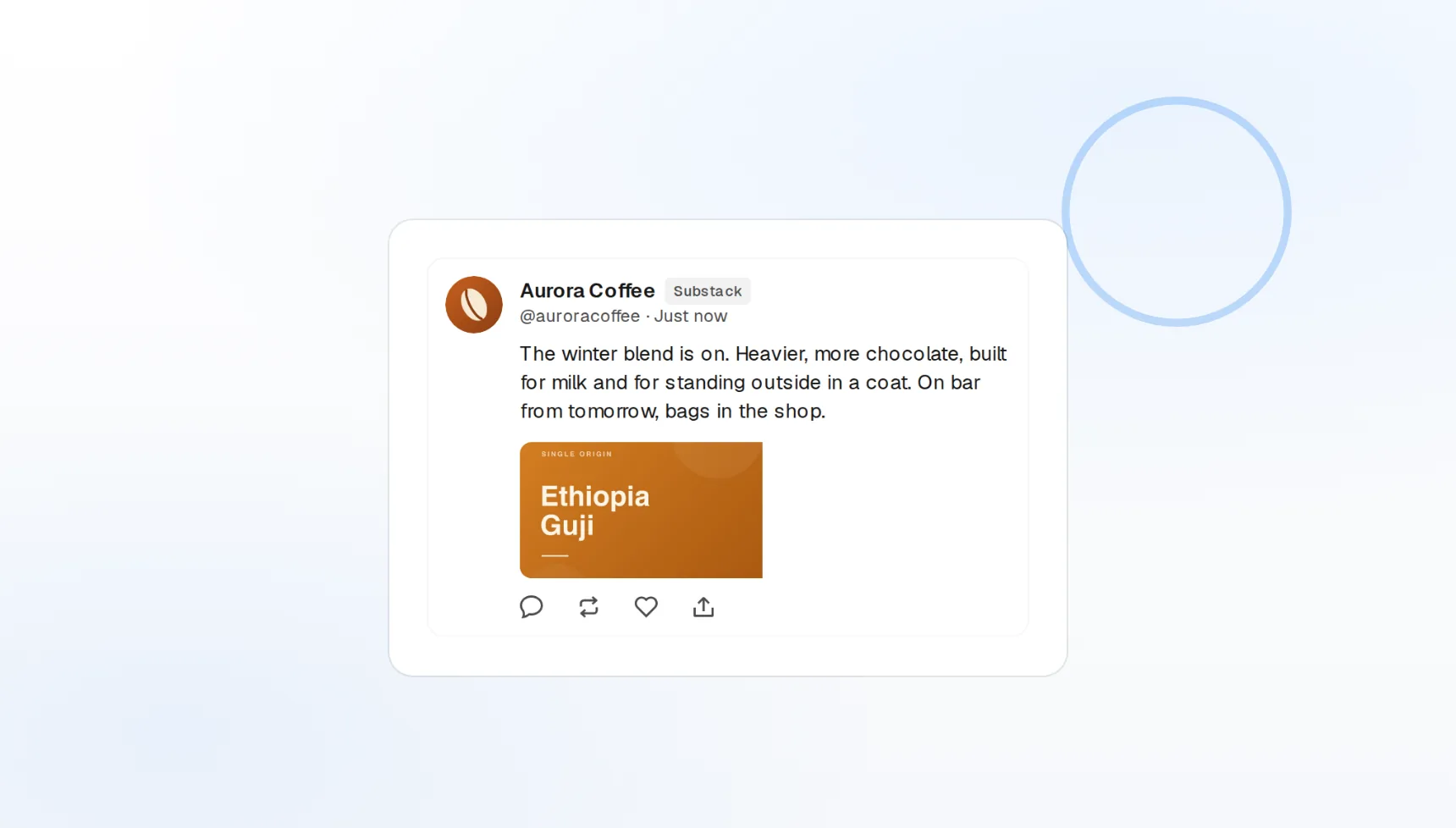
Posts and Notes
Long-form issues and short Notes from one composer.
Extension delivery
The draft opens in Substack, you click publish.
No credentials shared
We never see your password or session.
Substack has no publishing API, so we built the safe alternative
Tools that promise automatic Substack posting are logging in as you on a server, which breaks Substack’s terms and risks your account. FoPost does it differently: the free browser extension carries your draft into Substack’s own editor while you are logged in, and you press publish.
Install the extension
Free extension
Installs in a minute and works with your existing login.
Nothing stored
No password, API key, or session ever reaches our servers.
Terms-friendly
You publish, the extension just saves the typing.
One essay, every format it needs to be
Write the issue once with a title, subtitle, Markdown body, and cover image. FoPost then turns the same piece into a Note, a thread for X, and a LinkedIn post, so launch day is one draft instead of five.
Write an issue
Title and subtitle
The full post structure, with a cover image attached.
Notes
Short-form Notes drafted and delivered the same way.
AI repurposing
Long-form to Notes and social posts in one pass.
Plan the month, get reminded the morning it ships
Put every issue on the calendar next to your social posts. When a scheduled Substack post is due, FoPost notifies you, the extension opens the draft in Substack, and publishing takes one click.
Plan your issues
Editorial calendar
Issues, Notes, and social posts in one view.
Ready reminders
A notification the moment a scheduled post is due.
Cross-post
Mirror the issue to your blog and socials in the same minute.
Turn every issue into a week of reach
Subscribers come from the places you already post. Use each newsletter as source material: pull the three best lines into Notes, thread the argument on X, and link back to the issue, all drafted from the same text.
Repurpose an issueLaunch posts
Announce the issue on every other network from one draft.
Brand voice
Tone and examples applied to every repurposed draft.
Pull quotes
AI picks the lines that stand alone as Notes.
What FoPost publishes to Substack
Formats, limits, and how the connection works, so there are no surprises at publish time.
Formats
- Long-form posts
- Notes (short-form)
- Title & subtitle
- Markdown body
- Cover image
Limits
- Delivery
- Via the FoPost browser extension
- Format
- Title, subtitle, Markdown body
- Account access
- Stays in your browser, never on our servers
- Edit after publishing
- No
- Unpublish
- No
Connection
Publishes through the free FoPost browser extension while you are logged into Substack. No password, API key, or session is ever sent to FoPost. Substack has no official publishing API, so this assisted flow is the safe, terms-friendly way to ship.
Substack questions, answered
How do I connect Substack?
Does it publish automatically?
Can I post Notes too?
What formatting is supported?
Can I manage several publications?
Is there an API for Substack through FoPost?
Start publishing to Substack today
Starting is free. Connect Substack, schedule a week of posts, and see the results before you pay.
Draft your first Substack post