Manage every client without mixing them up
An agency’s worst day is a post landing on the wrong client’s account. FoPost gives each client its own workspace with its own accounts, brand kit, members, and API keys, and holds every post for approval before it goes out.
One Workspace per Client
Accounts, media, brands, and posts are scoped to the workspace. A member of one never sees another.
Client Approval
Add an approval step so the client signs off in the dashboard before anything publishes.
Reports per Client
Post and account analytics per workspace, exported for the monthly deck.
Set up a client in one afternoon
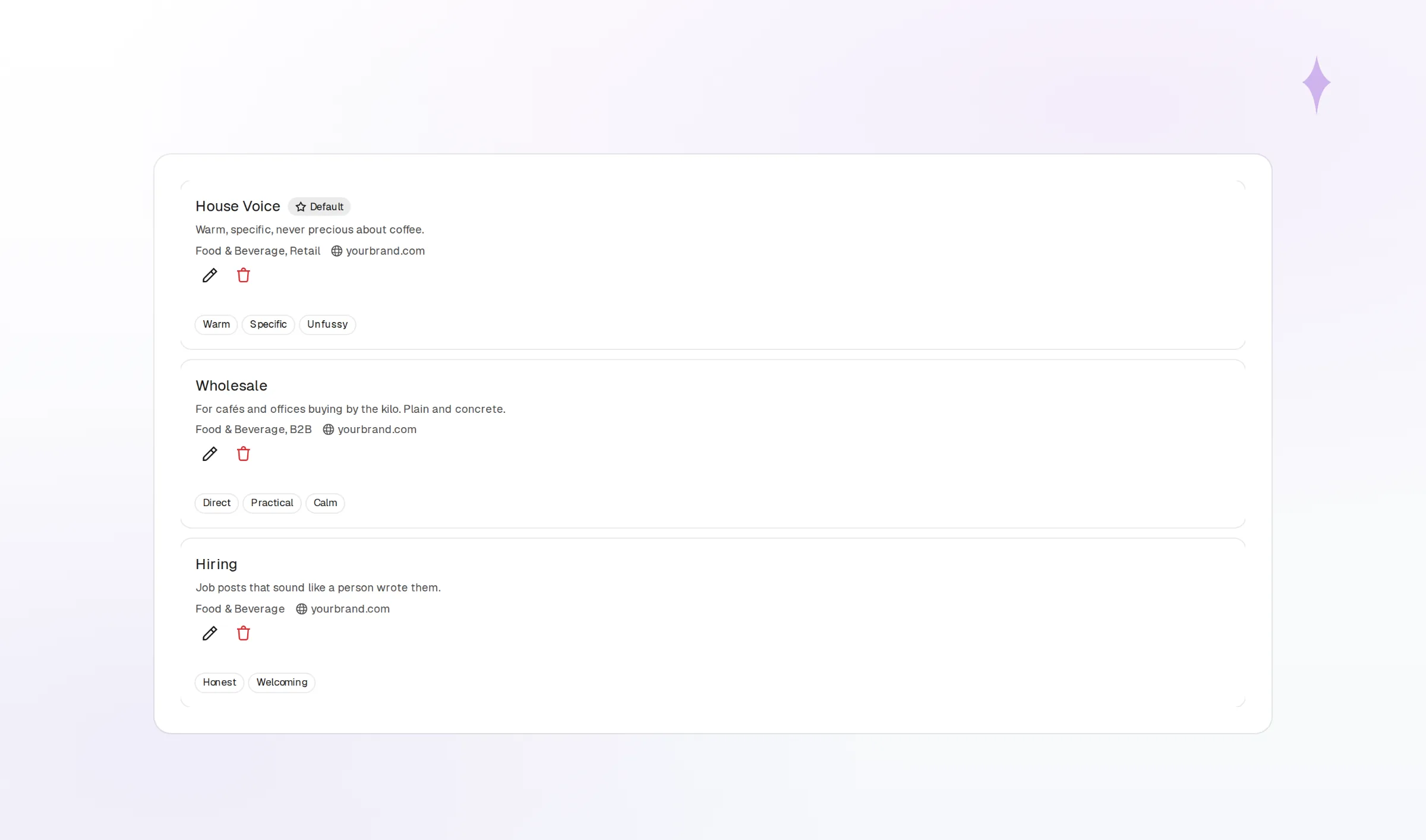
Create the workspace, connect the client’s accounts, and invite their team with the role each person needs. Save the brand’s voice, colors, fonts, and logo assets so every draft and every AI-generated image starts on-brand. FoPost keeps all of it inside that one workspace.
See WorkspacesConnect Every Account
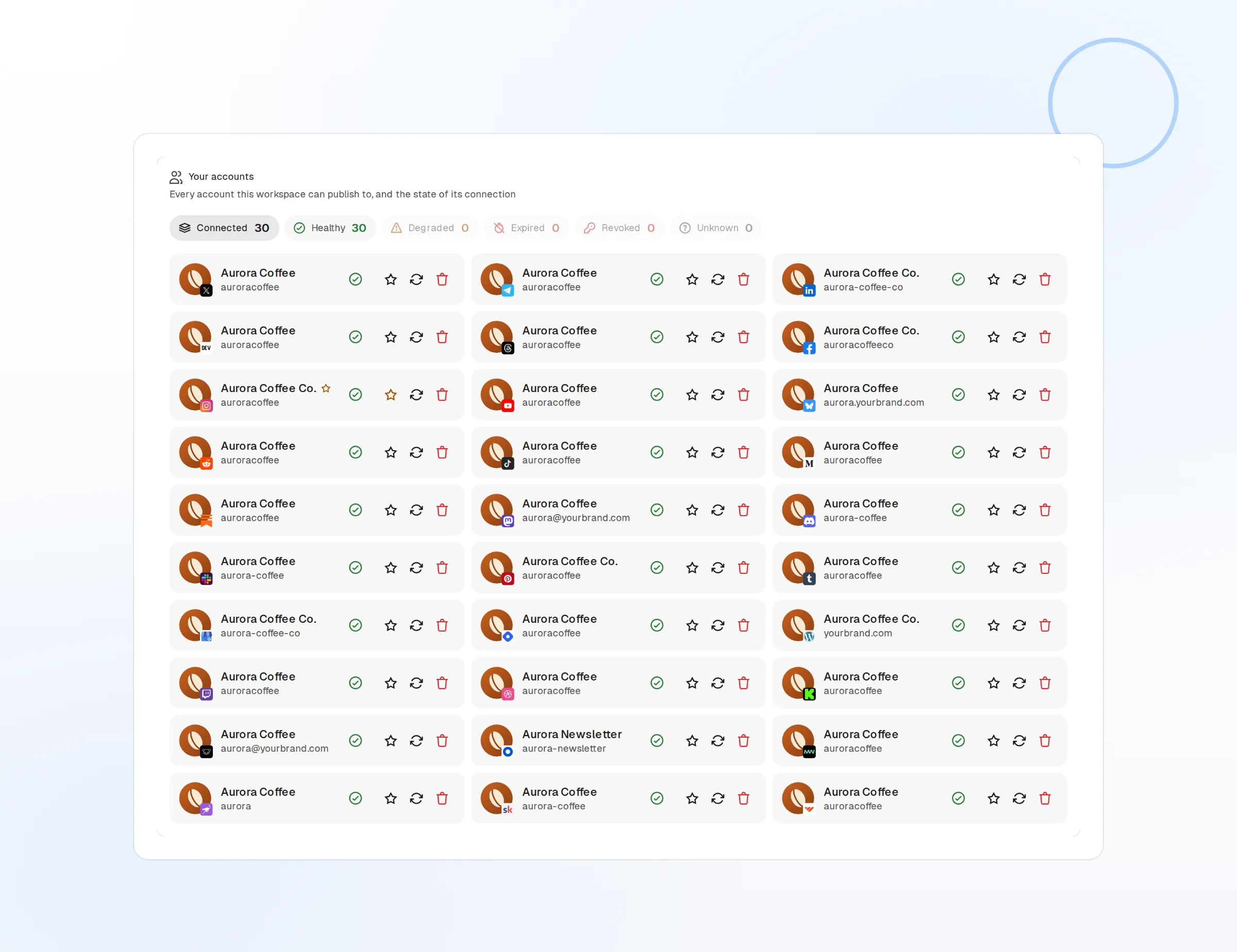
All of a client’s networks in one place, reconnect alerts included.
Brand Kit per Client
Voice, palette, fonts, and logos that the composer and AI both follow.
Members and Roles
Your strategist, their marketing lead, and a freelancer, each with the right access.
Draft a month for each client from one calendar
Switch workspaces and the composer, calendar, and media library switch with you. Write once and preview per network, let AI rewrite in the client’s voice, or upload a CSV to schedule a full campaign. FoPost Agent drafts in whichever brand you select.
Per-Network Previews
Catch a cut-off caption before the client does.
Bulk Scheduling
Import a campaign spreadsheet and fill the calendar in one go.
Labels
Tag by campaign or deliverable and filter every view by it.
Nothing publishes until the client says yes
Turn on the approval step and scheduled posts wait for sign-off. The client reviews the exact render in the dashboard, approves or sends it back with a comment, and the post only moves to the queue once approved. The audit trail shows who approved what and when.
Start Free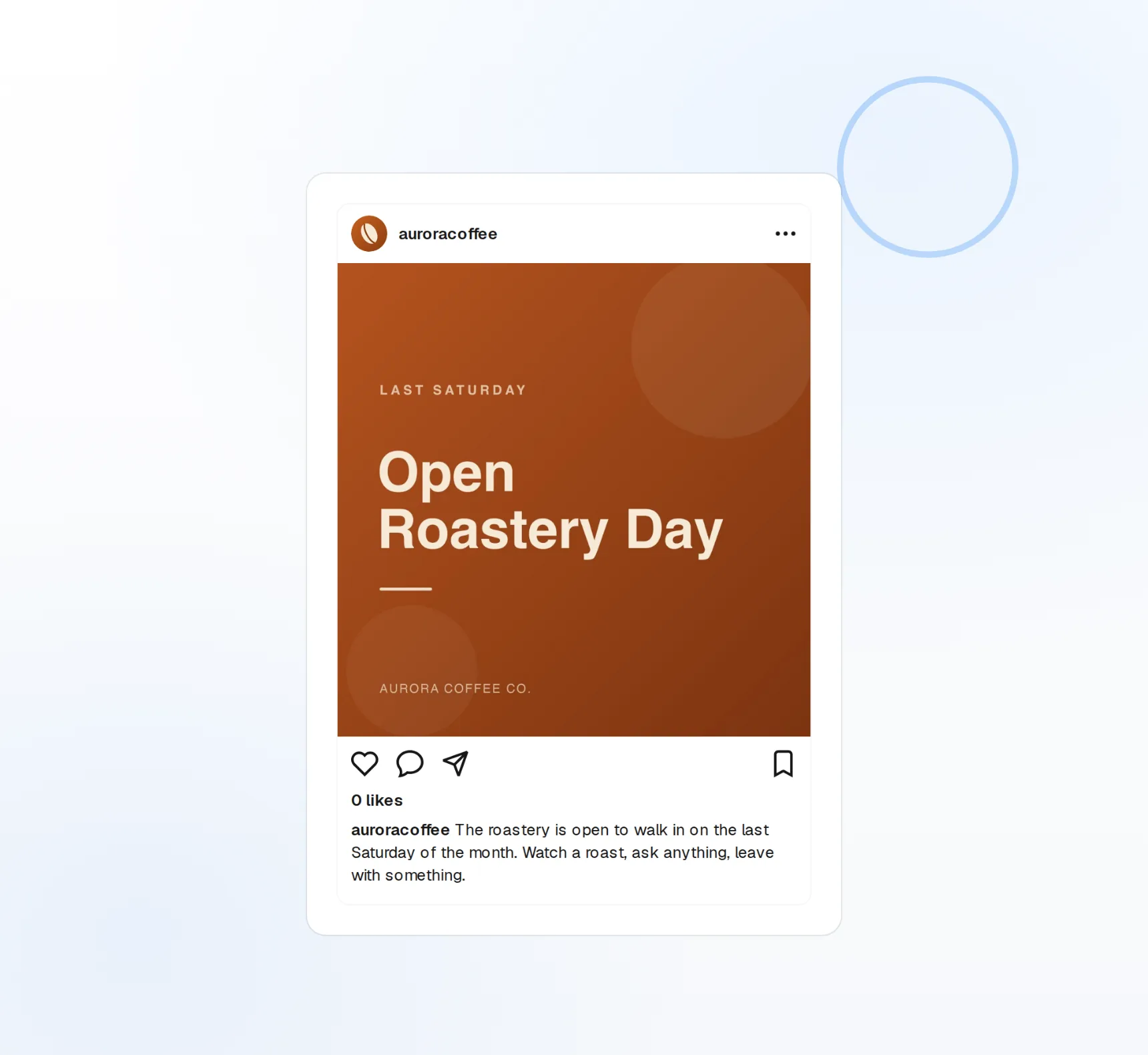
Approval Step
A required sign-off before a post can leave the queue.
Notifications
The approver is told when something is waiting on them.
Shared Inbox
Comments, mentions, and DMs per client, assigned to whoever owns the reply.
Monthly reporting without the spreadsheet grind
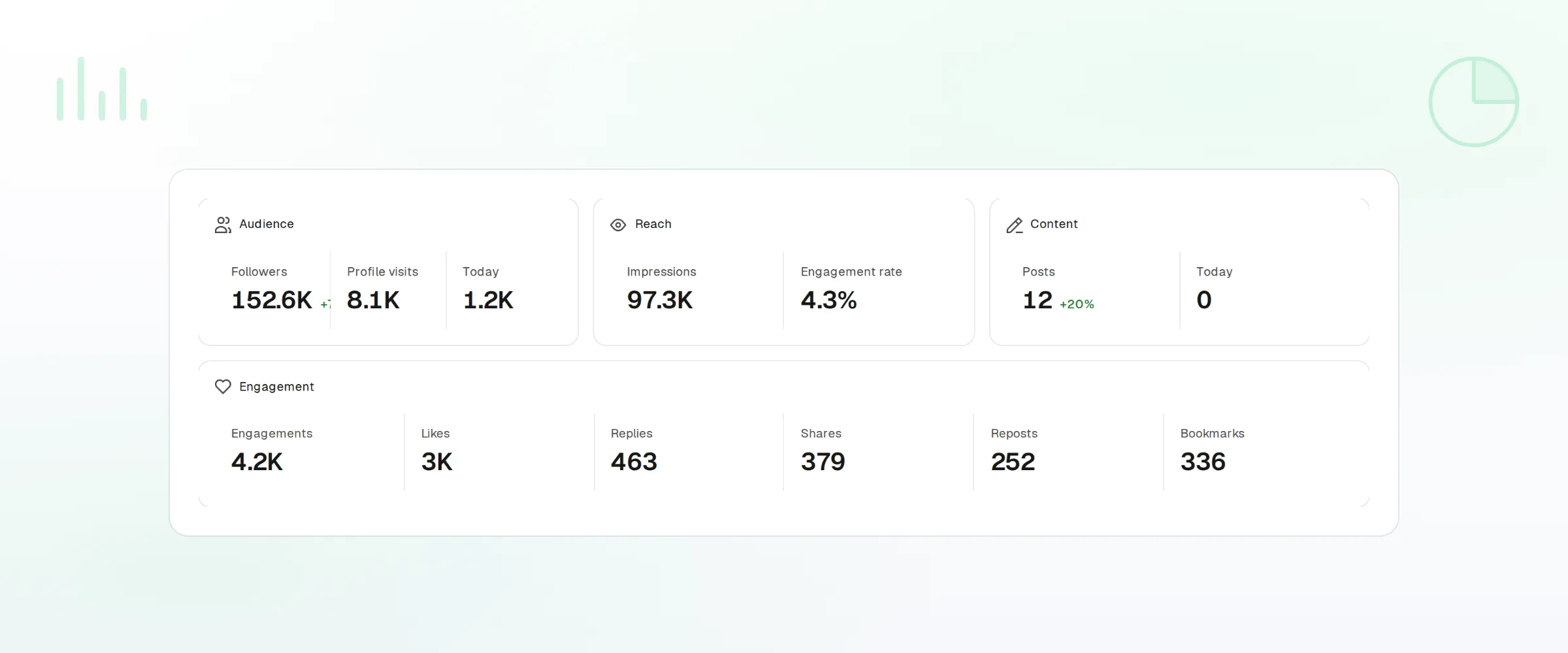
Every workspace has its own analytics: post performance, account growth, and per-network breakdowns you can export. Per-workspace API keys let you pull the same numbers into your own reporting tool, and a key for one client can never read another.
Per-Client Analytics
Reach, engagement, and follower change for every account in the workspace.
Exports
Download the data behind any report for the client deck.
Per-Workspace API Keys
Scoped keys for your own dashboards and integrations, one per client.
Agencies questions, answered
How strict is the separation between clients?
Can a client approve their own posts?
Can I use the client’s branding for AI images?
How is an agency billed?
Can I white-label the dashboard for clients?
Is there a trial?
Run this workflow on FoPost
Starting is free and every feature on this page is included. Connect an account and publish your first post today.
Start Free