Write it once, publish it everywhere
Stop pasting the same post into six apps and trimming it by hand each time. Draft in FoPost, watch the preview for every network update as you type, and send it to all of them in one click. Each account reports back on its own.

Preview Every Network
See the post as each network will render it before you send, side by side.
Reformatted For You
Long text becomes a thread, several images become a carousel, limits and hashtags fit.
Status Per Account
Each account shows delivered or failed with the permalink or the error text.
One draft, tailored per network as you type
Write the post in the composer and pick the accounts. The preview column renders it for each network with that network’s character limit, media rules, and link handling. When one network needs a shorter cut, edit just that version and leave the rest alone.
Open the ComposerThreads And Carousels
Ordered blocks become a thread, a carousel, or a body depending on the network.
Per-Network Overrides
Change the caption for one account without touching the others.
AI Rewrite
Ask for a shorter cut or a different tone for one network in a click.
Upload media once, attach it anywhere
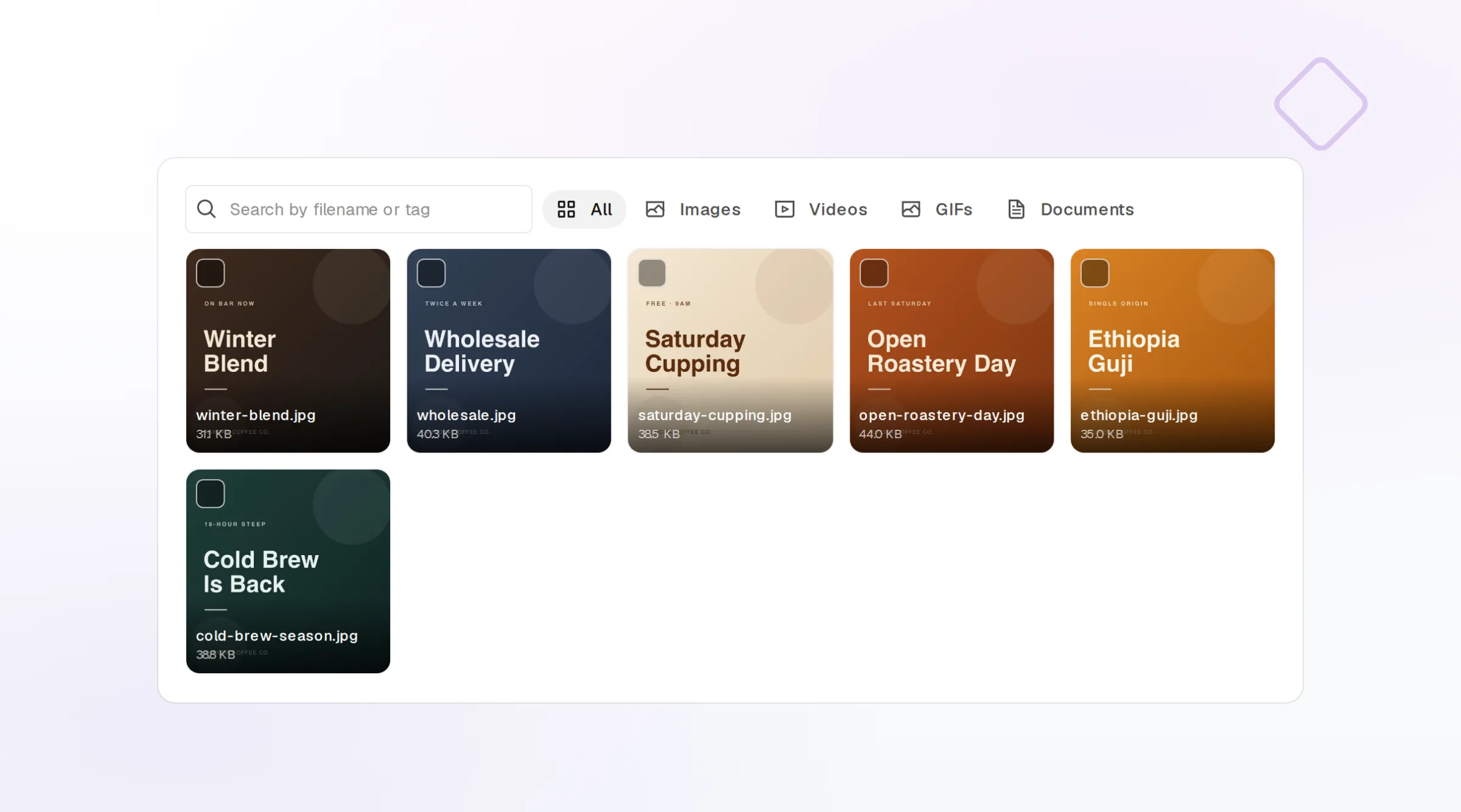
Images and video live in the FoPost media library. Upload or import from Canva, Google Drive, Dropbox, or a URL, then attach by reference to any post. Each network gets the size and format it accepts, so one upload serves every account.
Import From Your Tools
Pull designs straight from Canva, Drive, Dropbox, or a link.
Sized Per Network
Media is delivered in the dimensions and format each network wants.
Re-Pull Edits
Update a Canva design and pull the new version into place.
Know where every copy landed
A post fans out into one delivery per account. Each one shows its status, the live permalink, and the platform error if a network rejected something. Transient failures retry with backoff in the background before they surface, and a webhook can tell your own systems when a delivery settles.
Start Free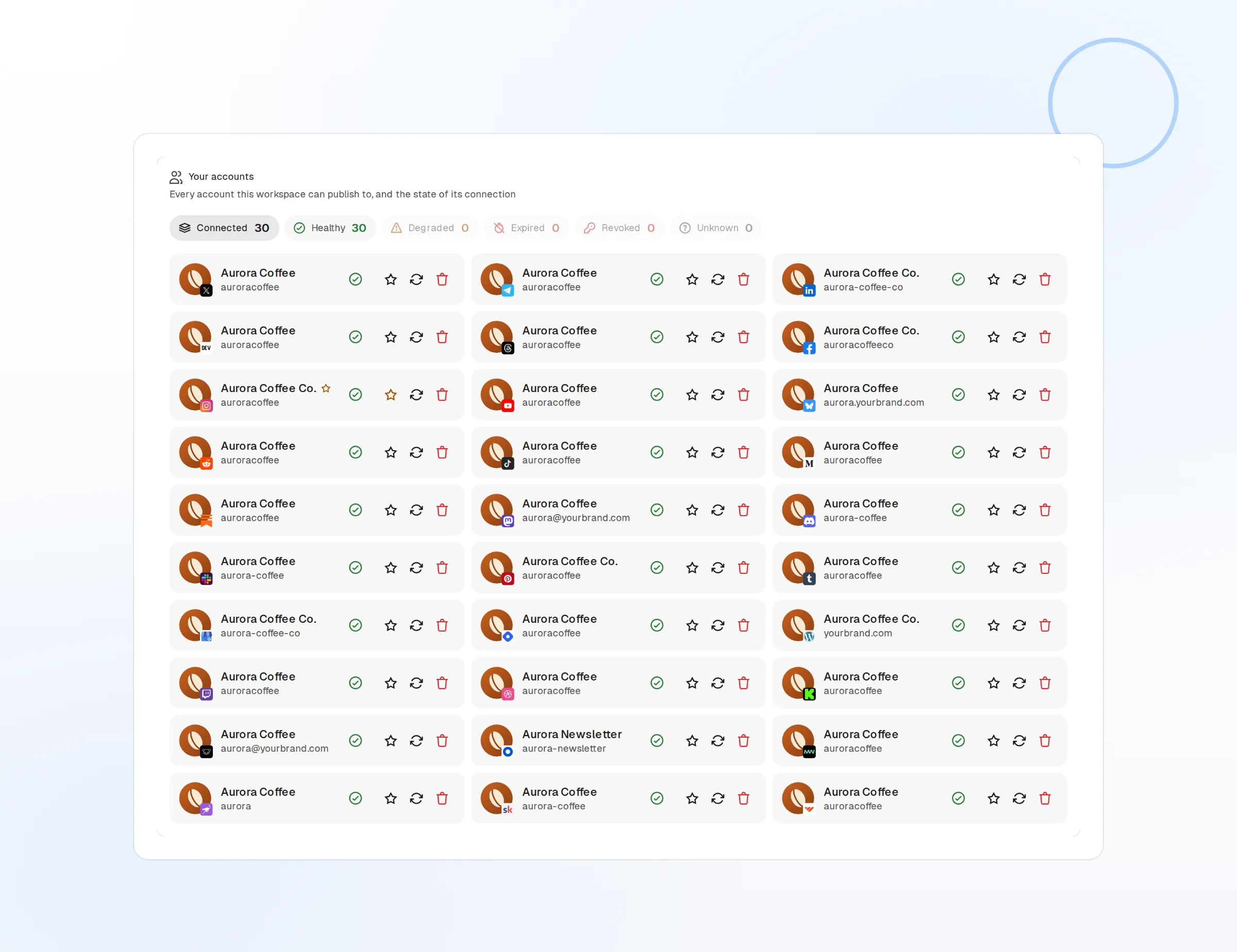
Delivery Per Account
Delivered, failed, or pending, with the permalink once live.
Retries Built In
Temporary network errors retry before they count as failed.
Webhooks
Get post.published and post.failed events in your own tools.
Reach networks that have no write API
Some networks let you read but not post through an API. The FoPost browser extension closes that gap: the post is prepared in the composer, then delivered manually from your own logged-in browser session, and its status flows back into the same delivery list.
The browser extension delivering a prepared post to a network without a write API
Browser Extension
Deliver a prepared post from your own browser session.
Same Delivery Status
Manual deliveries report back beside the automatic ones.
Your Session Stays Yours
No credentials leave your browser to make it work.
Cross-Posting questions, answered
Do I have to rewrite the post for each network?
What happens when text is too long for one network?
Can I add hashtags or a link for one network only?
What if one network fails?
Which networks need the browser extension?
Can I cross-post from code instead of the dashboard?
Run this workflow on FoPost
Starting is free and every feature on this page is included. Connect an account and publish your first post today.
Connect Your Accounts