Schedule a month in one afternoon
Write the posts in a spreadsheet, import them, and let FoPost place each one on the right account at the right time. Queue slots fill in order, the calendar shows the result, and everything stays editable until the moment it publishes.
CSV Import
Text, media, accounts, and times from a spreadsheet, validated before anything queues.
Queue Slots
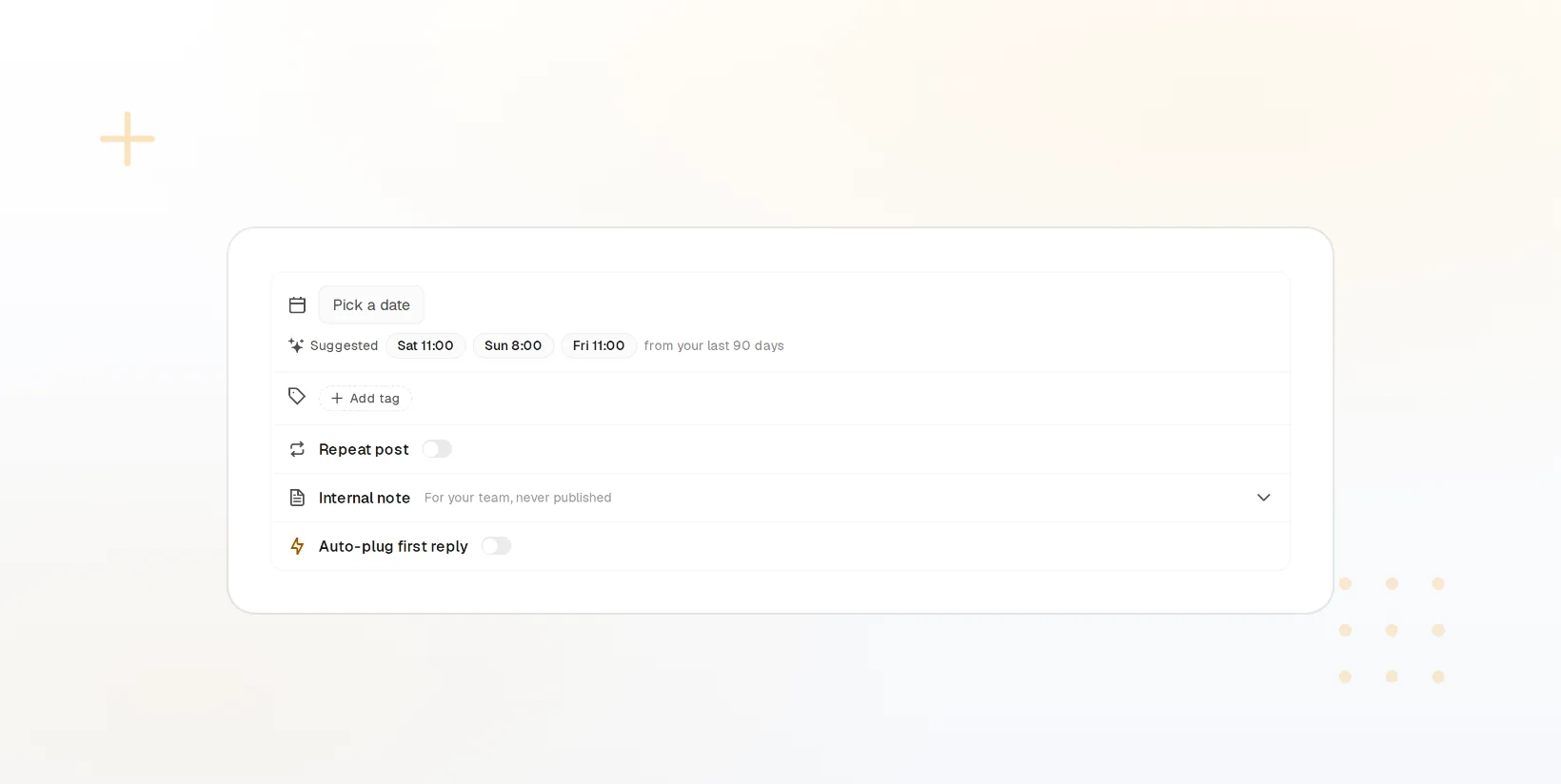
Set the times you post and each new item drops into the next open slot.
Edit Until It Goes
Change copy, media, accounts, or time on anything still in the queue.
Bring the month in from a spreadsheet
One row per post: the text, a media link or library id, the accounts to reach, and a time or a blank to use the queue. The import checks every row against each network’s limits before it creates anything, so a caption that is too long for one network is flagged in the preview rather than failing at publish.
Import a CSVA CSV import preview with each row validated per network
Row Per Post
Text, media, accounts, time, and label, in the columns you already use.
Validated First
Limit and media problems show per row before the import runs.
Media By Reference
Point at a library item or a URL and the file is attached for you.
Queue slots place posts for you
Define the days and times each account should post. Anything scheduled without a time takes the next open slot, so a hundred imported posts spread evenly across the coming weeks instead of landing in a heap. Recycling queues keep evergreen posts cycling through the same slots.

Slots Per Account
A weekday cadence for one account, weekends for another.
Across Accounts
One import can target several accounts, each on its own schedule.
Evergreen Recycling
Repost rules keep the best items coming back on a cadence you set.
Nothing is locked until it publishes
The whole queue is on the calendar and in the posts list. Drag a post to a new slot, open one to change the copy or swap the image, remove the accounts that should not get it, or pull a batch by label when a campaign moves. Approval steps apply to imported posts the same as any other.

Drag To Move
Reschedule from the calendar without opening the post.
Batch By Label
Filter a campaign’s posts and edit or cancel them together.
Approvals Apply
Imported posts wait for a reviewer when the workspace requires it.
Schedule from code when a spreadsheet is too small
When posts come from a CMS, a product feed, or a script, skip the CSV. The REST API and TypeScript SDK create scheduled posts with the same fields, per-workspace keys keep clients separate, and webhooks report each delivery back. The free PHP, Laravel, and WordPress packages do the same from those stacks.
Read the API Docs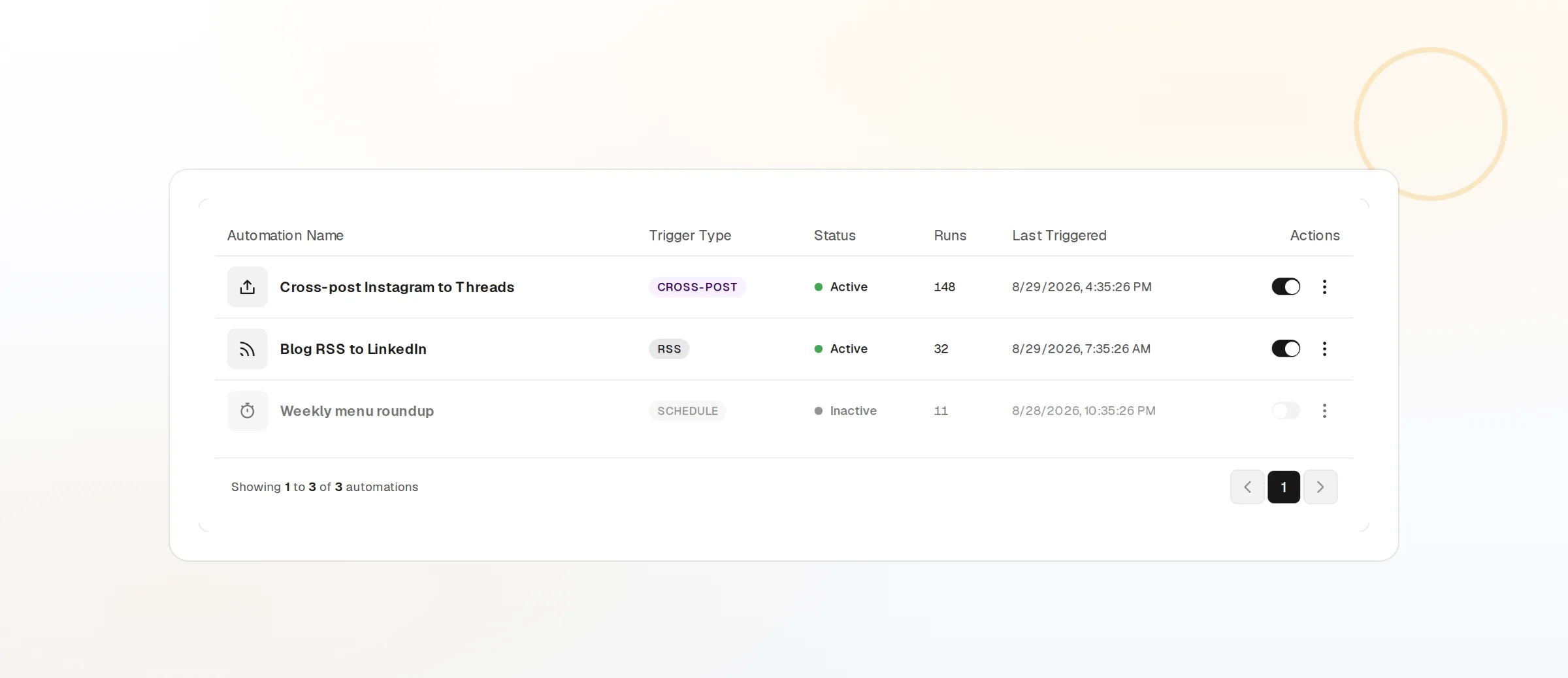
REST API And SDK
Create, update, and cancel scheduled posts with scoped keys.
Feed Triggers
An automation can schedule a post whenever a feed publishes.
Delivery Webhooks
Know in your own systems when each post lands or fails.
Bulk Scheduling questions, answered
What does the CSV need to contain?
Can one row post to several accounts?
What if I leave the time blank?
Can I change a post after importing?
Do imported posts skip approval?
Is there a limit on how many posts I can import?
Run this workflow on FoPost
Starting is free and every feature on this page is included. Connect an account and publish your first post today.
Start Free