Schedule TikTok videos and photo carousels straight to your account
Batch a week of clips in twenty minutes and let them post on schedule. FoPost uploads through the official Content Posting API, with no watermark, AI hooks written for the For You feed, and views reported back per video.
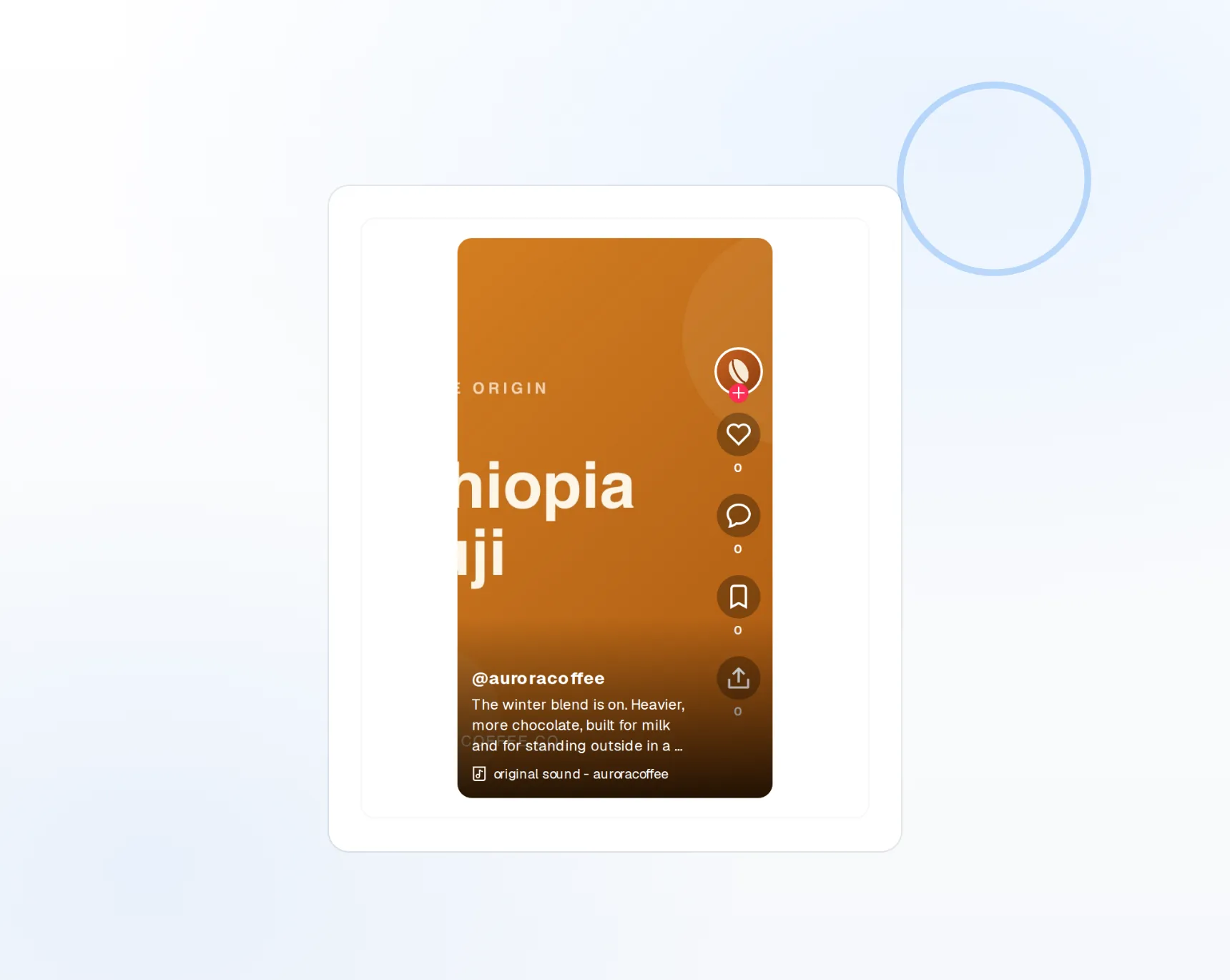
Native uploads
Videos publish directly to your account, no app hand-off.
No watermark
No "posted with FoPost" overlay on your clips.
Views that refresh
Views, likes, shares, and comments per video.
Post daily without filming daily
Record on Sunday, publish all week. Upload clips up to ten minutes, write the caption, choose publish or draft, and FoPost sends each one through the Content Posting API at its scheduled time. Photo carousels go through the same flow.
Schedule a video
Video up to 10 minutes
Uploaded natively, published at the scheduled minute.
Photo carousels
Multi-image posts with a caption and hashtags.
Publish or draft
Send it live, or land it in your TikTok drafts to finish in the app.
Captions with a hook in the first line
TikTok captions are short, and the first line does the work. Give FoPost your brand voice and it drafts hooks, calls to action, and hashtags that fit your niche, all inside the 2,200 character limit that hashtags count toward.
Try the AI writer
Hook generator
Several openers to choose from before you post.
Hashtag suggestions
Relevant to the clip and your audience, counted live.
Brand voice
Tone and banned words applied to every draft.
Hit the hours your audience is scrolling
Queue clips into recurring slots when your followers are online, drag them around the calendar when trends shift, and cross-post the same video to Instagram Reels and YouTube Shorts from the same draft.
Fill your calendar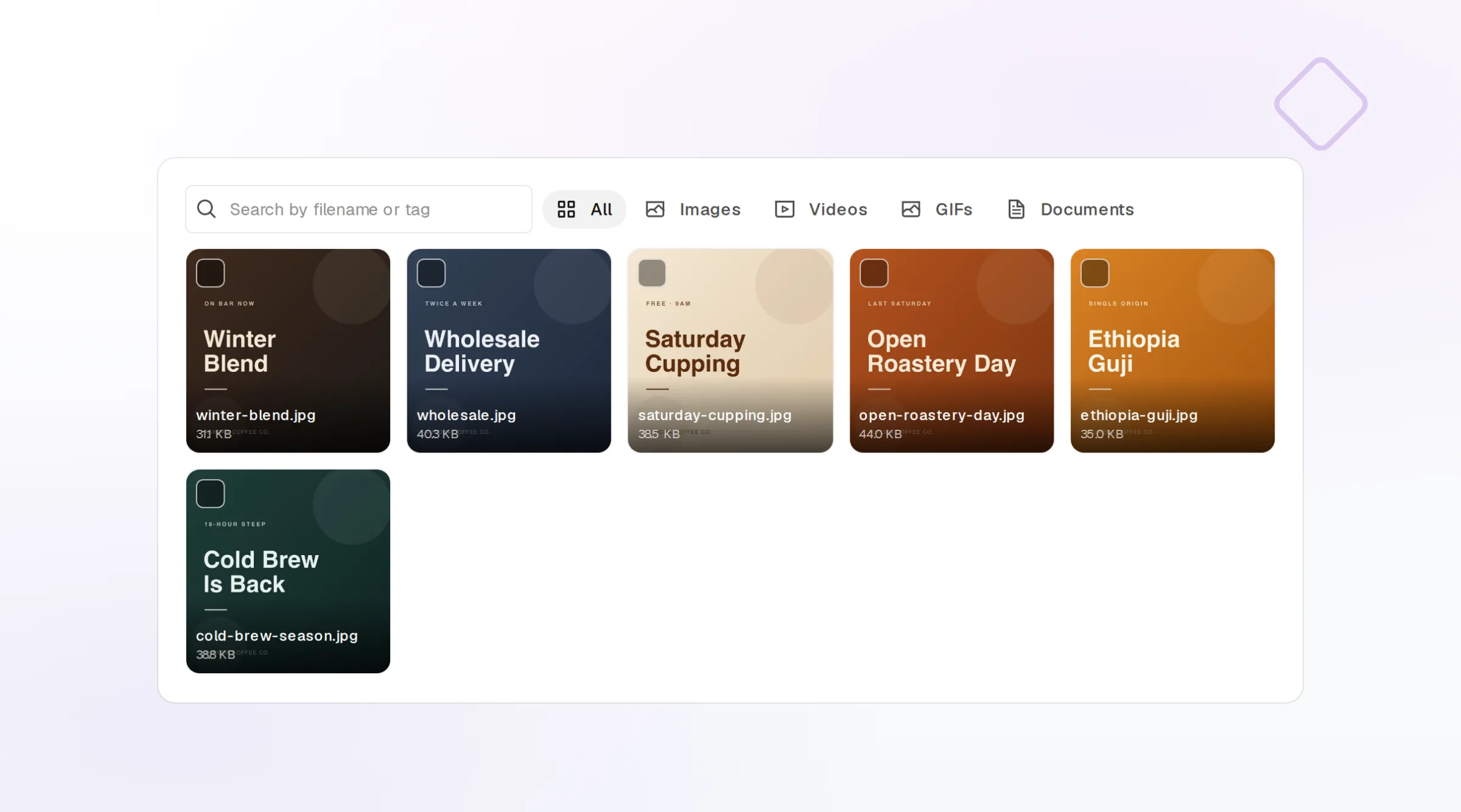
Best-time slots
Recurring slots based on when your audience is on.
Visual calendar
Drag to reschedule, duplicate, or move a clip.
Cross-post natively
One clip to Reels, Shorts, and every other network.
Know which clips the algorithm picked up
Views, likes, shares, and comments report back into FoPost per video. Compare hooks, lengths, and posting hours side by side, and feed the winners into next week’s batch.
See your numbers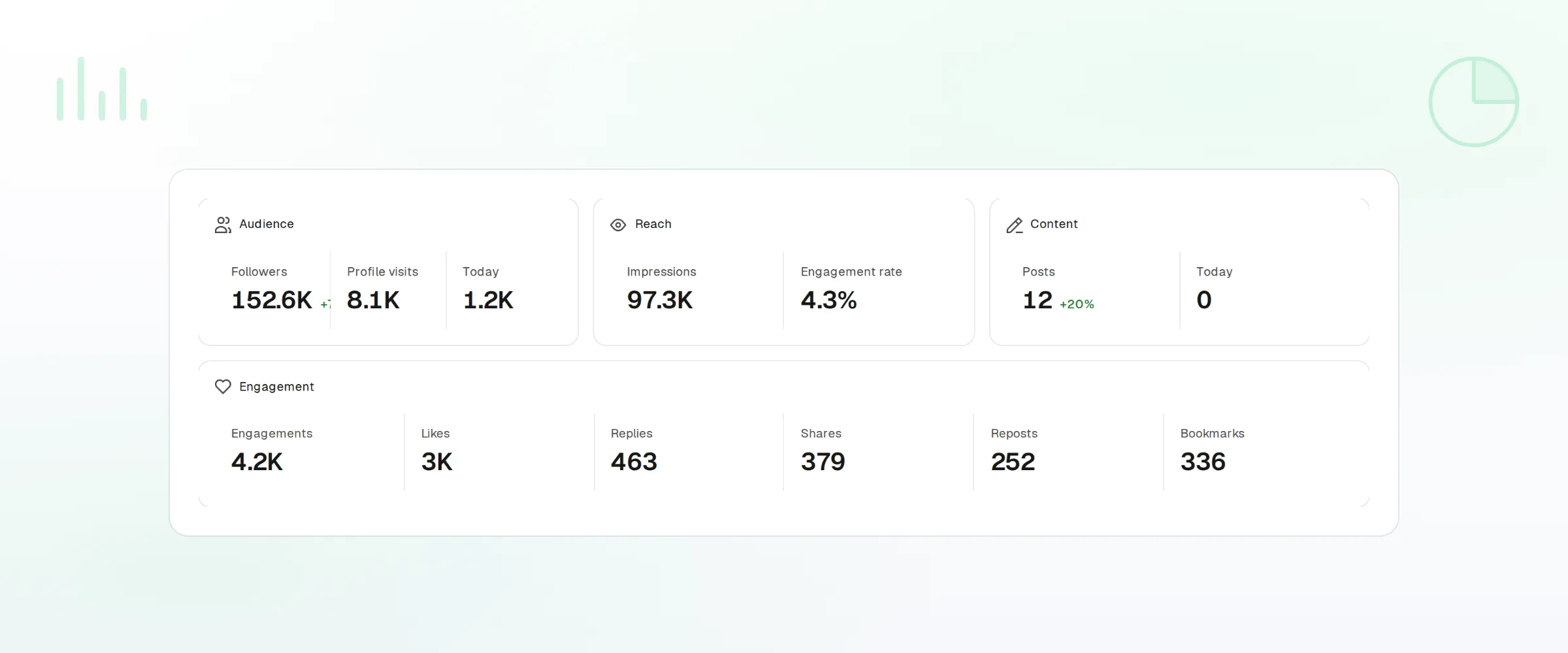
Per-video metrics
Views, likes, shares, and comments.
Trends
Follower growth and engagement over any range.
Webhooks and API
Every publish and failure event pushed to your own tools.
What FoPost publishes to TikTok
Formats, limits, and how the connection works, so there are no surprises at publish time.
Formats
- Video uploads
- Drafts
- Captions
- Hashtags
- Photo carousels
- Creator limits
- Commercial music search
- Location tagging
- Video repurposing
Limits
- Caption limit
- 2,200 chars
- Hashtags
- Counts against caption limit
- Video length
- Up to 10 minutes
- Edit after publishing
- No
- Unpublish
- No
Connection
Connects via TikTok Login using the Content Posting API. Requires a TikTok for Business or Creator account.
TikTok questions, answered
How do I connect my TikTok account?
Will my videos have a watermark?
What are the limits?
Can I send a video to my drafts instead of publishing?
Can I manage several TikTok accounts?
Is there an API for posting to TikTok through FoPost?
Start publishing to TikTok today
Starting is free. Connect TikTok, schedule a week of posts, and see the results before you pay.
Schedule your first TikTok