Know the moment a post lands, or does not
Register a URL once and FoPost calls it whenever a delivery settles. Each event carries the post id, the account, the platform, the permalink, or the error text, so your system reacts without polling.
curl -X POST https://api.fopost.com/v1/webhooks \
  -H "X-API-Key: $API_KEY" \
  -H "Content-Type: application/json" \
  -d '{
    "workspaceId": "9b2f6c1e-...",
    "url": "https://yourbrand.com/hooks/social",
    "events": ["delivery.published", "delivery.failed", "post.published", "post.failed"]
  }'
Fires on settle
One event per account delivery, sent as soon as the network confirms or rejects.
Signed
Every request carries a signature header so you can verify it came from us.
Retried
A non-2xx response is retried with backoff before the event is dropped.
Events cover the whole publish lifecycle
delivery.published fires when a network accepts one account’s delivery and includes the permalink. delivery.failed fires when it will not publish and includes the platform’s error text. post.published and post.failed fire once per post, after every account has settled.
Read the webhook reference{
"event": "delivery.published",
"data": {
"postId": "7d3e0a52-...",
"postAccountId": "a3c5e7f9-...",
"accountId": "4a71d80b-...",
"platform": "linkedin",
"externalUrl": "https://linkedin.com/feed/update/..."
},
"timestamp": "2026-09-01T09:00:07Z"
}delivery.published
The permalink, ready to store or link back from your CMS.
delivery.failed
The network’s own error message, so you can fix the cause, not guess.
Per workspace
A webhook belongs to one workspace and only sees that workspace’s posts.
Trust the payload before you act on it
Each request is signed with the secret returned when you create the webhook. Compute the signature over the raw body, compare it with the header, and reject anything that does not match. Respond 2xx quickly and do the work afterward.
See signature verificationapp.post('/hooks/social', async (req, res) => {
const signature = req.header(SIGNATURE_HEADER) // header name is in the docs;
if (!verify(req.rawBody, signature, process.env.WEBHOOK_SECRET)) {
return res.status(401).end();
}
const { event, data } = req.body;
await queue.add(event, data);
res.status(200).end();
});Signature header
Verify with the secret you were given at creation. Rotate by recreating.
Timestamped
timestamp lets you ignore stale replays and order events correctly.
Idempotent by id
Retries carry the same event id, so a double delivery is easy to drop.
Create, list, and remove endpoints from code
Webhooks are plain API objects. Create one per environment, list them to audit what is registered, and delete the ones you no longer need. Point them at a staging URL during development and swap to production with one call.
Start building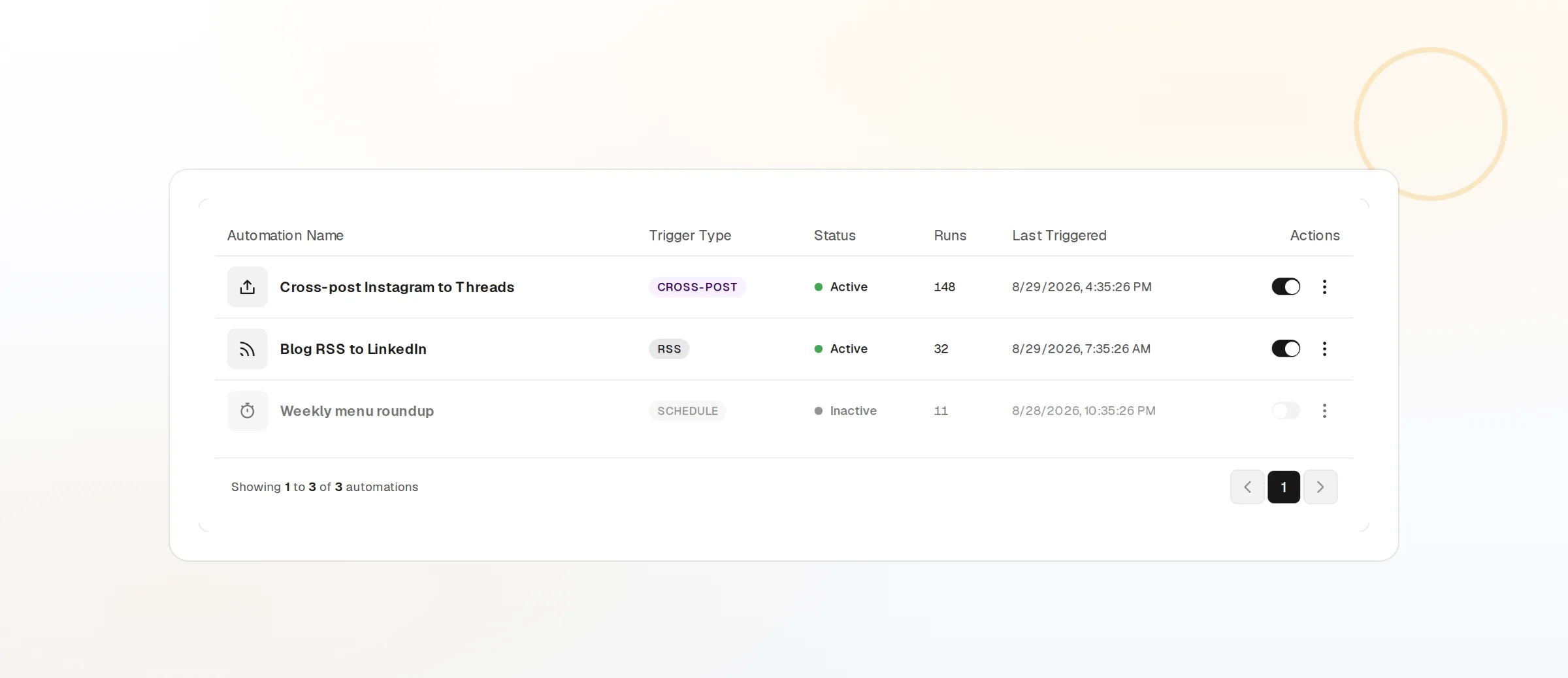
List endpoints
GET /v1/webhooks shows every URL and the events it subscribes to.
Per environment
Register a separate URL for staging so test posts never hit production.
webhooks scope
Managing endpoints needs its own scope. A publish-only key cannot add one.
Webhooks questions, answered
Which events are available?
How do I verify a webhook?
What if my endpoint is down?
Can I receive events for one account only?
Can I test without publishing for real?
Do I need webhooks at all?
Build on the Webhooks today
Starting is free and the full API is included. Create a key and make your first call in minutes.
Get your API key