Schedule Threads posts and reply chains in the casual voice Threads rewards
Show up on Threads every day without living in the app. FoPost publishes through the official Threads API, chains replies into one scheduled thread, and mirrors your X posts in the same minute.
Threads in one editor
Reply chains numbered and published in order.
Mirror X natively
The same draft to X and Threads, formatted for each.
Insights per post
Views, likes, replies, and reposts reported back.
Write the whole chain, publish it as one
A good Threads post is often three posts. FoPost gives you one editor for the chain: each post gets its own 500 character count, the AI drafts the opener, and the queue publishes every reply in order under the first.
Start a thread
Auto-numbering
Add, split, or reorder posts and the numbering follows.
Threaded replies
A chain of replies published as one scheduled post.
Media per post
Up to 10 images or one video on any post in the chain.
Carousels and clips that fit the feed
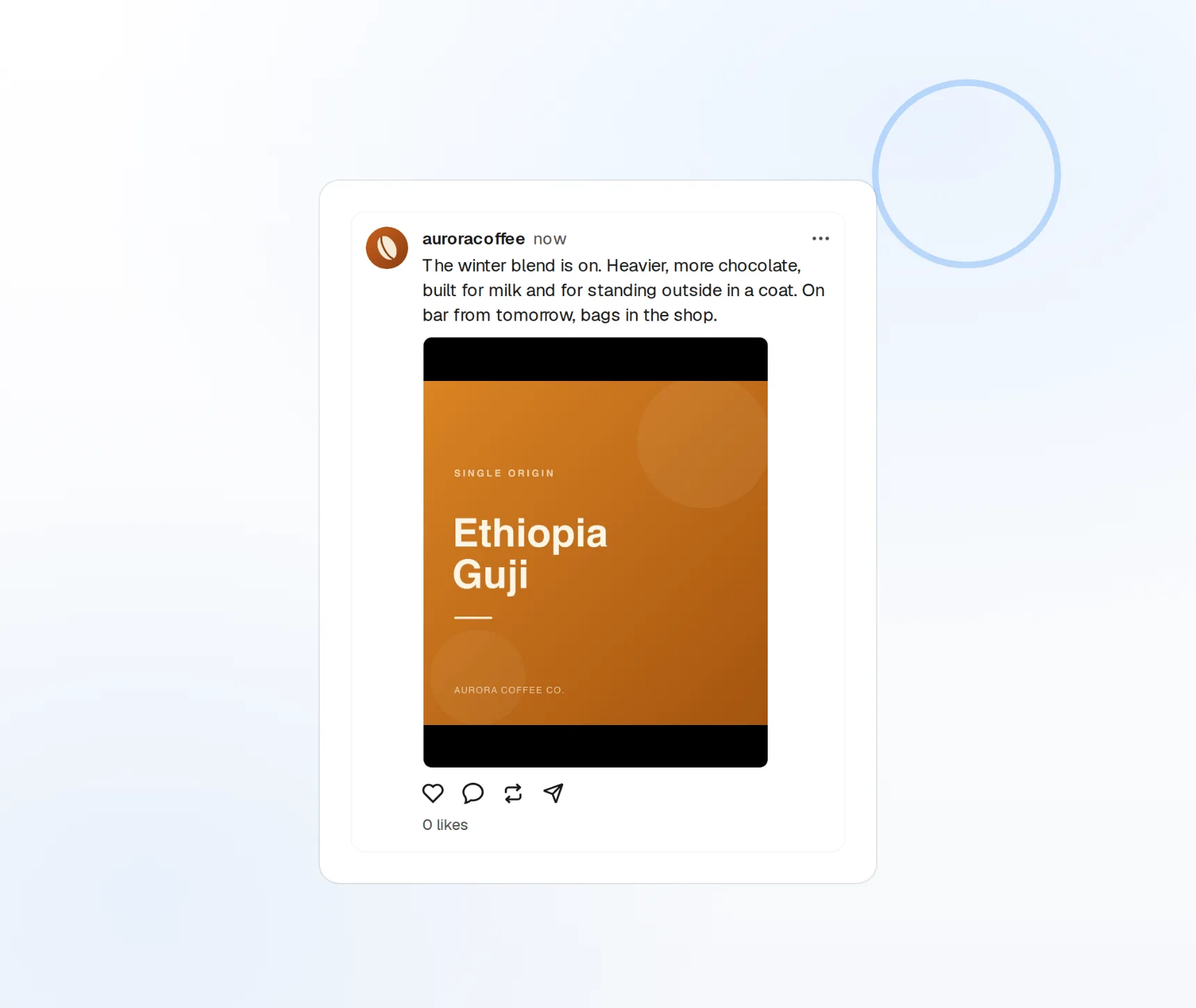
Threads is text first, but image carousels and short video travel well. Attach up to ten images or a video up to five minutes to any post, preview it as it will appear, and schedule it alongside the rest of the week.
Post a carousel
Image carousels
Up to 10 images per post, ordered by drag.
Short video
Clips up to 5 minutes, uploaded natively.
Feed preview
See the post as it will look before it goes out.
Conversational, not corporate
Threads punishes the press-release voice. Give FoPost your brand voice and it drafts posts that read like a person talking, then rewrites a longer idea into a chain or trims it to a single line under 500 characters.
Try the AI writer
Opener generator
Several first posts to choose from before you write.
Repurpose long-form
A blog post becomes a five-post chain in one click.
Brand voice
Tone and banned words applied to every draft.
Post daily, mirror X, learn what worked
Schedule community questions days or weeks ahead, publish the same draft to X and Bluesky in their native formats, and let views, likes, replies, and reposts report back into FoPost per post.
Fill your calendar
Visual calendar
Drag to reschedule, duplicate, or move a post.
Cross-post natively
One draft to X, Bluesky, and every other network.
Per-post insights
Views, likes, replies, and reposts.
What FoPost publishes to Threads
Formats, limits, and how the connection works, so there are no surprises at publish time.
Formats
- Single posts
- Threaded replies
- Image & video
Limits
- Character limit
- 500
- Media per post
- 10 images or 1 video
- Video length
- Up to 5 minutes
- Edit after publishing
- No
- Unpublish
- Yes
Connection
Threads API via Meta Login. Separate App ID from Facebook (Meta requirement).
Threads questions, answered
How do I connect my Threads account?
Can I schedule a multi-post thread?
What are the limits?
Can I post the same content to X and Threads?
Can I manage several Threads accounts?
Is there an API for posting to Threads through FoPost?
Start publishing to Threads today
Starting is free. Connect Threads, schedule a week of posts, and see the results before you pay.
Schedule your first Threads post