Schedule MeWe group and page posts for privacy-first communities
Keep your MeWe groups and pages active without logging in every day. FoPost schedules text, photo, and video posts to each group or page, and sends the same update to every other network from one draft.
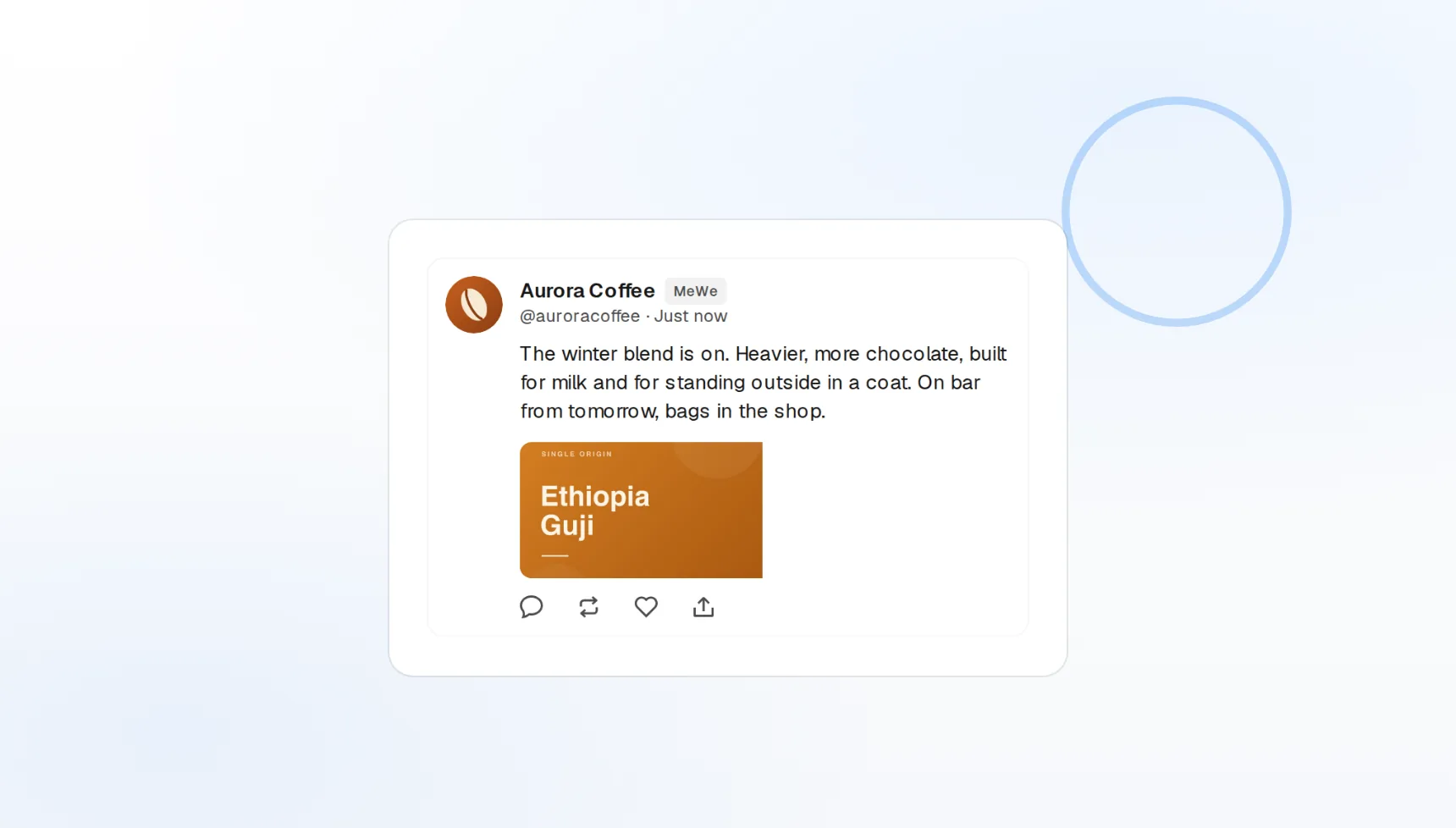
Groups and pages
Pick the destination per post from your MeWe account.
Photos and video
Media attached in the composer, uploaded at publish time.
One calendar
MeWe sits next to every other scheduled post.
Show up in every group without living in the app
Community leaders on MeWe often run several groups at once. FoPost lists every group and page you can post to, lets you choose one or many per post, and publishes on the schedule you set.
Pick your groups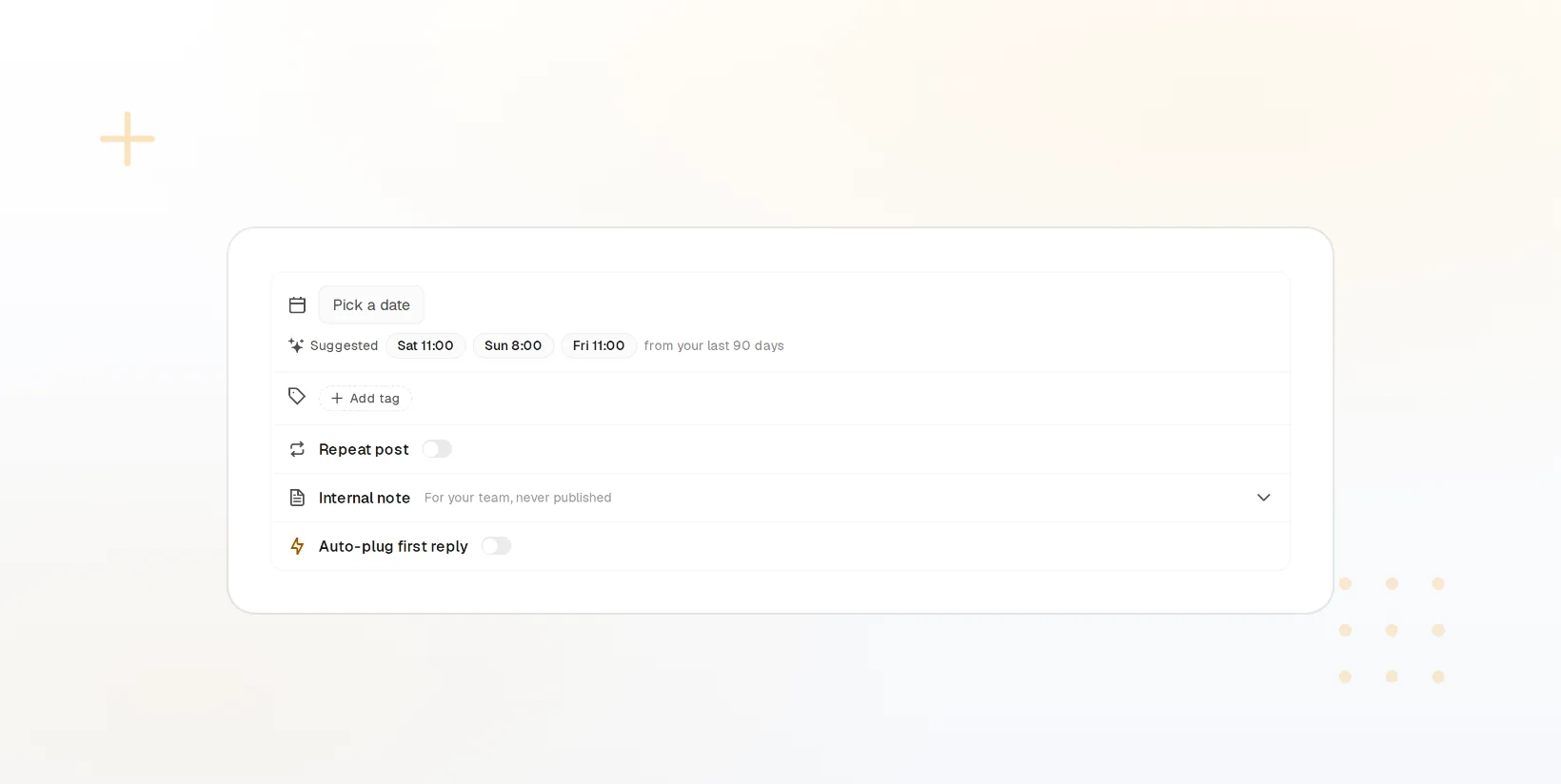
Multi-group publishing
One draft sent to several groups at once.
Pages too
Brand pages and groups from the same account picker.
Delivery status
Each destination reports success or failure.
Photos and video, uploaded when the post goes out
Attach images or a video in the composer and FoPost uploads them to MeWe at publish time. The same media is reformatted for Instagram, Facebook, and the rest, so one upload covers every network.
Add your media
Photo posts
Single images or sets, previewed before scheduling.
Video posts
Upload once, publish to MeWe and elsewhere.
Media library
Reuse assets across groups and networks.
Captions written for a community, not a feed
MeWe groups reward conversation over broadcast. FoPost drafts captions that open a discussion, rewrites your Facebook post for a smaller, more engaged room, and keeps your tone rules on every draft.
Try the AI writer
Caption drafts
Three options from a link or a note.
Brand voice
Tone and banned words applied to every draft.
Cross-post rewrite
One idea shaped for MeWe, Facebook, and Telegram.
A week of group content in one sitting
Plan the weekly discussion prompt, the photo drop, and the announcement on the visual calendar and let the queue publish them. Recurring slots keep a steady rhythm without recreating posts.
Fill your calendar
Visual calendar
Drag to reschedule or duplicate a post.
Recurring slots
Same-time weekly posts that fill themselves.
Webhooks and API
Publish and failure events pushed to your own tools.
What FoPost publishes to MeWe
Formats, limits, and how the connection works, so there are no surprises at publish time.
Formats
- Group posts
- Page posts
- Media
Limits
- Status
- Roadmap
- Edit after publishing
- No
- Unpublish
- No
Connection
MeWe API.
MeWe questions, answered
How do I connect my MeWe account?
Can I post to groups I do not admin?
What media can I attach?
Is there a character limit?
Can I manage several MeWe accounts?
Is there an API for posting to MeWe through FoPost?
Start publishing to MeWe today
Starting is free. Connect MeWe, schedule a week of posts, and see the results before you pay.
Schedule a MeWe post