Keep every member in the loop, from one place
A community lives in a dozen places at once. FoPost pulls comments, mentions, and DMs into one inbox your team can share, and posts announcements to your chat servers and social accounts in a single step, all from one calendar.
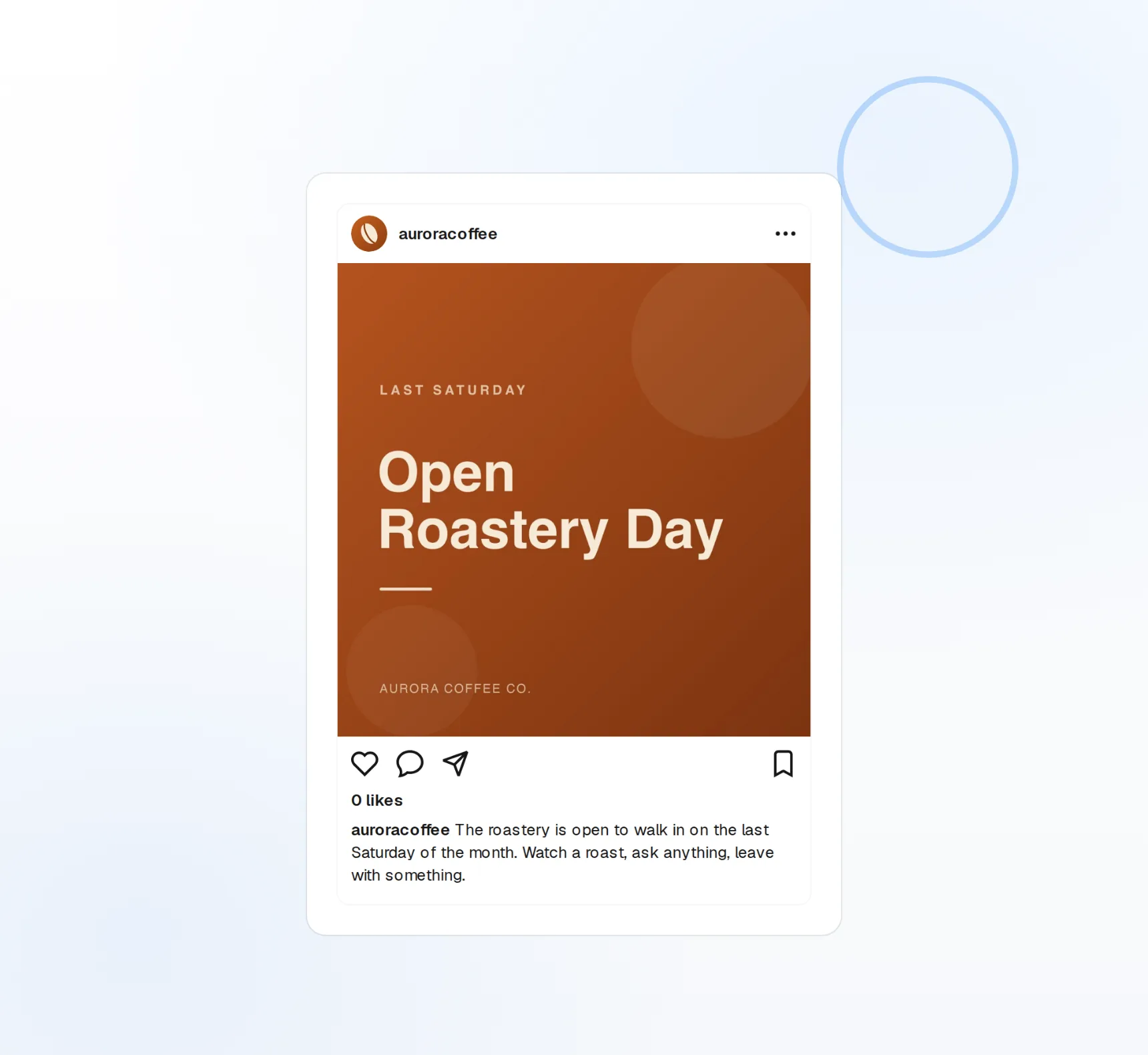
One Inbox
Comments, mentions, and DMs from every connected network, in one list, marked when unread.
Reply as a Team
Assign a thread to a teammate and reply from the account, not a personal login.
Announce Everywhere
One post to Discord, Slack, Telegram, Reddit, Mastodon and the big networks at the same time.
Stop checking eight tabs for replies
Every comment, mention, and DM a network makes available lands in the inbox with the post it belongs to. Unread items are flagged, filters cut by network or account, and nothing waits for the person who happens to have the login.
See the Inbox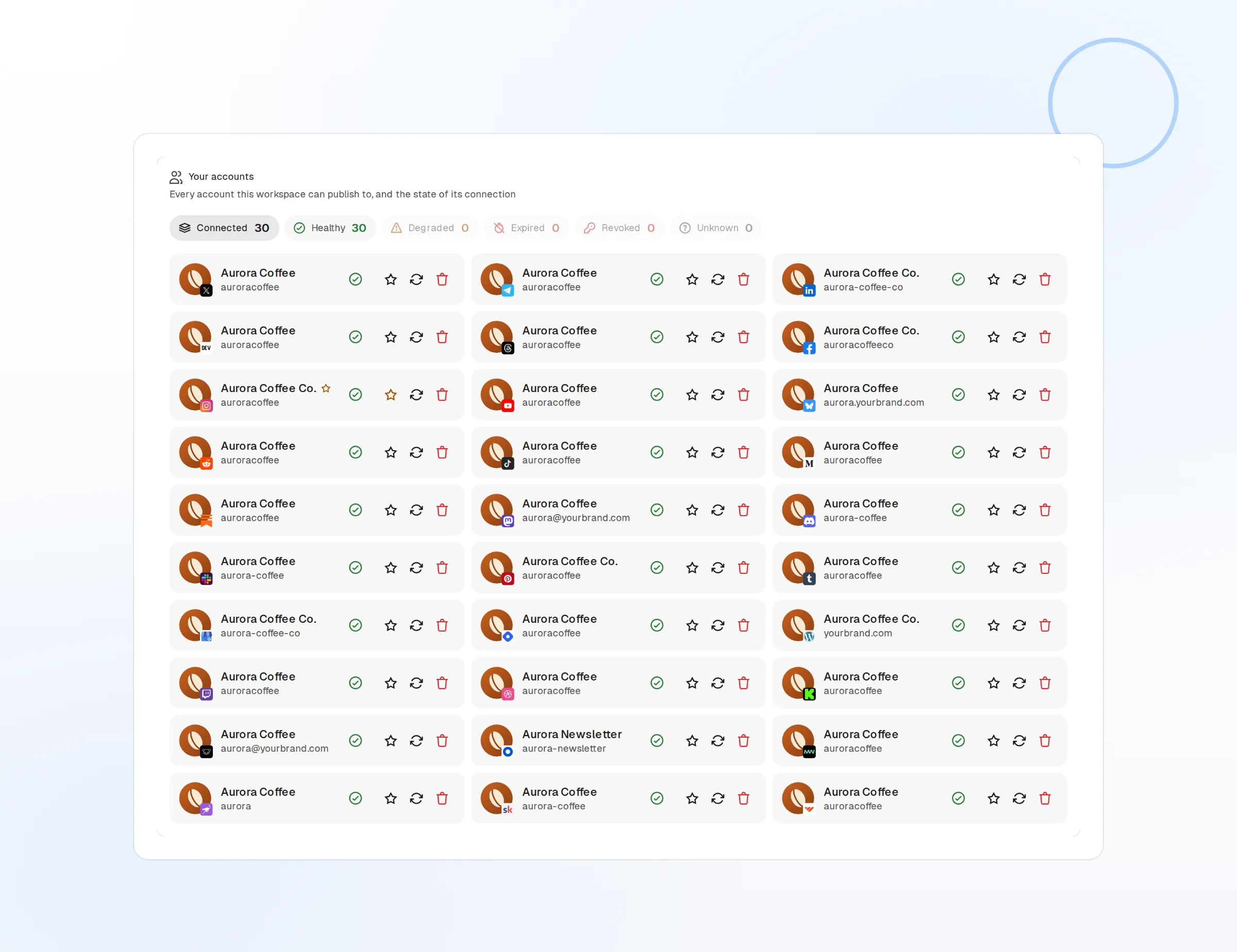
Unread Queue
See what still needs an answer across every account.
Mentions and DMs
Direct messages included where a network allows it.
Filter by Network
Work one network at a time or the whole inbox at once.
Assign, reply, and hand off without losing the thread
Assign a thread to whoever knows the answer, reply from the shared account, and hand it back when it is done. Members and roles keep moderators, maintainers, and support on the same page. FoPost Agent can draft a reply in your community’s voice when the question is one you have answered before.
A thread assigned to a teammate with a reply drafted
Assign Threads
Route a question to the right person and see who owns what.
Reply from the Account
Answer as the community, not from a personal profile.
AI Draft Replies
A starting point in your saved voice, always edited and sent by you.
One release note, every channel at once
Write the announcement once, pick your Discord, Slack, and Telegram channels plus your social accounts, and preview how it renders in each. AI reshapes the same news into a thread for one network and a short update for another. Schedule it, or require a maintainer’s approval before it goes out.
Start Free
Chat and Social Together
Discord, Slack, Telegram, Reddit, Mastodon and the big networks in one post.
Per-Channel Previews
Check formatting and links per destination before you send.
Approval Step
Nothing goes out until the person you name confirms it.
Keep members updated on a rhythm they can trust
Put release notes, office hours, meetups, and weekly digests on the calendar so members know when to expect them. Automations can announce every new blog post or changelog entry from its RSS feed, and evergreen recycling keeps the getting-started guides and community rules in rotation for newcomers.

Shared Calendar
Everyone sees what is going out and when, and can drag to reschedule.
Changelog Automation
A new blog or changelog entry becomes an announcement on the channels you pick.
Evergreen Guides
Recycle onboarding posts and rules on a schedule for new members.
Communities questions, answered
Which chat platforms can I post to?
Do DMs show up in the inbox?
Can a volunteer moderator reply without our password?
Will the AI reply on its own?
Can we automate release announcements?
Is there a plan for open source projects?
Run this workflow on FoPost
Starting is free and every feature on this page is included. Connect an account and publish your first post today.
Start Free