Schedule Discord channel announcements with rich embeds, no bot required
Keep the community informed without pinging it by hand. FoPost sends scheduled messages to any channel through a webhook, with branded embeds, attachments, and AI-written updates from your blog or changelog.
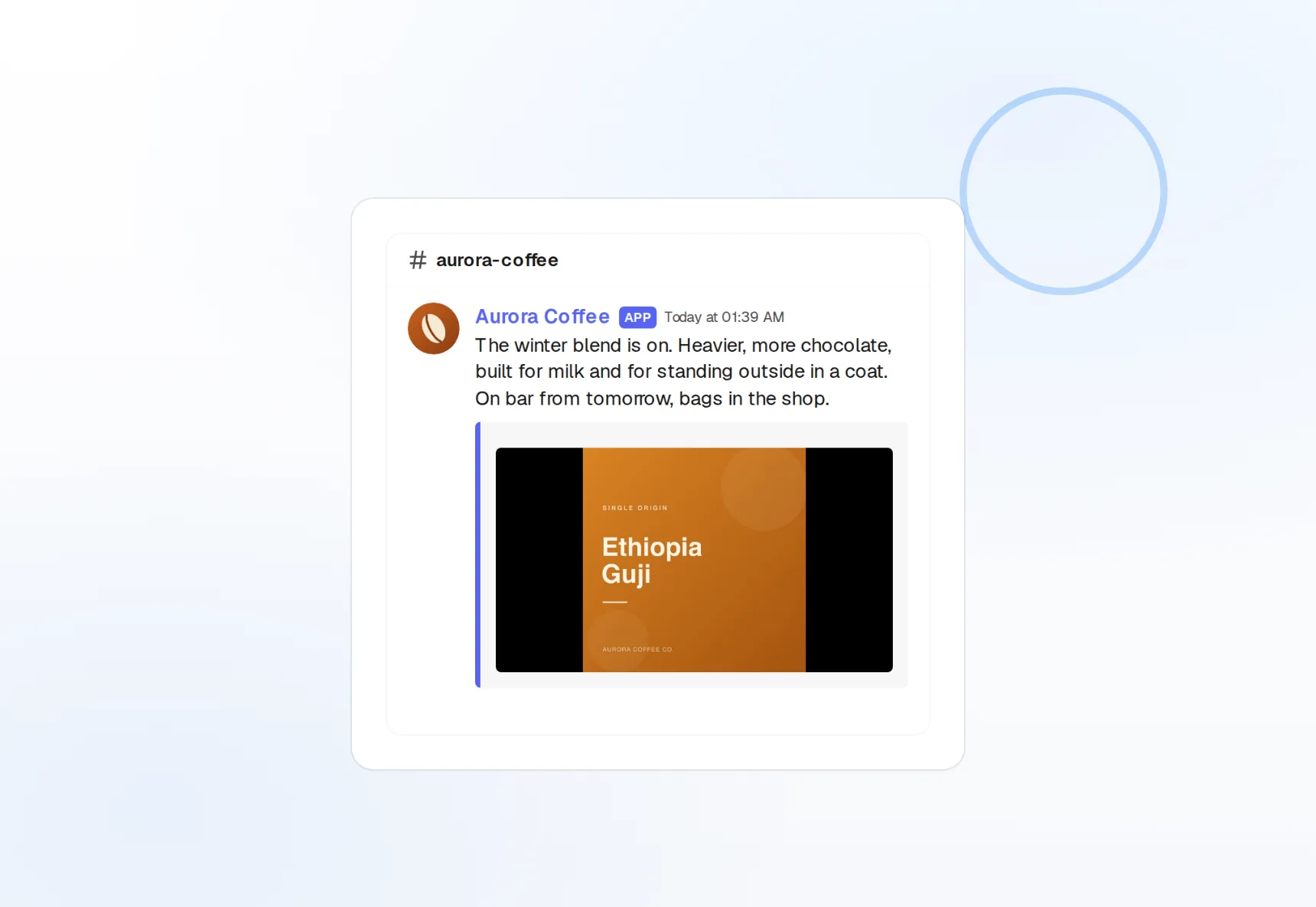
Webhook, not a bot
Paste a channel webhook URL and you are connected.
Rich embeds
Title, description, color, image, and fields.
Recurring drops
Daily standups and weekly recaps on a schedule.
One webhook per channel, every server in one place
Announcements, changelog, and community channels each get their own webhook, and FoPost lists them all in the account picker. Schedule a message to one channel or several across different servers from the same draft.
Connect a channel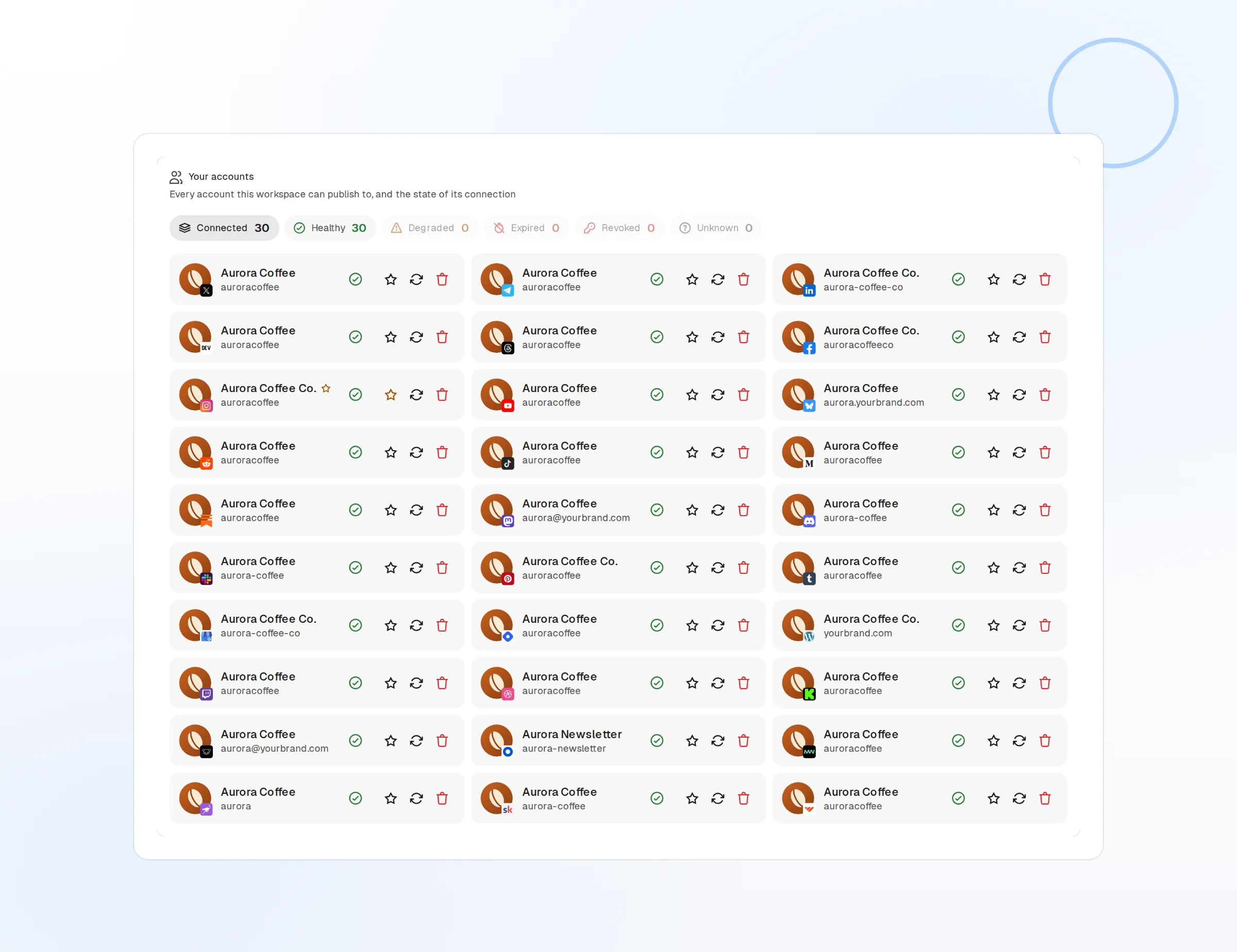
Channel targeting
Pick the channel per message from the composer.
Multiple servers
Connect channels from every server you manage.
No bot permissions
A webhook URL is all the access needed.
Announcements that look like they were designed
A plain message gets scrolled past. Build up to ten embeds per message with a title, description, brand color, image, and fields, add attachments, and mention roles or everyone when it matters.
Build an embed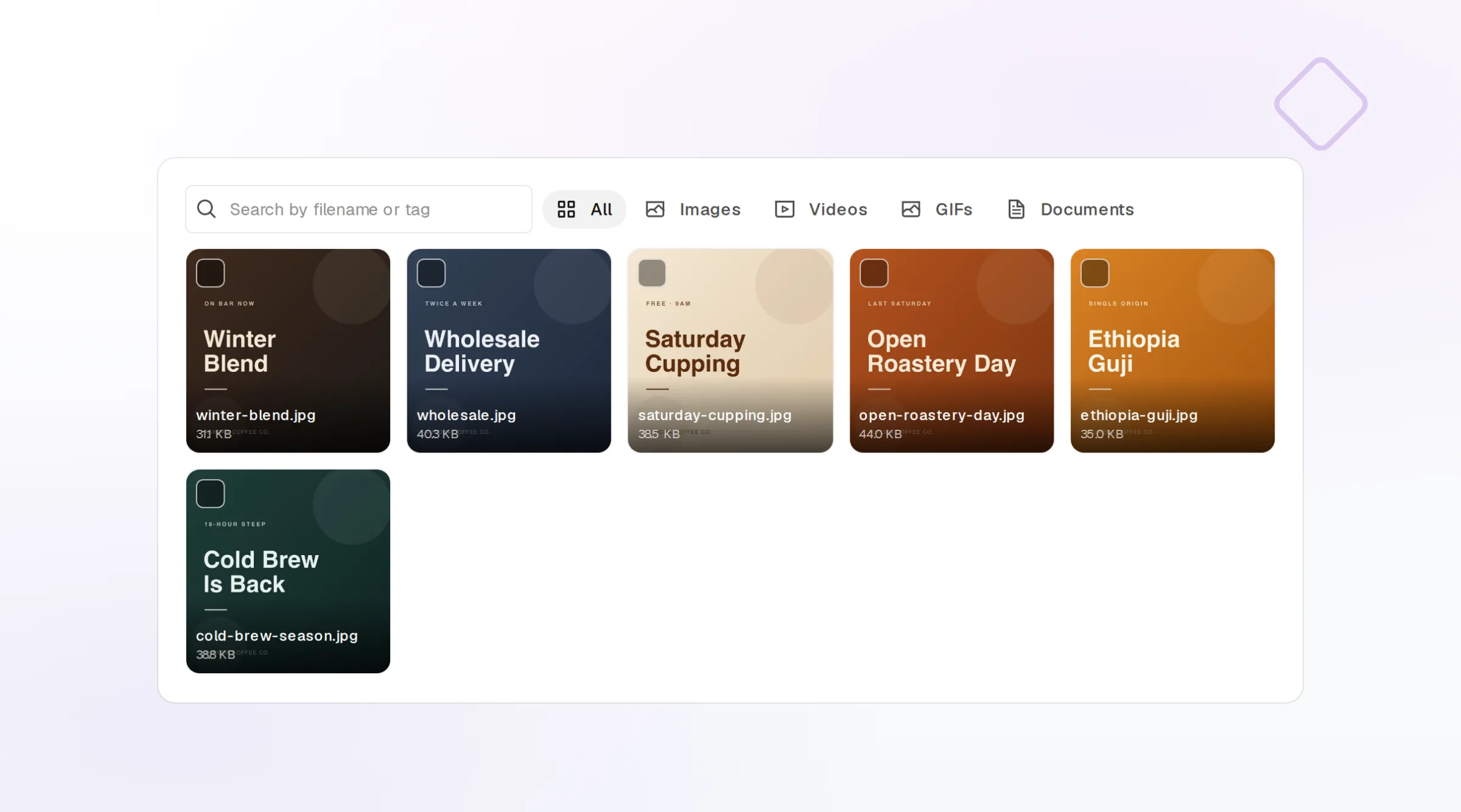
Embed builder
Up to 10 embeds per message, previewed live.
Attachments
Files up to 25MB, or 100MB on boosted servers.
Mentions
Ping @everyone, a role, or a member in the message.
Community updates written from what you already shipped
Point FoPost at a blog post, a changelog, or an RSS feed and it drafts the announcement in your brand voice, under the 2,000 character message limit, with the embed fields filled in.
Try the AI writer
Announcement drafts
Several versions to choose from before you send.
From blog or RSS
New posts become community updates in one click.
Brand voice
Tone and banned words applied to every draft.
Standups, recaps, and launches, on the minute
Schedule a daily "what shipped today" drop, a weekly newsletter mirror, and a monthly recap, and coordinate the launch announcement with X, LinkedIn, and every other network from one draft.
Fill your calendar
Recurring messages
Daily, weekly, or monthly drops without re-creating them.
Cross-post natively
The same launch to X, LinkedIn, and every other network.
Webhooks and API
Every publish and failure event pushed to your own tools.
What FoPost publishes to Discord
Formats, limits, and how the connection works, so there are no surprises at publish time.
Formats
- Channel messages
- Rich embeds
- Attachments
- Webhooks
Limits
- Message limit
- 2,000 chars
- Embeds
- Up to 10 per message
- File size
- Up to 25MB (free); 100MB (boosted)
- Edit after publishing
- Yes
- Unpublish
- Yes
Connection
Connects via Discord webhook URL. No bot permissions needed.
Discord questions, answered
How do I connect a Discord channel?
Can I send rich embeds and files?
What is the message limit?
Can I mention roles or everyone?
Can I manage several channels or servers?
Is there an API for posting to Discord through FoPost?
Start publishing to Discord today
Starting is free. Connect Discord, schedule a week of posts, and see the results before you pay.
Schedule your first announcement