Every comment and message, in one queue you can code against
FoPost pulls comments and direct messages from each connected account into one inbox. List them, count what is unread, mark items handled, and reply, all through the same API your dashboard uses.
curl "https://api.fopost.com/v1/inbox?workspace_id=9b2f6c1e-...&state=unread" \
  -H "X-API-Key: $API_KEY"

{
  "data": [
    { "id": "1f8b6a37-...", "type": "comment", "state": "unread", "platform": "instagram", "author_name": "Customer", "author_handle": "customer", "text": "Does this ship to Canada?", "post": { "id": "7d3e0a52-...", "title": "Launch day" }, "platform_created_at": "2026-08-29T14:02:11Z", "can_reply": true, "account": { "id": "4a71d80b-...", "platform": "instagram", "username": "yourbrand" }, "workspace_id": "9b2f6c1e-..." },
    { "id": "2c9d4e81-...", "type": "dm", "state": "unread", "platform": "facebook", "author_name": "Jordan P.", "author_handle": null, "text": "Hi, I need help with an order.", "post": null, "platform_created_at": "2026-08-29T13:48:30Z", "can_reply": true, "account": { "id": "c30e9f12-...", "platform": "facebook", "username": "yourbrand" }, "workspace_id": "9b2f6c1e-..." }
  ],
  "meta": { "page": 1, "per_page": 25, "total": 2, "total_pages": 1 }
}
One list
Comments and messages from every account, newest first, with the same fields.
Unread count
A single call for the badge number, per workspace or across all of them.
Reply from code
Answer a comment or message and the reply goes back to the network.
Route incoming conversations to the right place
Poll the inbox on a schedule or on demand, filter by type, account, or status, and forward each item to your helpdesk, your chat channel, or a human. Every item links back to the post it belongs to, when there is one.
Read the inbox referencecurl "https://api.fopost.com/v1/inbox/unread-count?workspace_id=9b2f6c1e-..." \
-H "X-API-Key: $API_KEY"
{ "count": 14 }Filter
By type, account, platform, or read state, with page pagination.
Linked to the post
Comments carry the post they belong to, so you can join them to analytics.
Inbox accounts
GET /v1/inbox/accounts lists which connected accounts feed the inbox.
Answer where the customer asked
POST a reply to an inbox item and it is posted as a comment reply or a direct message on the originating network, from the connected account. Mark items read, resolved, or snoozed with PATCH so two systems never handle the same one.
See the reply endpointcurl -X POST https://api.fopost.com/v1/inbox/1f8b6a37-.../reply \
-H "X-API-Key: $API_KEY" \
-H "Content-Type: application/json" \
-d '{ "text": "Yes, we ship to Canada. Delivery takes 3 to 5 days." }'
curl -X PATCH https://api.fopost.com/v1/inbox/1f8b6a37-... \
-H "X-API-Key: $API_KEY" \
-H "Content-Type: application/json" \
-d '{ "state": "read" }'Native reply
Comment replies and DMs go out through the network’s own API.
Status updates
read, resolved, or snoozed, so handled items drop out of the queue.
Explicit sends
Nothing replies on its own. Every outbound message is a request you make.
Fresh when you need it, quiet when you do not
The inbox syncs on a schedule for every connected account. When you need the latest right now, hit the refresh endpoint for the workspace and read again. Workspace scoping means an agency key only ever sees its own client’s conversations.
Start building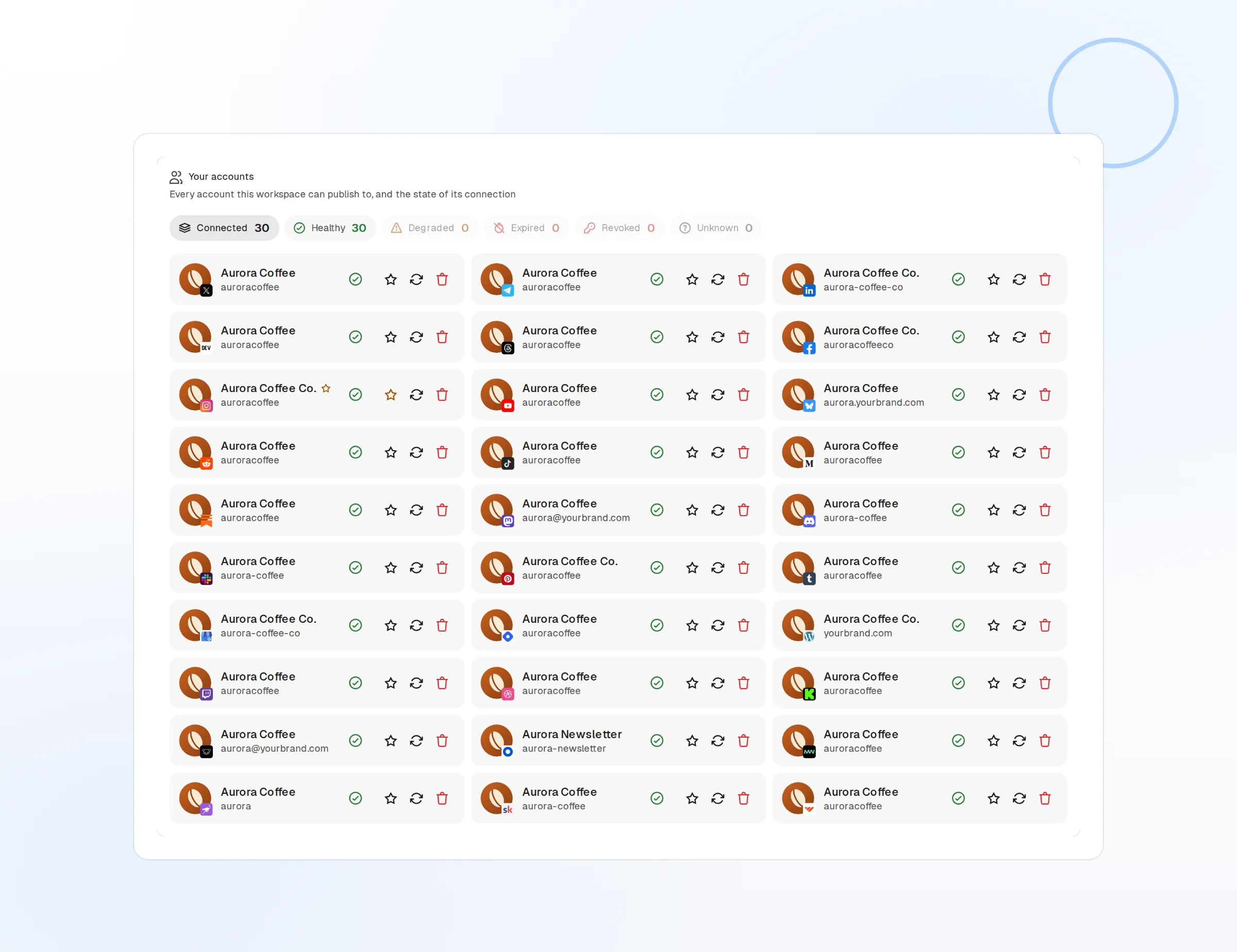
On-demand refresh
POST /v1/inbox/refresh pulls the latest for every account in the workspace.
Scheduled sync
Background sync keeps the list current without any call from you.
Workspace isolated
Author identity and message text never leave the workspace they belong to.
Comments & Inbox API questions, answered
Which networks feed the inbox?
Can I reply to direct messages?
How quickly do new comments appear?
Can the API reply automatically?
Do I get the author’s profile?
Is there a rate limit?
Build on the Comments & Inbox API today
Starting is free and the full API is included. Create a key and make your first call in minutes.
Get your API key