Schedule LinkedIn posts for your profile and your company pages
Show up on LinkedIn every working day without writing on LinkedIn every working day. FoPost publishes to your personal profile and company pages through the official API, with AI that writes in a thoughtful, long-form voice.
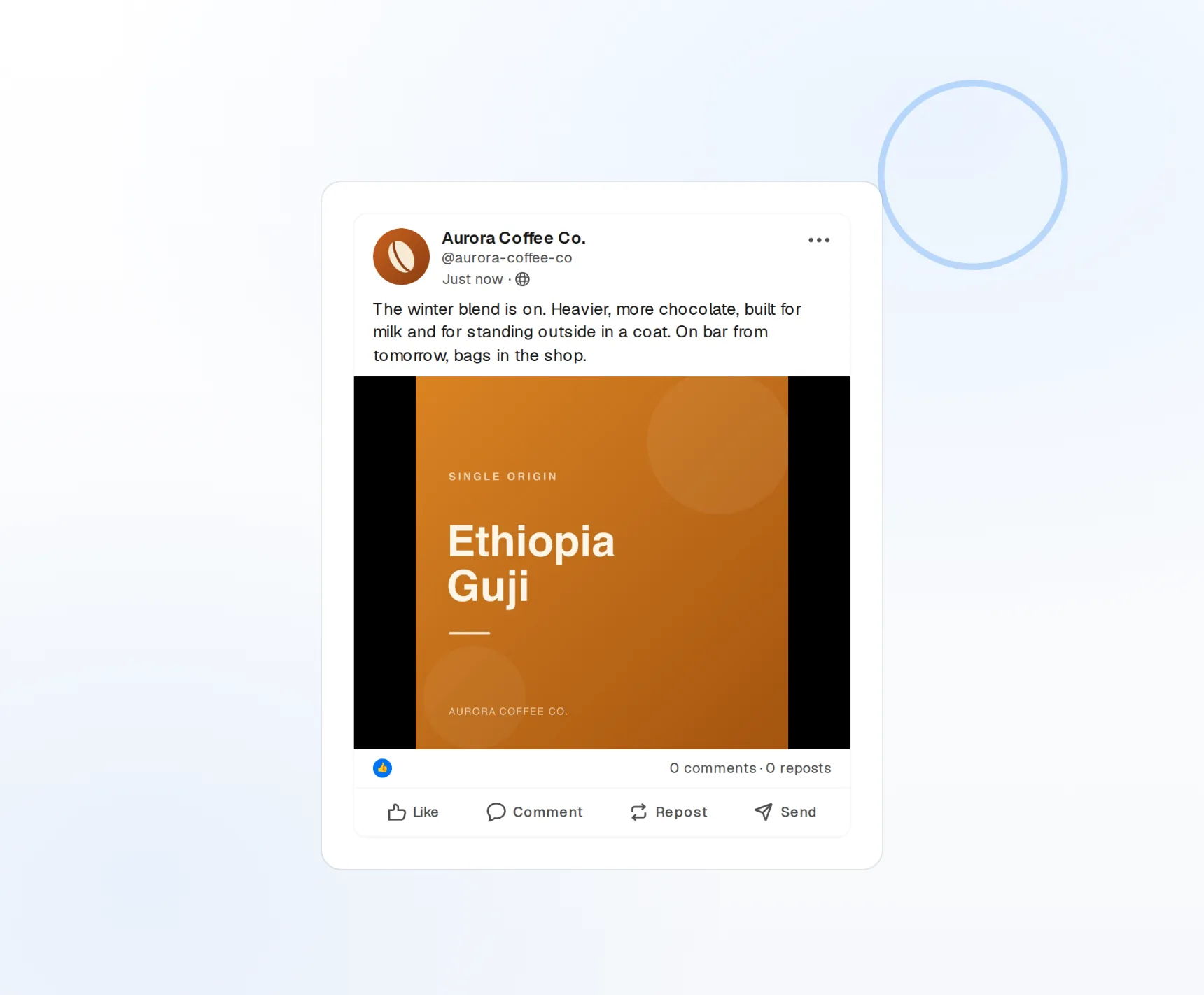
Profile and company
Personal posts and page updates from one calendar.
PDF carousels
Upload a PDF and it publishes as a document post.
Engagement per post
Likes, comments, reposts, and reach reported back.
One calendar for the founder and the company
Thought leadership lives on your profile, hiring and product news live on the company page. FoPost connects both, so a launch post can go out from the page and a personal take from you, scheduled side by side.
Connect your pages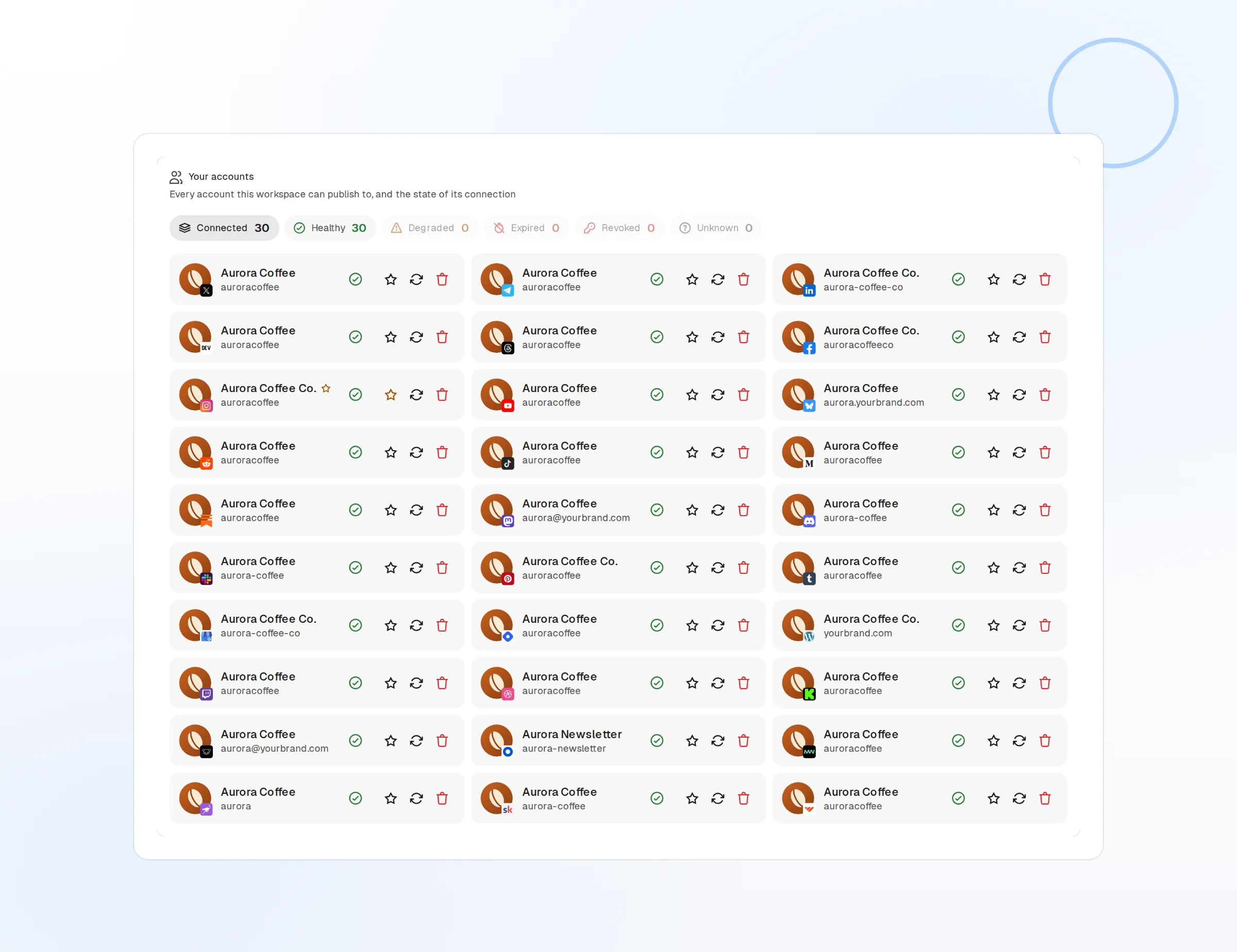
Personal profile
Daily insights scheduled around your week.
Company pages
Every page you admin, in the same account picker.
Hiring posts
Promote open roles from the company page on a schedule.
Ship the format LinkedIn keeps rewarding
Document posts get swiped, saved, and shared. Upload a PDF or a set of images and FoPost publishes it as a native carousel, with the title and caption ready for the feed.
Post a carousel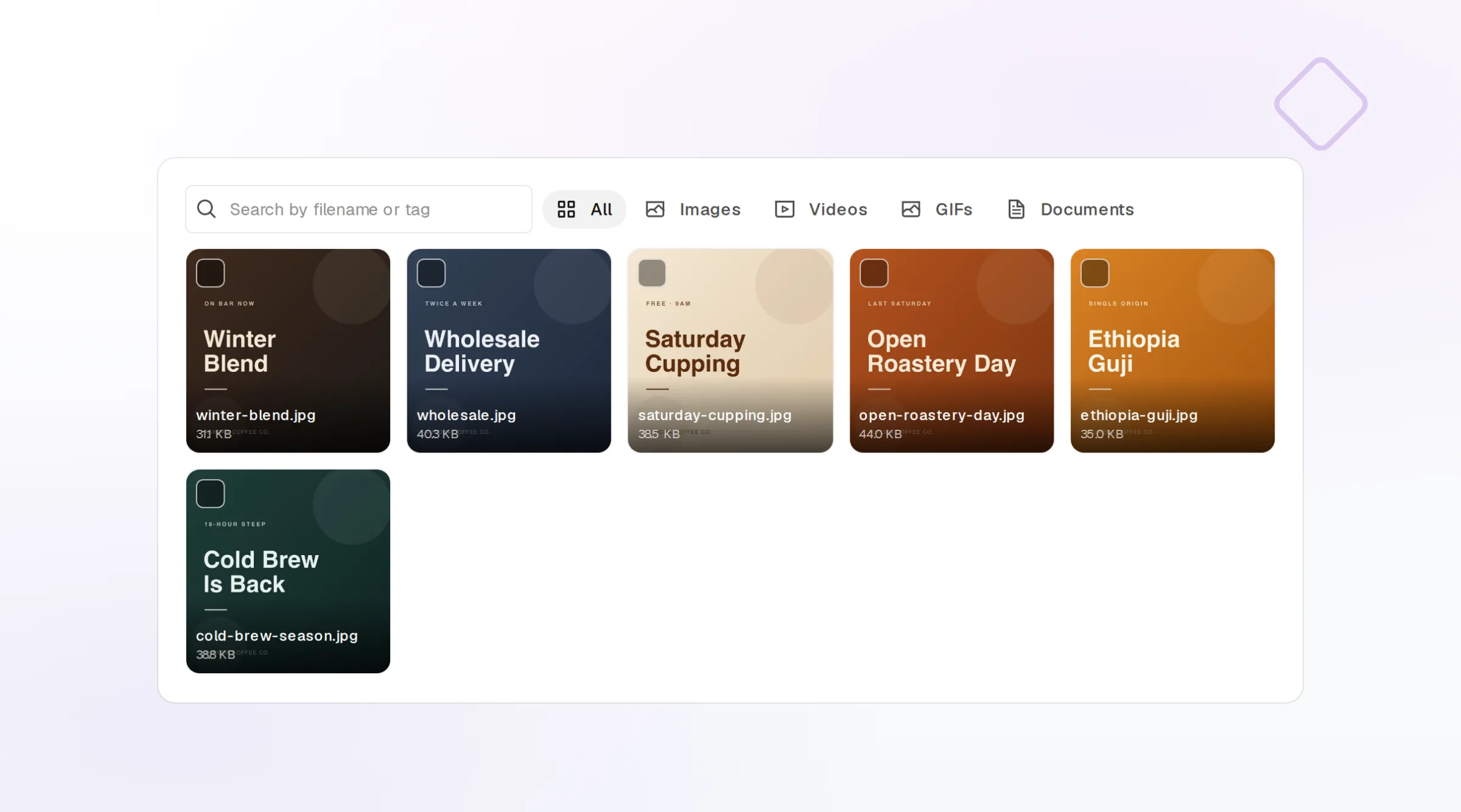
PDF documents
A slide deck becomes a swipeable document post.
Image carousels
Up to 20 images in one post, ordered by drag.
Video and images
Native uploads with a caption up to 3,000 characters.
Long-form that sounds considered, not promotional
LinkedIn readers reward a clear opinion and a story. Give FoPost your brand voice and it turns a blog post, a customer call, or a rough note into a LinkedIn post with a strong first line, then suggests the three to five hashtags worth adding.
Try the AI writer
Hook generator
Several first lines to choose from before the fold.
Repurpose long-form
A blog post becomes a LinkedIn post in one click.
Hashtag strategy
Three to five relevant hashtags, not thirty.
Post at the right hour and learn which posts landed
Queue posts into the windows when your audience is active, and let every publish report likes, comments, reposts, and reach back into FoPost. Compare document posts to text posts and build next month on the evidence.
Fill your calendar
Best-time slots
Recurring slots based on when your audience is on.
Per-post metrics
Likes, comments, reposts, and reach.
Cross-post natively
The same draft to X, Threads, and every other network.
What FoPost publishes to LinkedIn
Formats, limits, and how the connection works, so there are no surprises at publish time.
Formats
- Profile posts
- Company pages
- Image carousels
- Documents (PDF carousels)
- Mentions
Limits
- Post character limit
- 3,000
- Images per carousel
- Up to 20
- Hashtags
- Up to 5 recommended
- Edit after publishing
- Yes
- Unpublish
- Yes
Connection
OAuth 2.0 via the official LinkedIn Marketing API.
LinkedIn questions, answered
How do I connect LinkedIn?
Can I post to company pages and my profile?
What can I attach to a post?
How many hashtags should I use?
Can I manage several LinkedIn accounts?
Is there an API for posting to LinkedIn through FoPost?
Start publishing to LinkedIn today
Starting is free. Connect LinkedIn, schedule a week of posts, and see the results before you pay.
Schedule your first LinkedIn post