Schedule Twitch channel announcements and go-live messages
Tell chat you are live, remind them about the schedule, and push the same update to every other network in the same minute. FoPost posts announcements to your Twitch channel through the official Helix API, in your channel colour.
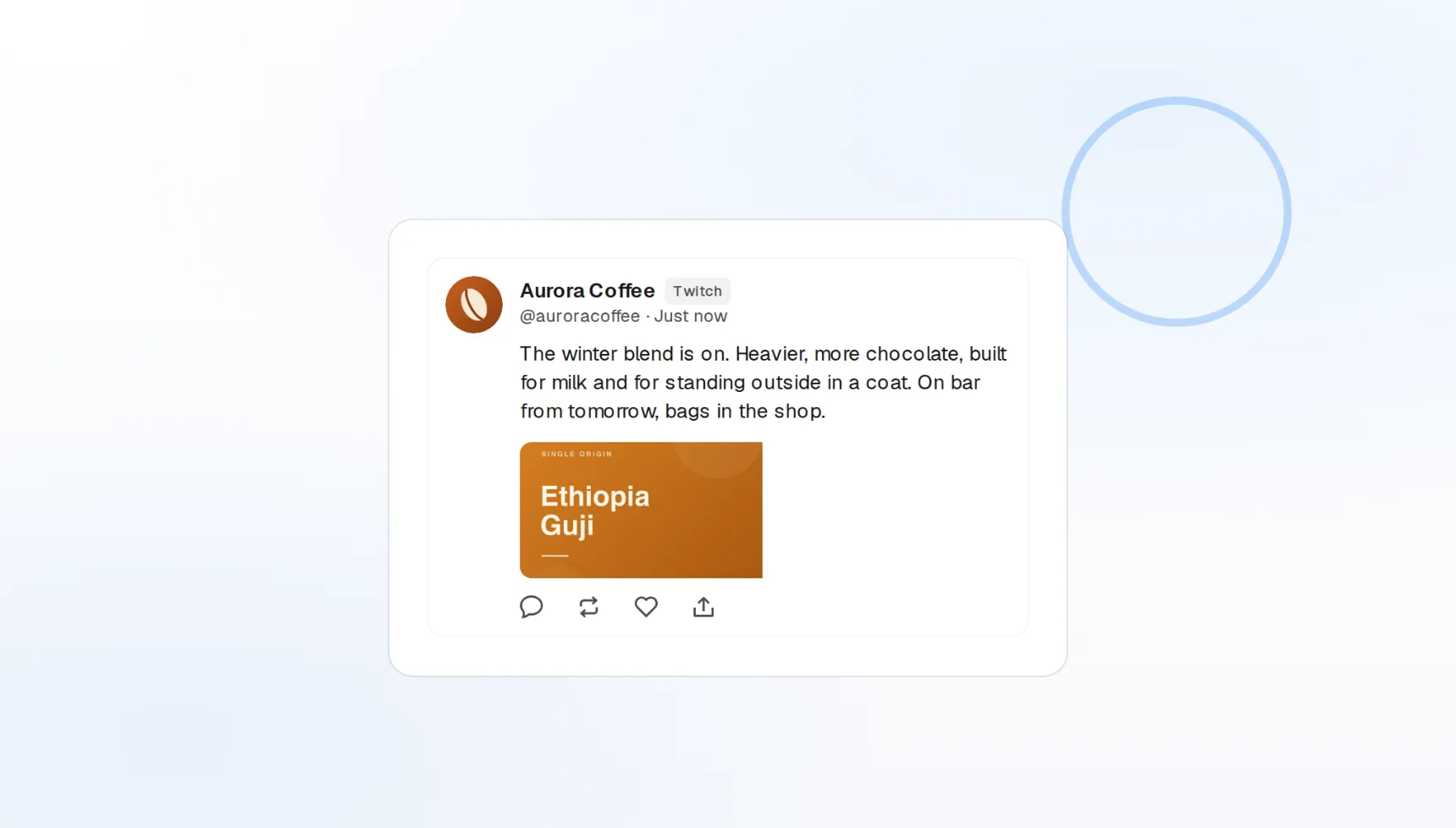
Channel announcements
Highlighted messages in your channel colour, on a schedule.
Stream calendar
Weekly schedule drops written once and queued for the week.
One go-live post
The same announcement to Discord, X, and Bluesky at once.
Let chat know before you hit Start Streaming
Going live should not mean typing the same message into five apps while your intro plays. Write the announcement once in FoPost, pick the time, and it lands in your Twitch chat as a highlighted announcement right as the stream starts.
Write your go-live message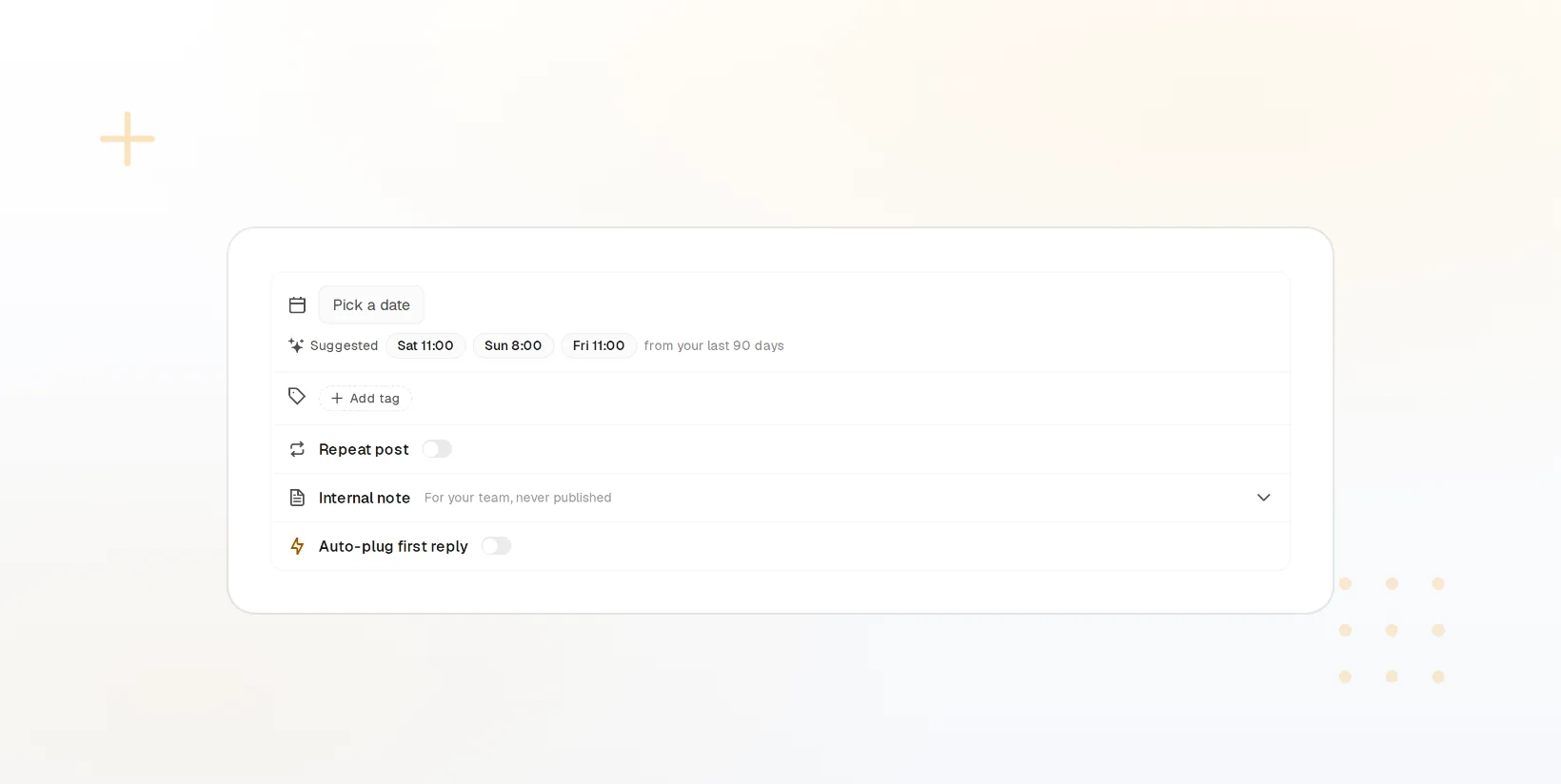
Highlighted messages
Announcements post with your channel colour so they stand out in chat.
Timed to the stream
Schedule ten minutes before, at start, or mid-stream.
Links in chat
Merch, socials, and sponsor links pushed on a schedule.
Go-live posts that sound like you, not a bot
Give FoPost your voice once and it drafts "I am live" posts, schedule reminders, and sub prompts that match how you actually talk to chat. Rewrite any of them shorter, hype-ier, or calmer before it goes out.
Try the AI writer
Go-live variants
Several openers to choose from for every stream.
Streamer voice
Emotes, catchphrases, and tone applied to each draft.
Rewrite per network
One idea shaped for chat, Discord, and X.
Publish the weekly schedule once, everywhere
Drop your stream calendar on the visual calendar and FoPost posts the reminders for you: the Monday schedule post, the day-of nudge, and the going-live message. Every one of them cross-posts to your other channels in native format.
Fill your stream week
Visual calendar
Drag stream reminders to a new day when plans change.
Recurring slots
Same-time weekly reminders without re-creating them.
Cross-post natively
Discord, X, Bluesky, and Kick from the same draft.
See which announcements filled the room
Every scheduled message is logged with its publish time and delivery status, so you know what went out and when. Compare stream reminders to go-live posts and keep the timing that brings people in early.
See your log
Publish log
Every announcement with its time and status.
Delivery confirmation
Retries and failures reported, nothing silently dropped.
Webhooks and API
Publish events pushed to your own tools.
What FoPost publishes to Twitch
Formats, limits, and how the connection works, so there are no surprises at publish time.
Formats
- Channel updates
- Stream announcements
Limits
- API
- Twitch Helix
- Status
- Roadmap
- Edit after publishing
- No
- Unpublish
- No
Connection
Twitch OAuth via Helix API.
Twitch questions, answered
How do I connect my Twitch channel?
What does a scheduled post look like on Twitch?
Can I attach images or video?
Can I schedule a message for when I go live?
Can I manage several Twitch channels?
Is there an API for posting to Twitch through FoPost?
Start publishing to Twitch today
Starting is free. Connect Twitch, schedule a week of posts, and see the results before you pay.
Schedule a Twitch announcement