Schedule Pinterest pins to the right boards, with links that keep sending traffic
A pin keeps working for months, so a full board pays off longer than a feed post. FoPost publishes pins through the official Pinterest API with the destination link, alt text, and an AI description written to be found in search.
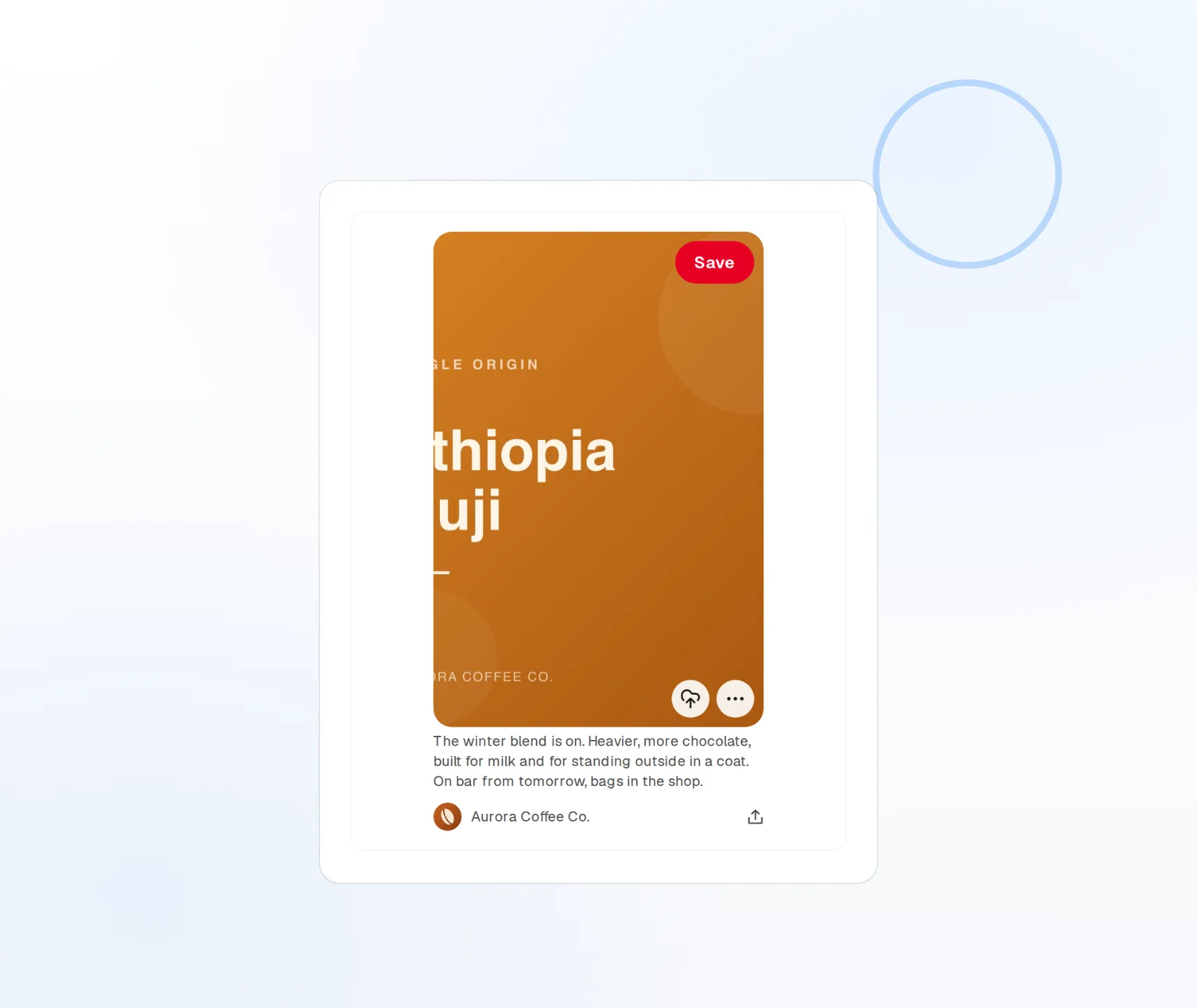
Board-aware
Pick the destination board per pin from the composer.
Outbound links tracked
Every pin carries a destination and reports clicks.
2:3 by default
Images are framed to the ratio Pinterest prefers.
Fill every board without pinning one at a time
Pinterest rewards boards that keep growing. FoPost lists your boards in the composer, lets you pick one per pin, and schedules a month of pins across recipes, products, or blog posts in one sitting.
Schedule to a board
Board picker
Every board on your account, searchable in the composer.
Batch scheduling
Spread a set of pins across weeks with drag and drop.
Recurring pins
Re-pin archive content on a schedule.
Title, description, alt text, and link on every pin
Pinterest is a search engine with pictures. Each pin ships with a title up to 100 characters, a description up to 500, alt text for accessibility and search, and a destination link that reports clicks back.
Build a pin
Searchable descriptions
Keyword-led descriptions that rank on Pinterest and beyond.
Alt text
Written per pin, for readers and for search.
Destination links
Send every pin to a product, recipe, or post.
Descriptions written for search, in your voice
Paste a product link or a blog post and FoPost drafts the pin title, a keyword-rich description, and the alt text. Your brand voice keeps it sounding like you rather than a keyword list.
Try the AI writer
Title and description
Several options to choose from before you pin.
Repurpose
A blog post becomes a pin in one click.
Brand voice
Tone and banned words applied to every draft.
The right shape, and proof of what it earned
Images are auto-cropped to the 2:3 ratio Pinterest prefers, and every pin reports impressions, saves, and outbound clicks back into FoPost. See which boards send traffic and pin more of what works.
See your numbers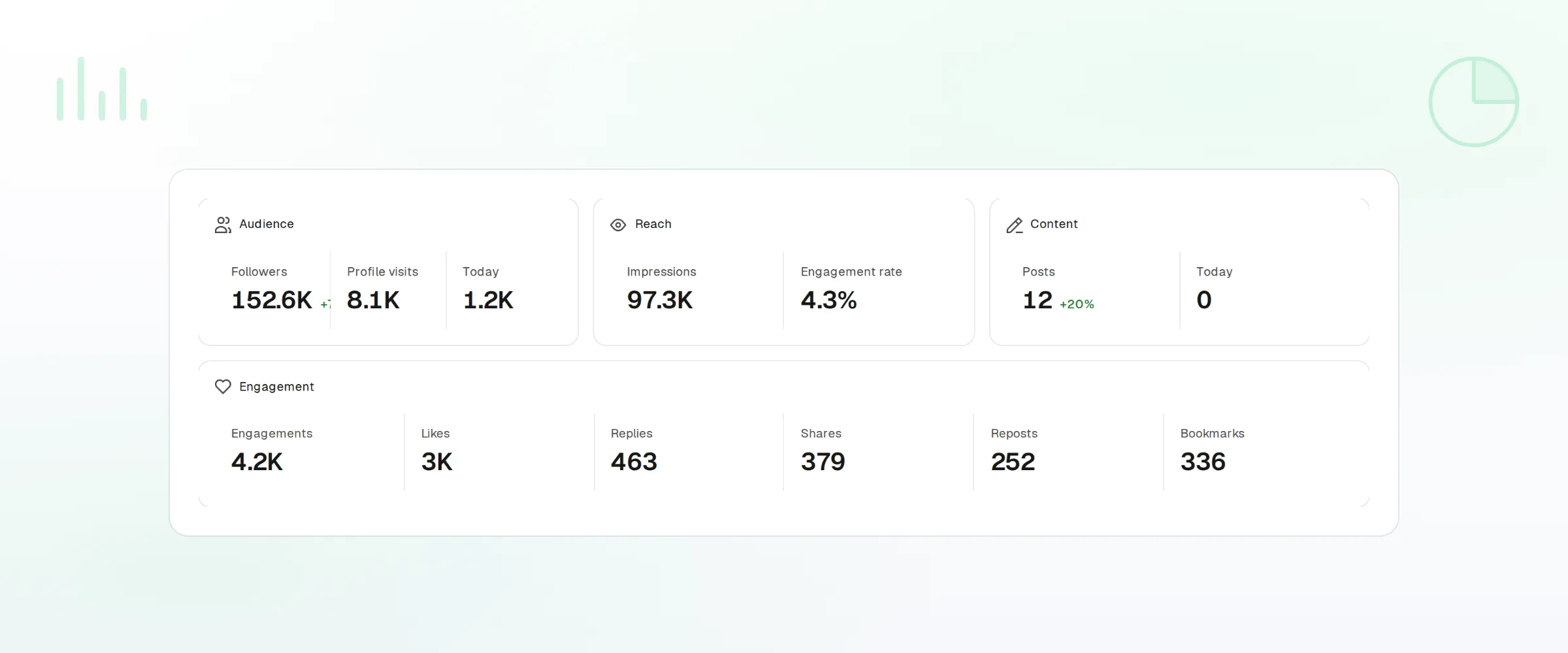
Auto-resize
Framed to 2:3 with a preview before publishing.
Per-pin metrics
Impressions, saves, and outbound clicks.
Webhooks and API
Every publish and failure event pushed to your own tools.
What FoPost publishes to Pinterest
Formats, limits, and how the connection works, so there are no surprises at publish time.
Formats
- Standard pins
- Alt text
- Board selection
- Link tracking
- Create boards
Limits
- Title limit
- 100 chars
- Description
- 500 chars
- Image dims
- 2:3 ratio recommended
- Edit after publishing
- Yes
- Unpublish
- Yes
Connection
OAuth 2.0 via the Pinterest API v5.
Pinterest questions, answered
How do I connect my Pinterest account?
Can I choose which board a pin goes to?
What are the limits?
Does every pin need a link?
Can I manage several Pinterest accounts?
Is there an API for pinning through FoPost?
Start publishing to Pinterest today
Starting is free. Connect Pinterest, schedule a week of posts, and see the results before you pay.
Schedule your first pin