Schedule Instagram posts, Reels, and carousels that publish themselves
No reminder notifications, no posting by hand at 9am. FoPost publishes to Instagram through the official Graph API, frames every image for the grid, and suggests the hashtags that fit the post.
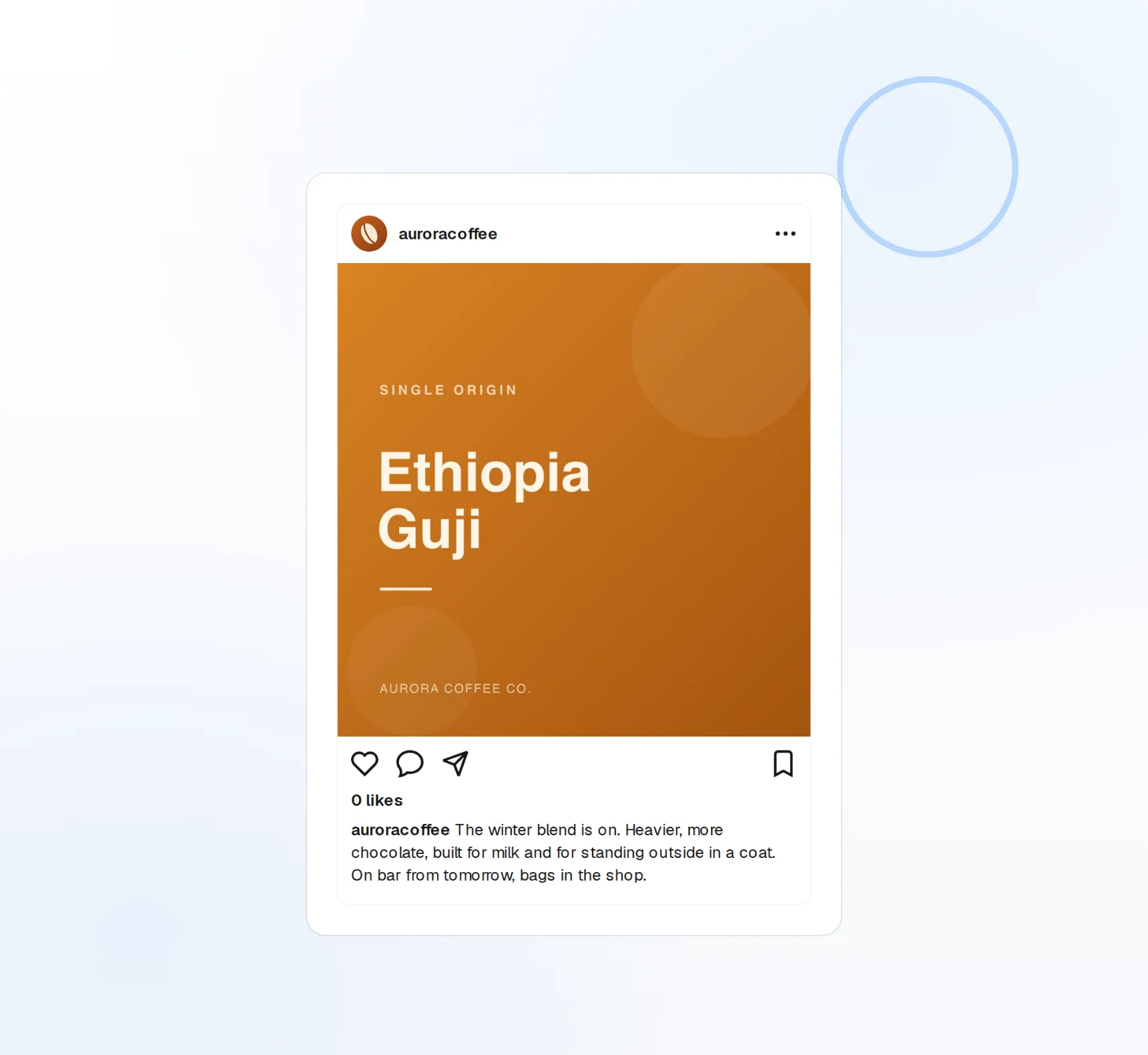
Reels publish natively
Scheduled Reels go live on their own, not as a reminder.
Framed for the feed
Images are resized to 1080x1080 so the grid stays even.
Hashtags that fit
AI suggests up to 30 hashtags relevant to the post.
Batch a week of Reels in one sitting
Creators win on cadence. Upload a week of clips, write the captions, pick the times, and FoPost publishes each Reel through the Graph API at the scheduled minute. Carousels work the same way, with up to ten slides per post.
Schedule a Reel
Reels
Clips up to 90 seconds, published as real Reels.
Carousels
Up to 10 images per post, ordered by drag.
Single image posts
One photo, framed and captioned, on the calendar.
Keep the grid even without opening an editor
Every image is framed to 1080x1080 on the way out, so a landscape screenshot and a portrait photo land in the same square. Preview the crop in the composer and adjust before it publishes.
Preview your grid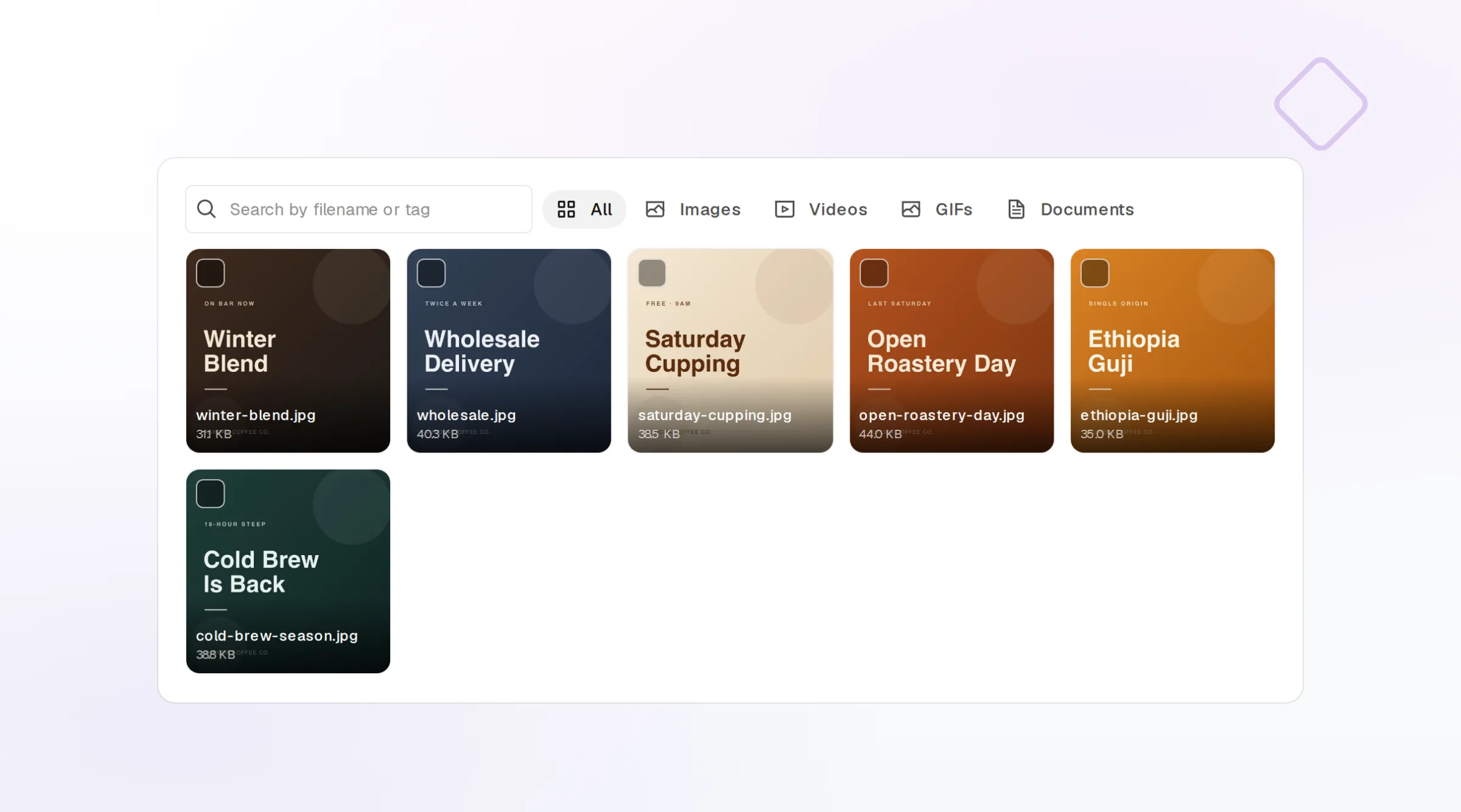
Auto-resize
Square framing applied to every image automatically.
Feed preview
See the post as it will look before it goes out.
Brand assets
Logos and product shots from your brand kit, one click away.
Captions and hashtags without the blank-box stare
Give FoPost your brand voice and it drafts captions from a note, a product link, or the video itself, then suggests hashtags that match the post and your audience. Every draft stays inside the 2,200 character caption limit.
Try the AI writer
Caption drafts
Several openers to choose from before you edit.
Hashtag suggestions
Up to 30, ranked by relevance to the post.
Brand voice
Tone and banned words applied to every draft.
See which posts earned the saves
Reach, impressions, saves, and profile visits report back into FoPost per post. Compare Reels to carousels, mornings to evenings, and feed what worked back into the next week of content.
See your numbers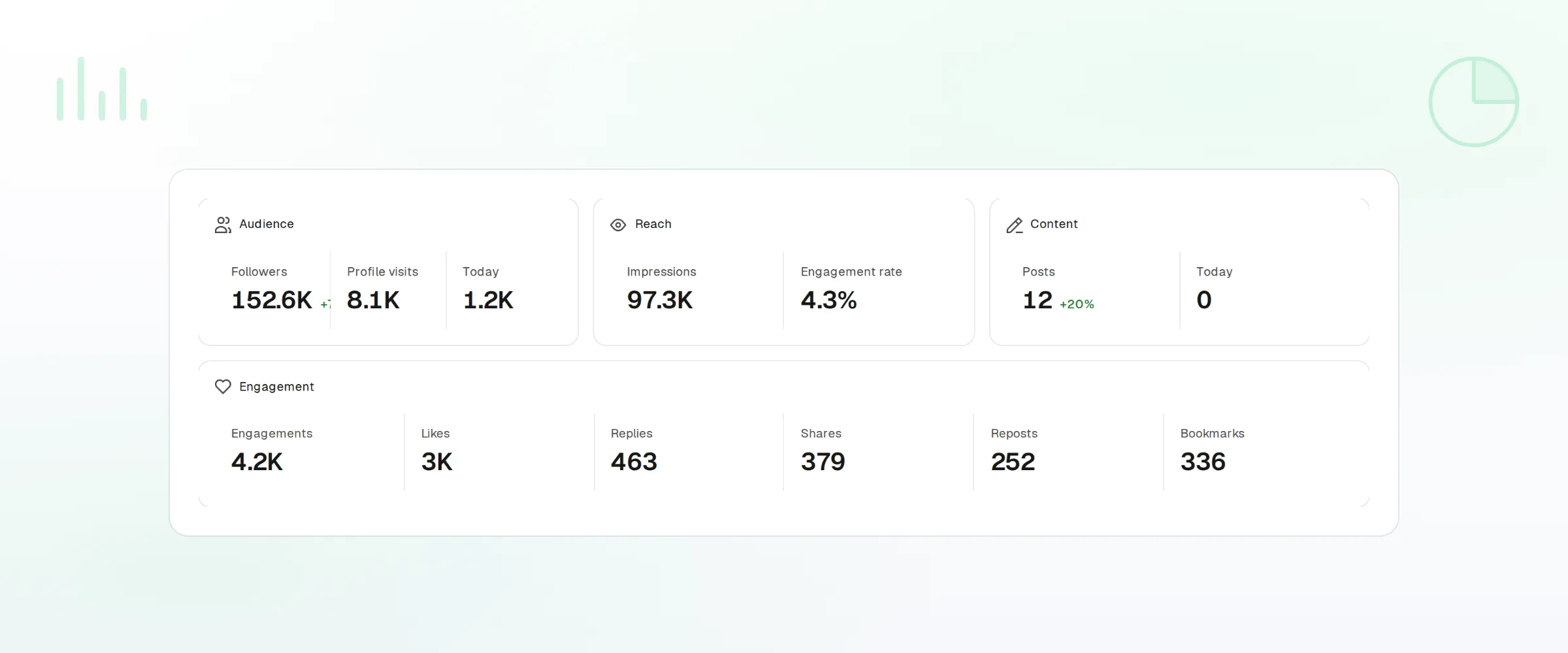
Per-post insights
Reach, impressions, saves, and profile visits.
Trends
Follower growth and engagement over any range.
Cross-post natively
The same Reel to TikTok, YouTube Shorts, and Facebook.
What FoPost publishes to Instagram
Formats, limits, and how the connection works, so there are no surprises at publish time.
Formats
- Single image
- Carousel
- Reels
- Video
- Audio search
- Publishing limit
- Stories and story insights
Limits
- Caption limit
- 2,200 chars
- Hashtags
- Up to 30 per post
- Carousel images
- Up to 10
- Reel length
- Up to 90s
- Edit after publishing
- No
- Unpublish
- Yes
Connection
Connects via Instagram Login (Business or Creator accounts) using the official Graph API.
Instagram questions, answered
How do I connect my Instagram account?
Do Reels really publish on their own?
What are the media limits?
Will my images be cropped?
Can I manage several Instagram accounts?
Is there an API for posting to Instagram through FoPost?
Start publishing to Instagram today
Starting is free. Connect Instagram, schedule a week of posts, and see the results before you pay.
Schedule your first Reel