Schedule Facebook Page posts, photos, and video from one calendar
Keep every Page you manage posting on time without logging into each one. FoPost publishes through the official Graph API, writes captions in a friendly Facebook voice, and reports reach and reactions back per post.
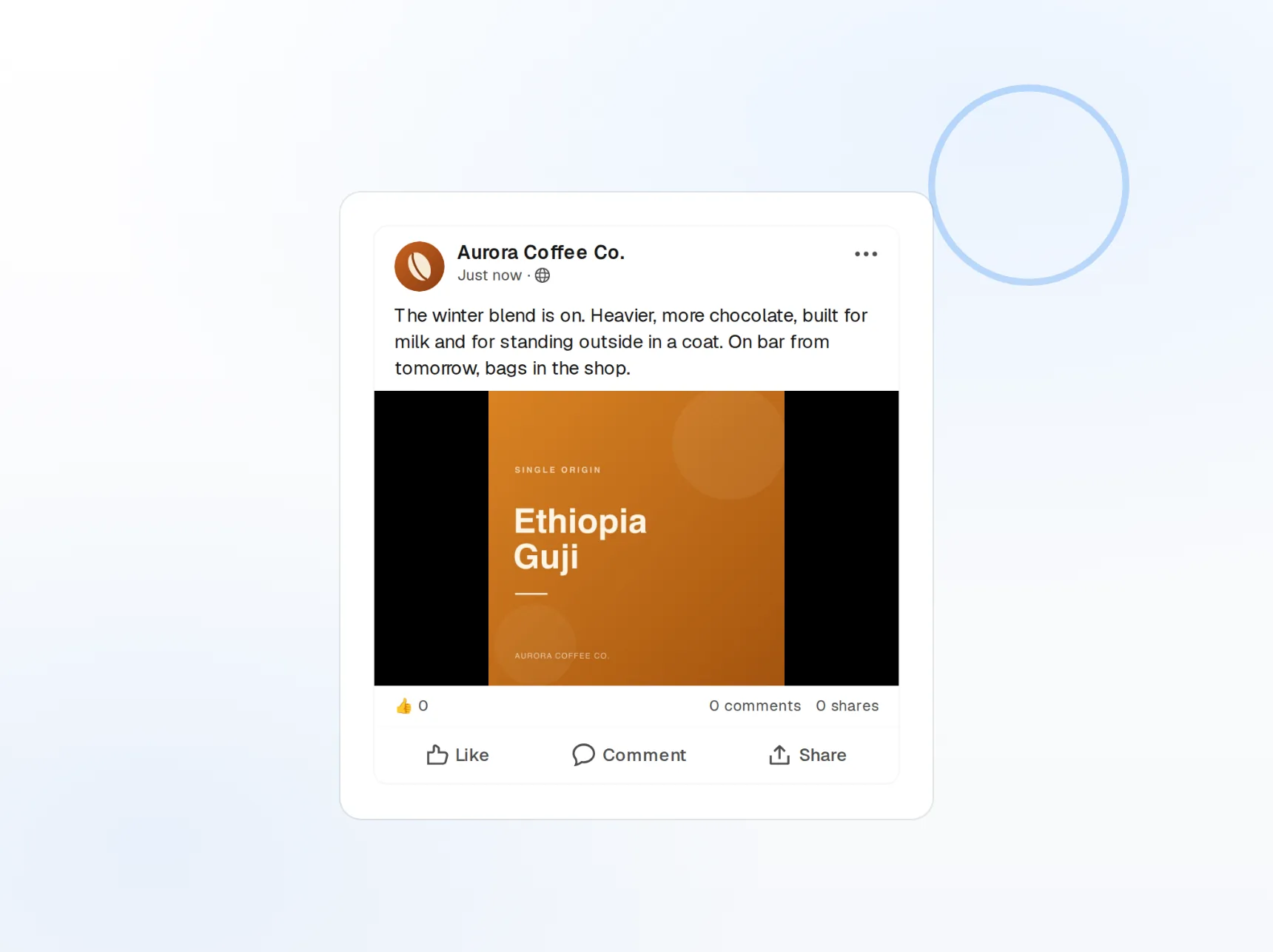
Every Page, one login
Connect all your Pages and switch from the account picker.
Link previews you control
Custom image, title, and description on every shared link.
Reach that reports back
Reach, reactions, shares, and comments per post.
Run several Pages without several browser tabs
Local businesses, agencies, and community managers rarely have just one Page. FoPost lists every Page your Meta login manages, lets you pick one or many per post, and keeps each Page’s history and analytics separate.
Connect your Pages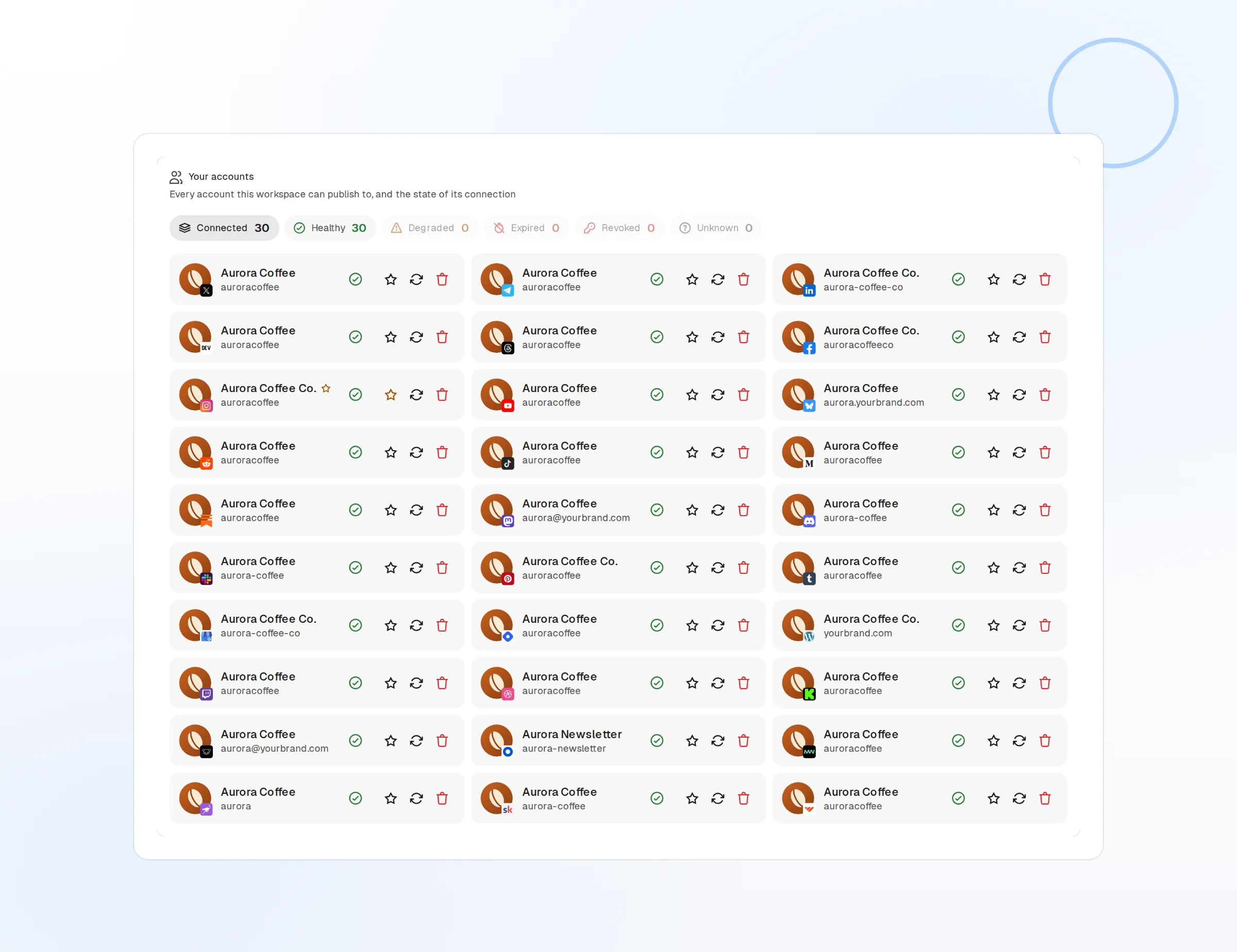
Multi-Page publishing
Select several Pages and publish the same post to each.
Per-Page history
Drafts, scheduled posts, and results grouped by Page.
Pages permission only
Meta Login with Pages access, never your personal profile.
Photos, video, and links that look right in the feed
Upload photos and video and they publish natively through the Graph API, not as a link to somewhere else. Share a URL and edit the preview image, title, and description before it goes out, so the post matches the story you want to tell.
Post a photo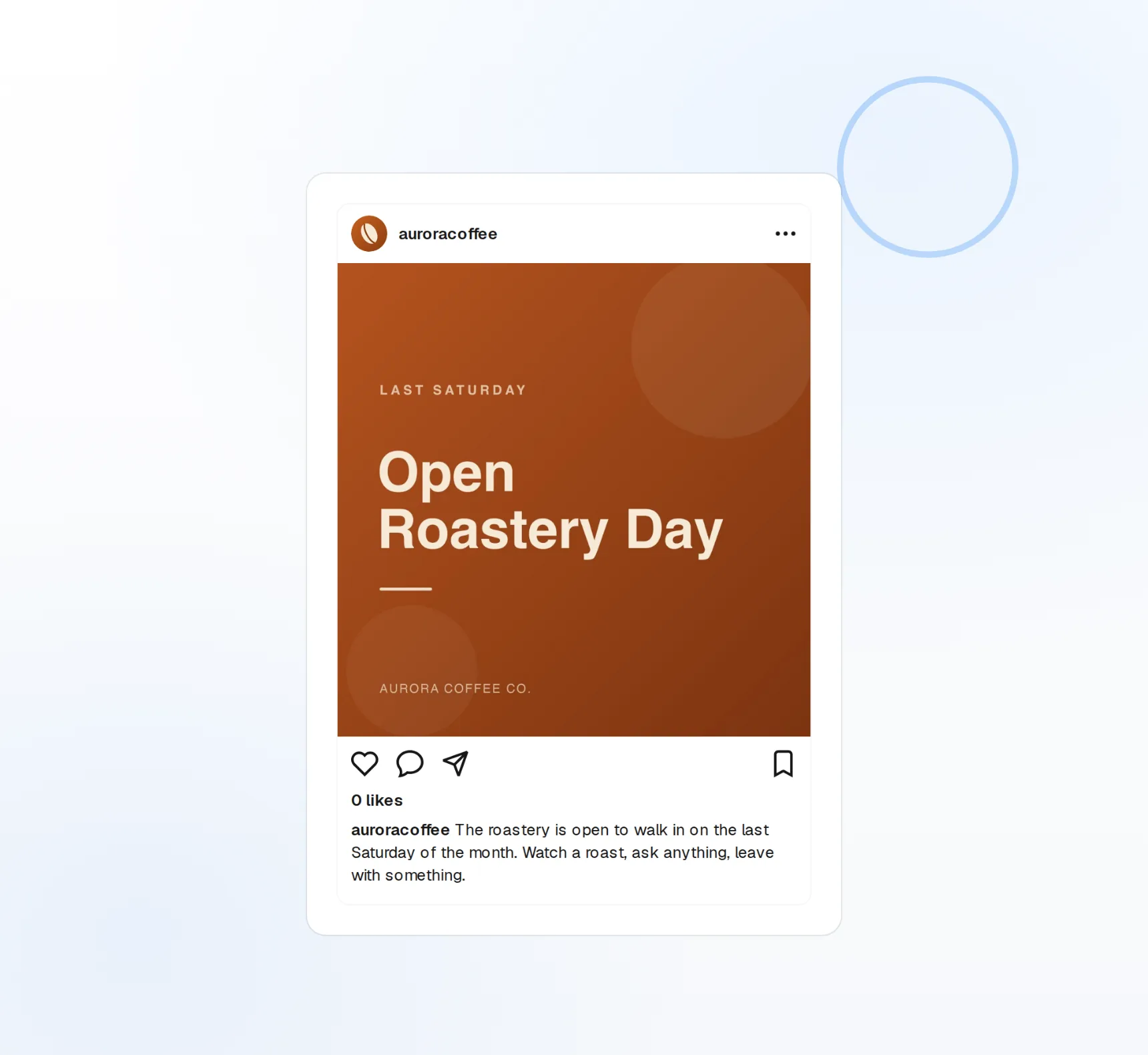
Photo posts
Single images or albums, up to 30MB each.
Native video
Video up to 240 minutes, uploaded straight to your Page.
Editable previews
Swap the OG image and headline per post.
Captions that read like a person, not a press release
Facebook rewards conversational posts. Give FoPost your brand voice once and it drafts friendly captions from a note, a product link, or a blog post, with room for the 63,206 characters Facebook allows when you have more to say.
Try the AI writer
Caption drafts
Several openers to pick from before you edit.
Repurpose
A blog post becomes a Facebook update in one click.
Brand voice
Tone and banned words applied to every draft.
Plan the month, then see what earned the reach
Fill the calendar with weekly specials, announcements, and product drops in one sitting. Every published post reports reach, reactions, shares, and comments back into FoPost, so next month’s calendar is built on what worked.
Fill your calendar
Visual calendar
Drag to reschedule or duplicate a post to another day.
Cross-post natively
Same draft to Instagram, LinkedIn, and every other network.
Post analytics
Reach, reactions, shares, and comments per post.
What FoPost publishes to Facebook
Formats, limits, and how the connection works, so there are no surprises at publish time.
Formats
- Page posts
- Link previews
- Photos & video
Limits
- Character limit
- 63,206
- Image dims
- Up to 30MB
- Video length
- Up to 240 minutes
- Edit after publishing
- Yes
- Unpublish
- Yes
Connection
Connects via Meta Login with Pages permission only. We never request user-level Facebook access.
Facebook questions, answered
How do I connect my Facebook Page?
Can I post to my personal profile or to groups?
What media can I attach?
Is there a character limit?
Can I manage several Pages?
Is there an API for posting to Facebook through FoPost?
Start publishing to Facebook today
Starting is free. Connect Facebook, schedule a week of posts, and see the results before you pay.
Schedule your first Page post