Schedule Dribbble shots so your portfolio ships on a rhythm
Finish a project, upload every shot at once, and release them over the weeks when designers are browsing. FoPost publishes shots with their title, description, and tags through the official Dribbble API.
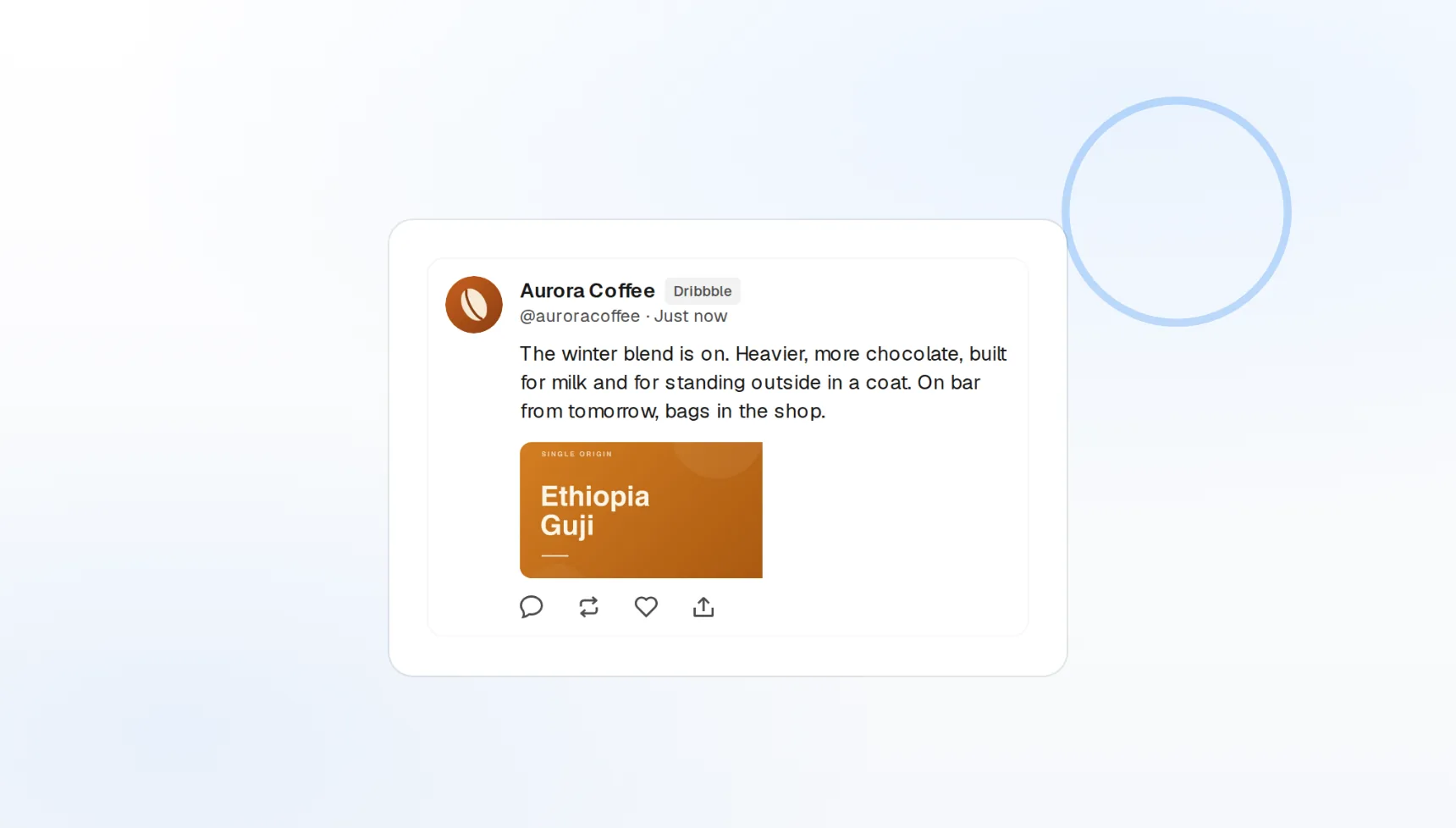
Shot uploads
Title, description, image, and tags in one post.
Up to 20 tags
AI suggests tags from Dribbble’s taxonomy.
Drop schedules
Release a case study one shot at a time.
Post the work, not the admin
A shot needs an image, a title, a short description, and tags. FoPost collects all four in one composer, previews the shot the way Dribbble crops it, and publishes it at the time you set.
Upload a shot
Shot uploads
Publish a shot with its title and description.
Tags
Up to 20 per shot, counted as you type.
Preview
See the Dribbble crop before it goes live.
One project, a month of shots
Dribbble rewards consistency, and a case study has more than one frame. Upload the whole set, then drop each shot on the calendar so the project unfolds over weeks instead of disappearing in a day.
Plan a rollout
Visual calendar
Drag shots between days and the order follows.
Best-time slots
Queue into the hours designers browse.
Project rollouts
Stagger a multi-shot case study from one upload.
Descriptions and tags, written by someone who gets design
Writing the caption is the part designers skip. FoPost drafts a short, specific description from the shot and your notes, suggests tags from Dribbble’s taxonomy, and keeps the tone in your voice.
Try the AI writer
AI descriptions
Designer-friendly copy from the image and a note.
Auto-tagging
Tags proposed from what is in the shot.
Brand voice
Studio tone applied to every draft.
The same shot on Dribbble, Instagram, and X, same minute
Work that lives only on Dribbble gets seen only by designers. Publish the shot, and FoPost posts it to Instagram, X, and every other network in each one’s native format, with view and like counts flowing back per shot.
Share a shot everywhere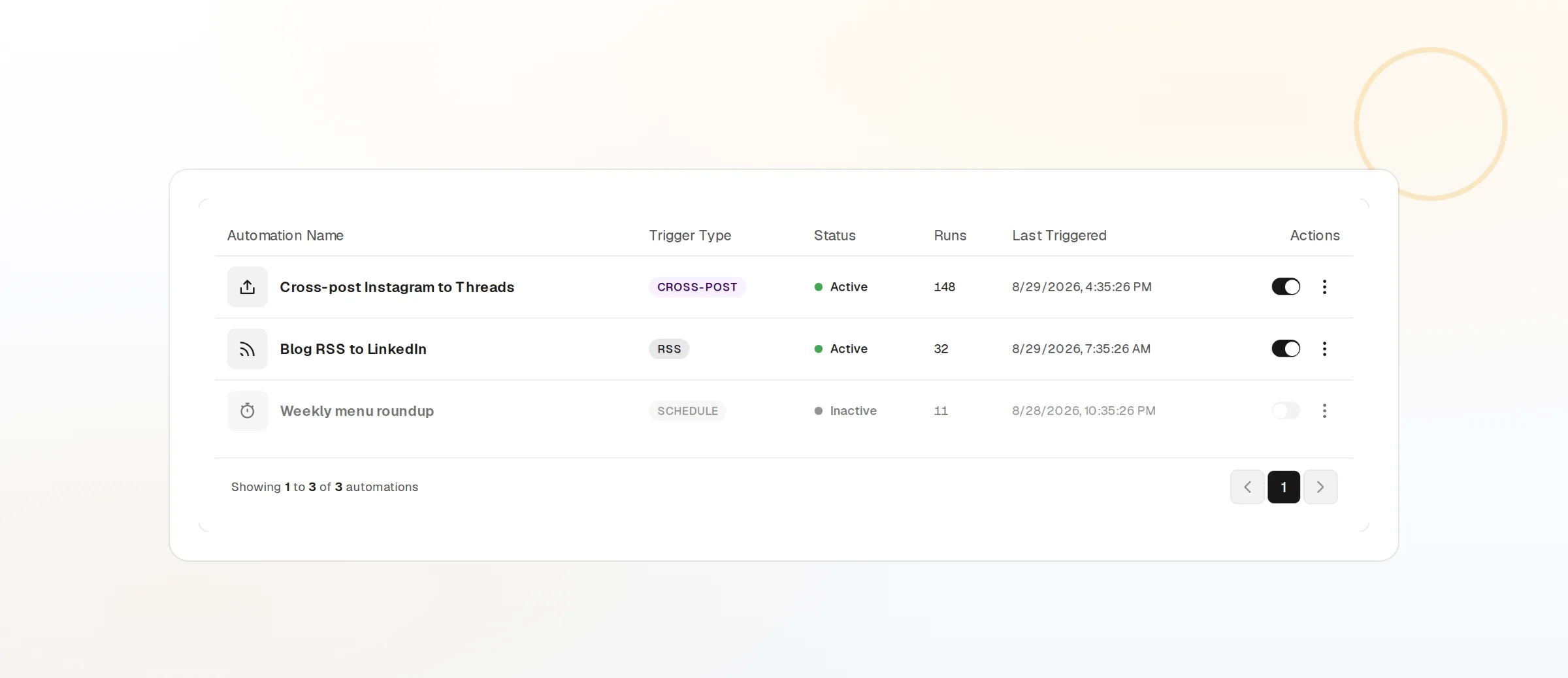
Cross-post natively
One upload, reformatted for each network.
View tracking
Likes, views, and comments per shot.
Webhooks and API
Every publish and failure event pushed to your own tools.
What FoPost publishes to Dribbble
Formats, limits, and how the connection works, so there are no surprises at publish time.
Formats
- Shots
- Tags
Limits
- Tags
- Up to 20 per shot
- Status
- Roadmap
- Edit after publishing
- No
- Unpublish
- Yes
Connection
OAuth 2.0 via Dribbble API.
Dribbble questions, answered
How do I connect my Dribbble account?
What can I publish?
What image formats and sizes work?
Can I schedule a whole project?
Can I manage several Dribbble accounts?
Is there an API for posting to Dribbble through FoPost?
Start publishing to Dribbble today
Starting is free. Connect Dribbble, schedule a week of posts, and see the results before you pay.
Schedule your first shot