Make it once, post it everywhere
You should be filming, writing, and talking to your audience, not copying captions between tabs. FoPost takes one post and turns it into the right version for every network you are on, then schedules the whole week from one calendar.

One Draft, Every Network
Write once, then see and adjust the version for each network before anything goes out.
A Week in One Sitting
Batch your posts on Sunday, drag them into place on the calendar, and get the rest of the week back.
See What Grows You
Post and follower analytics per network tell you what to make more of and what to drop.
Turn one idea into a post for every network
Paste the caption, attach the clip or the stills, and pick the accounts. FoPost shows a live preview per network, flags anything over the limit, and lets AI rewrite the same idea as a thread for one network and a short caption for another, all in your saved voice.
Try the ComposerPer-Network Previews
See exactly how the post renders on each network before you schedule it.
AI Rewrite
Reshape a caption into a thread, a hook, or a shorter cut in one click.
Your Voice, Saved
A brand holds your tone, colors, and logo so every draft sounds like you.
Plan the week on Sunday, then leave it alone
Open the calendar in week view, drop your posts into the slots that work for each network, and drag to move anything around. Big backlog? Upload a CSV and schedule dozens of posts at once. Your media library keeps every clip, still, and generated image ready to attach.

Drag to Reschedule
Move a post to a better day or time without opening it.
Bulk CSV Scheduling
Schedule a month of captions from one spreadsheet.
Media Library
Upload, import from Canva or Drive, or generate images and video with AI.
Your best posts should not die after one day
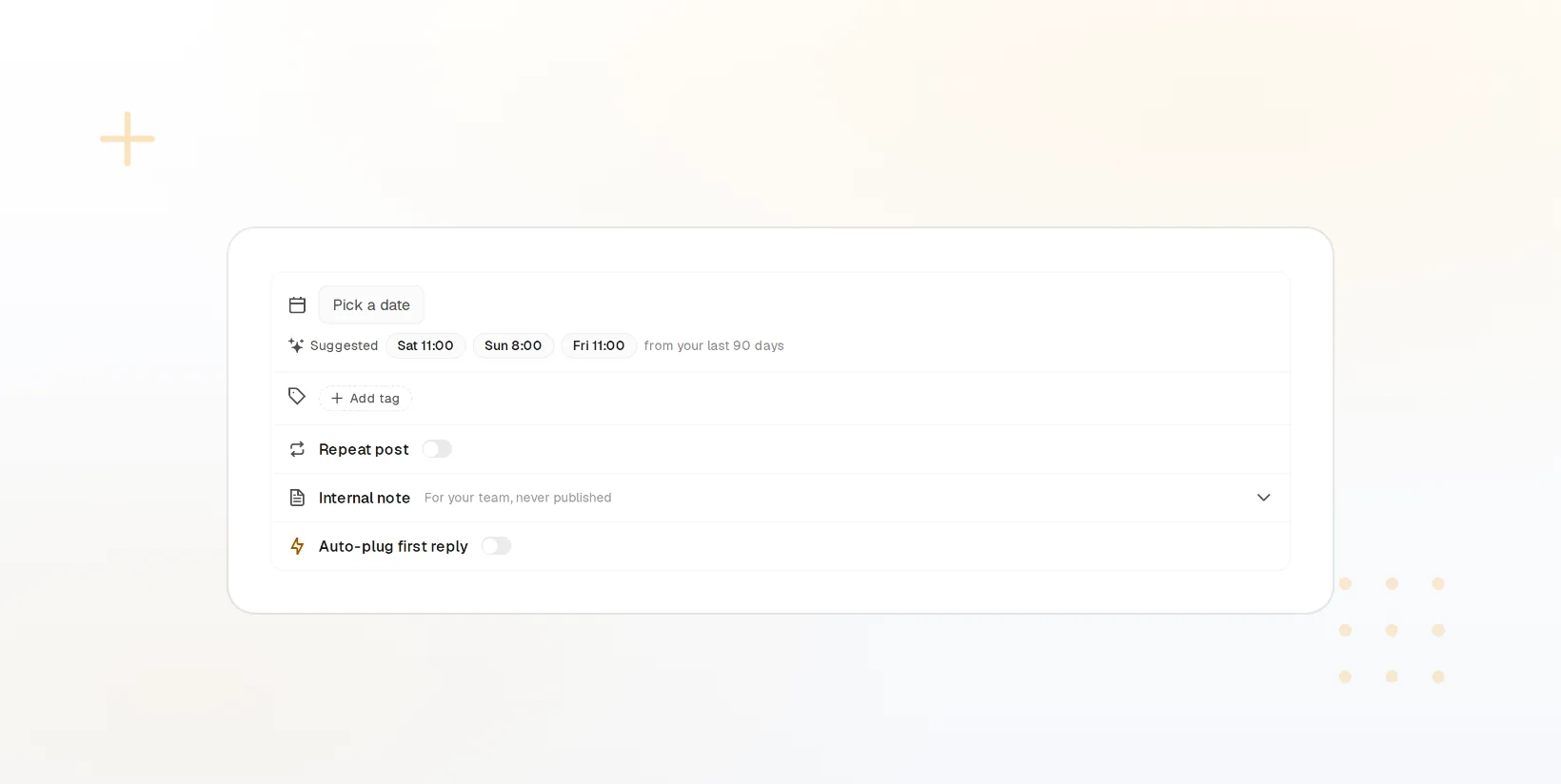
Most of your audience missed your best post the first time. Add evergreen hits to a recycling queue with rules for how often they repost and to which accounts, and the queue keeps your feeds active on the days you take off.
Evergreen Queues
Group your timeless posts and let them cycle on a schedule you set.
Repost Rules
Control the gap between reposts and which networks each one goes to.
Labels
Tag posts by series or topic so you can find and reuse them later.
Know which posts are actually growing the audience
Post analytics and account analytics sit side by side per network, so you can see which formats bring followers and which just get likes. Ask FoPost Agent how last week went and get a plain answer with links to the posts.
Start Free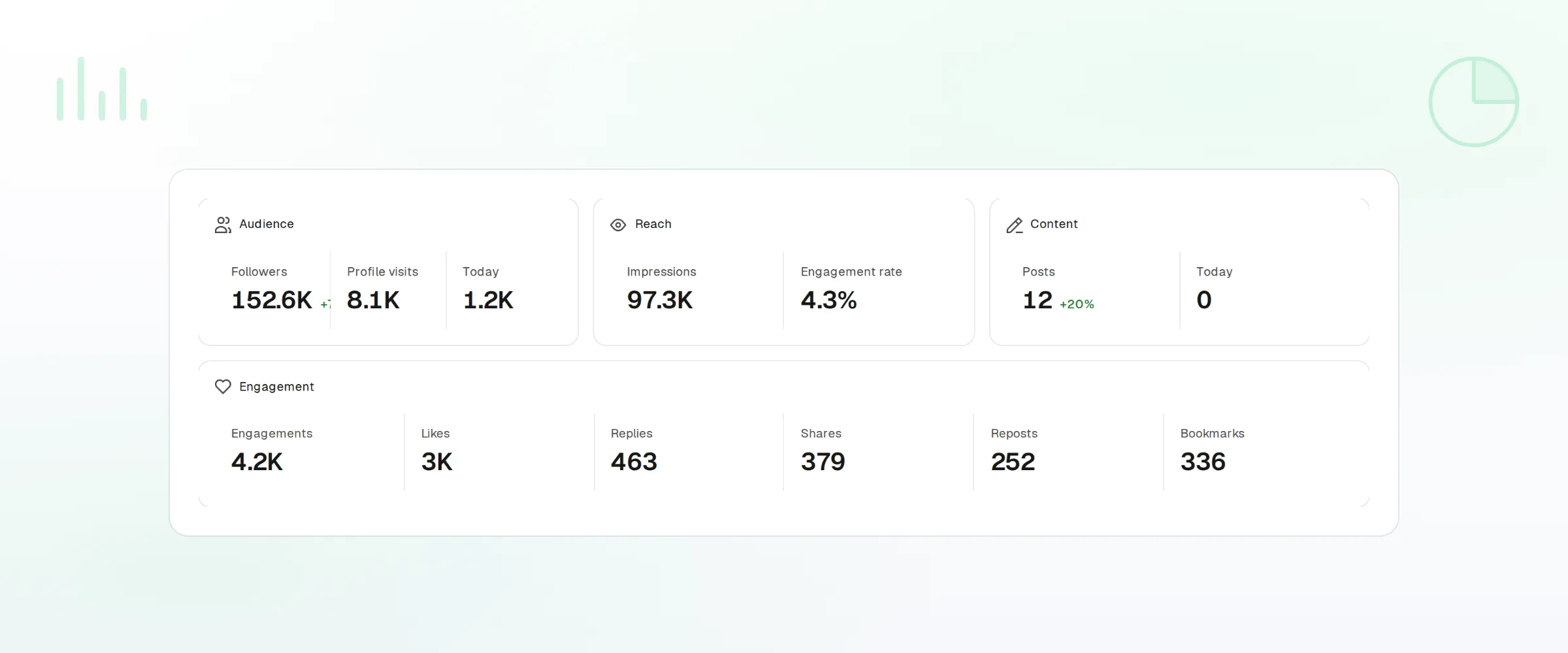
Per-Network Analytics
Reach, engagement, and follower change for every account you connect.
Ask the Agent
FoPost Agent summarizes your top posts and drafts the next ones.
Link in Bio
One page for every link you mention, hosted and updated from the dashboard.
Creators questions, answered
Which networks can I post to?
Can I post the same video everywhere?
What about networks with no posting API?
Will anything post without me?
Do I need a team plan?
Does AI rewriting cost extra?
Run this workflow on FoPost
Starting is free and every feature on this page is included. Connect an account and publish your first post today.
Start Free