Publish articles to your Medium profile or publication with canonical URLs
Write the article once and ship it to Medium, your blog, and Dev.to without a copy-paste session. FoPost publishes Markdown to your Medium profile or a publication you write for, with tags and a canonical link back to your site.
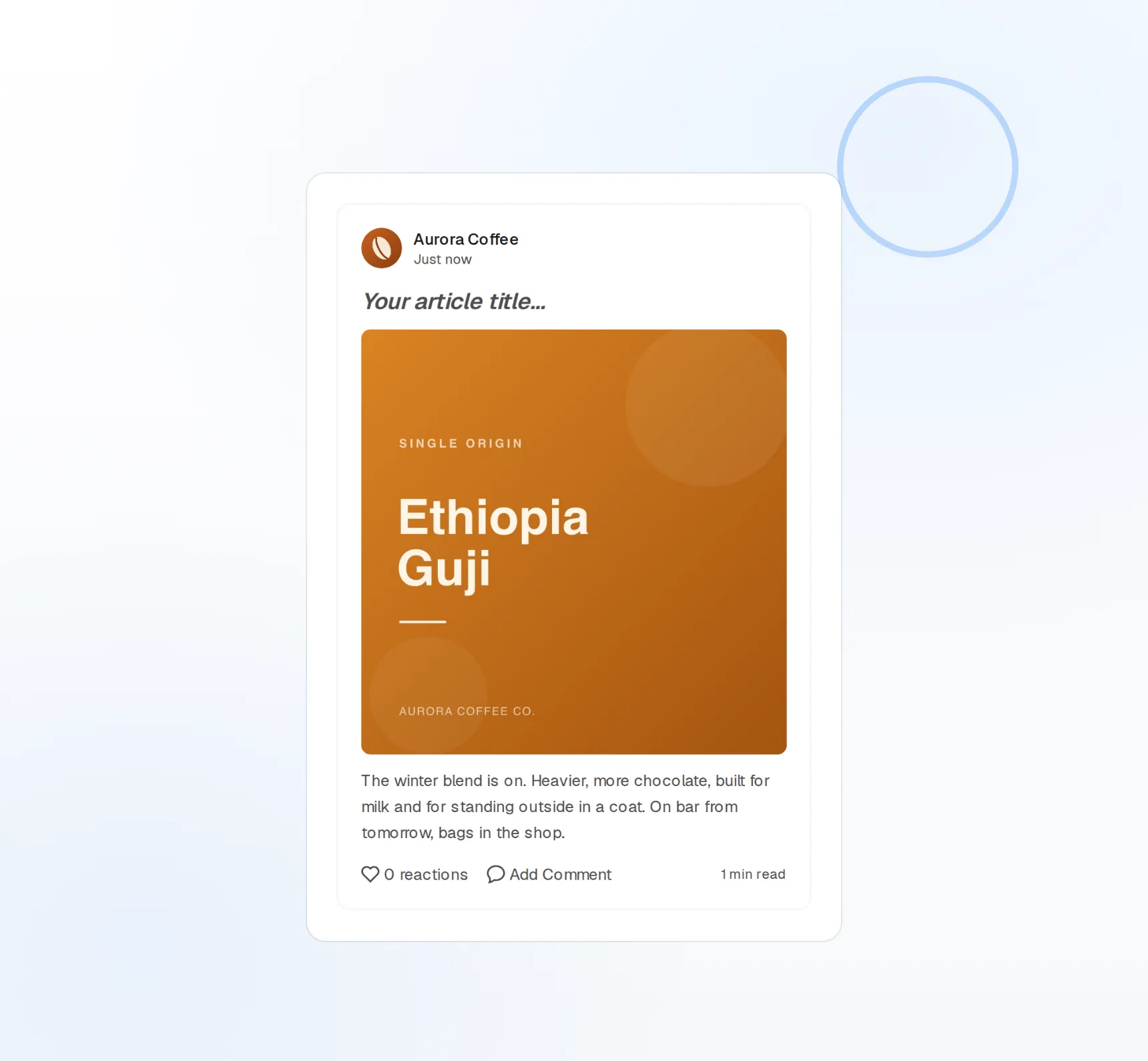
Markdown in, article out
Headings, code, and images publish as written.
Canonical URLs
Cross-post from your blog without splitting search credit.
Publications
Publish to your profile or any publication you contribute to.
Reach the audience you already built on Medium
Your followers and the publications you write for are on Medium, and your writing lives somewhere else. FoPost lets you pick your profile or a publication as the target at connect time, then publishes every article there from the same editor as the rest of your stack.
Choose your target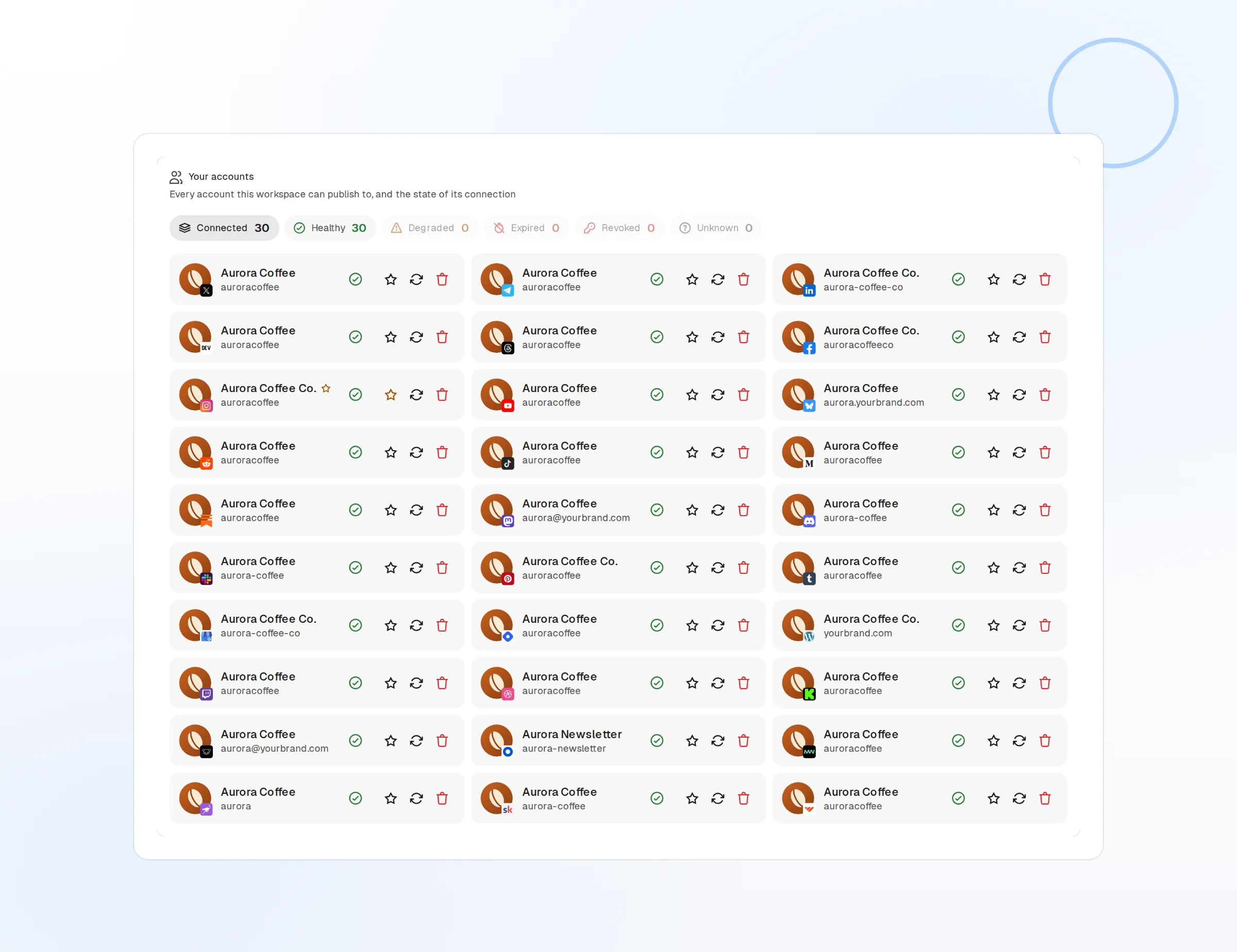
Profile publishing
Articles land on your own Medium profile.
Publication publishing
Any publication where you are a contributor.
Up to five tags
Medium tags chosen per article for discovery.
Cross-post without giving up your search ranking
Publishing the same article on your blog and Medium can split search credit. Set the canonical URL to your original post and Medium tells search engines where the article lives, so you get the Medium readers and keep the ranking.
Set up cross-posting
Canonical link
Points every Medium copy at the original.
Blog plus Medium
One article to your site, Medium, Dev.to, and Hashnode.
Staggered release
Publish on your blog first and on Medium a day later.
One article, plus the posts that promote it
The article is half the work; the promotion is the rest. FoPost drafts the Medium subtitle, pulls a thread for X and a post for LinkedIn from the body, and keeps your voice on every piece.
Try the AI writer
Titles and subtitles
Five options to choose from before publishing.
Article to social
A thread, a LinkedIn post, and a note from one article.
Brand voice
Tone and banned words applied to every draft.
Publish on a cadence readers can count on
Queue the next month of articles on the visual calendar, stagger each one across Medium and your other publishing targets, and schedule the social posts that follow. Every publish is logged with its status and the resulting Medium link.
Plan your month
Visual calendar
Articles and their promotion posts side by side.
Publish log
Status and the Medium URL for every article.
Webhooks and API
Publish and failure events pushed to your own tools.
What FoPost publishes to Medium
Formats, limits, and how the connection works, so there are no surprises at publish time.
Formats
- Article publishing
- Markdown
- Canonical URLs
- Publications
- Tags
Limits
- API
- Medium Integration API (REST)
- Format
- Markdown
- Tags
- Up to 5 per article
- Access
- Existing integration tokens only
- Edit after publishing
- No
- Unpublish
- No
Connection
Medium integration token. Medium no longer issues new tokens; existing tokens still work.
Medium questions, answered
How do I connect my Medium account?
Why do I need an existing integration token?
Can I include images?
Are there limits on tags?
Can I connect more than one Medium account or publication?
Is there an API for publishing to Medium through FoPost?
Start publishing to Medium today
Starting is free. Connect Medium, schedule a week of posts, and see the results before you pay.
Publish your next Medium article