Send Listmonk newsletter campaigns from the composer that posts your socials
Announce once, and it goes to your list and your networks in the same minute. FoPost connects to your own Listmonk instance, creates the campaign, targets the lists you pick, and sends it on schedule.
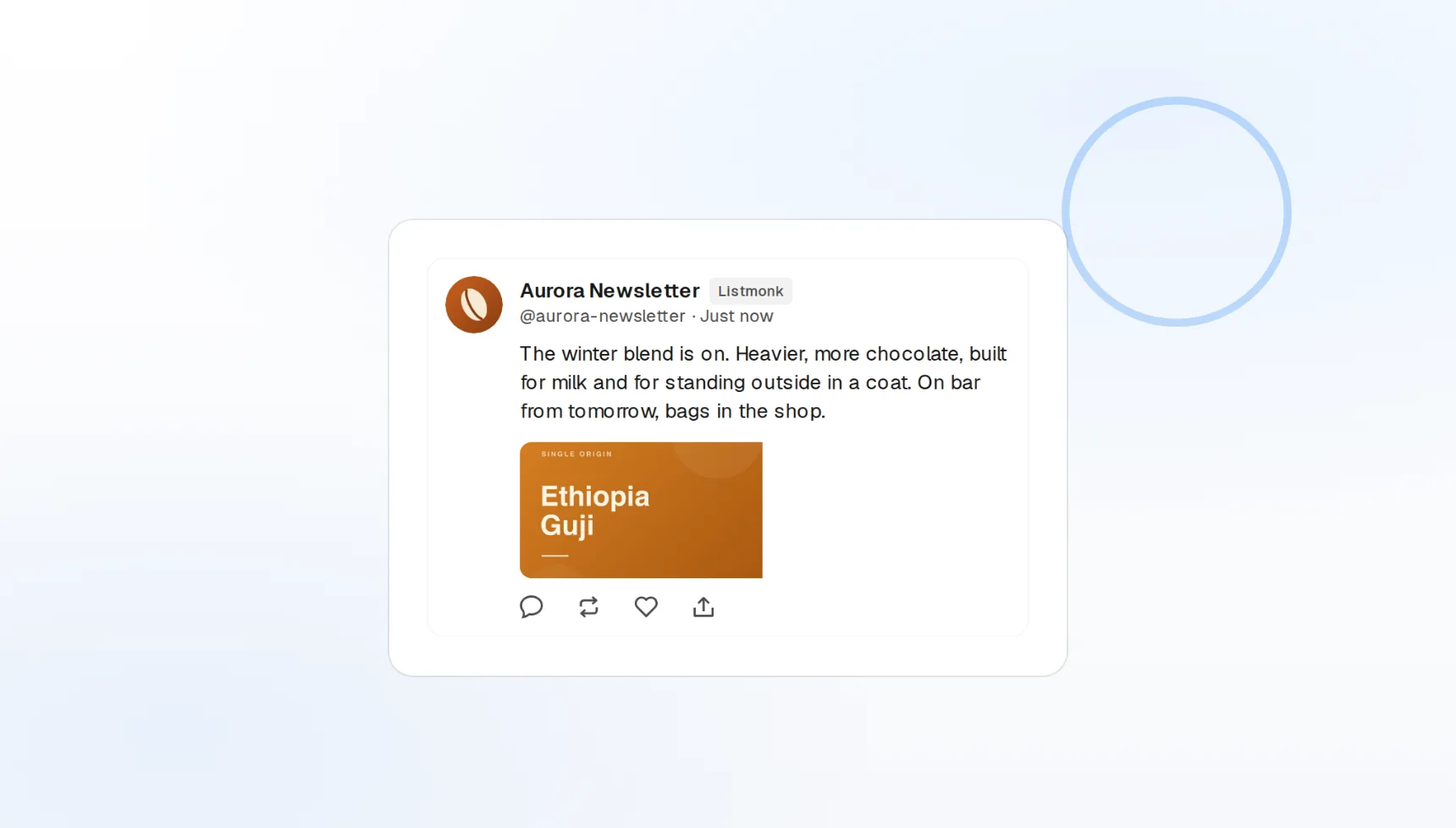
Your own instance
Points at your Listmonk server with an API token, nothing hosted by us.
List targeting
Pick the lists each campaign sends to.
Email plus social
One draft, sent to the list and every other network.
Ship the newsletter and the social posts together
A launch that hits email an hour after socials loses the moment. Write the announcement in FoPost, choose Listmonk alongside X and LinkedIn, and every channel goes out at the time you set, with the email as a full campaign in your instance.
Set up your first campaign
Campaign creation
A campaign is created and scheduled in your Listmonk at publish time.
List targeting
Send to one list or several from the composer.
Same-minute send
Email and social publish on the same schedule.
Your server, your subscribers, your data
Nothing about your list leaves your Listmonk instance. FoPost talks to it over the API with a token you create, so subscribers, templates, and sending stay where you host them.
Connect your instance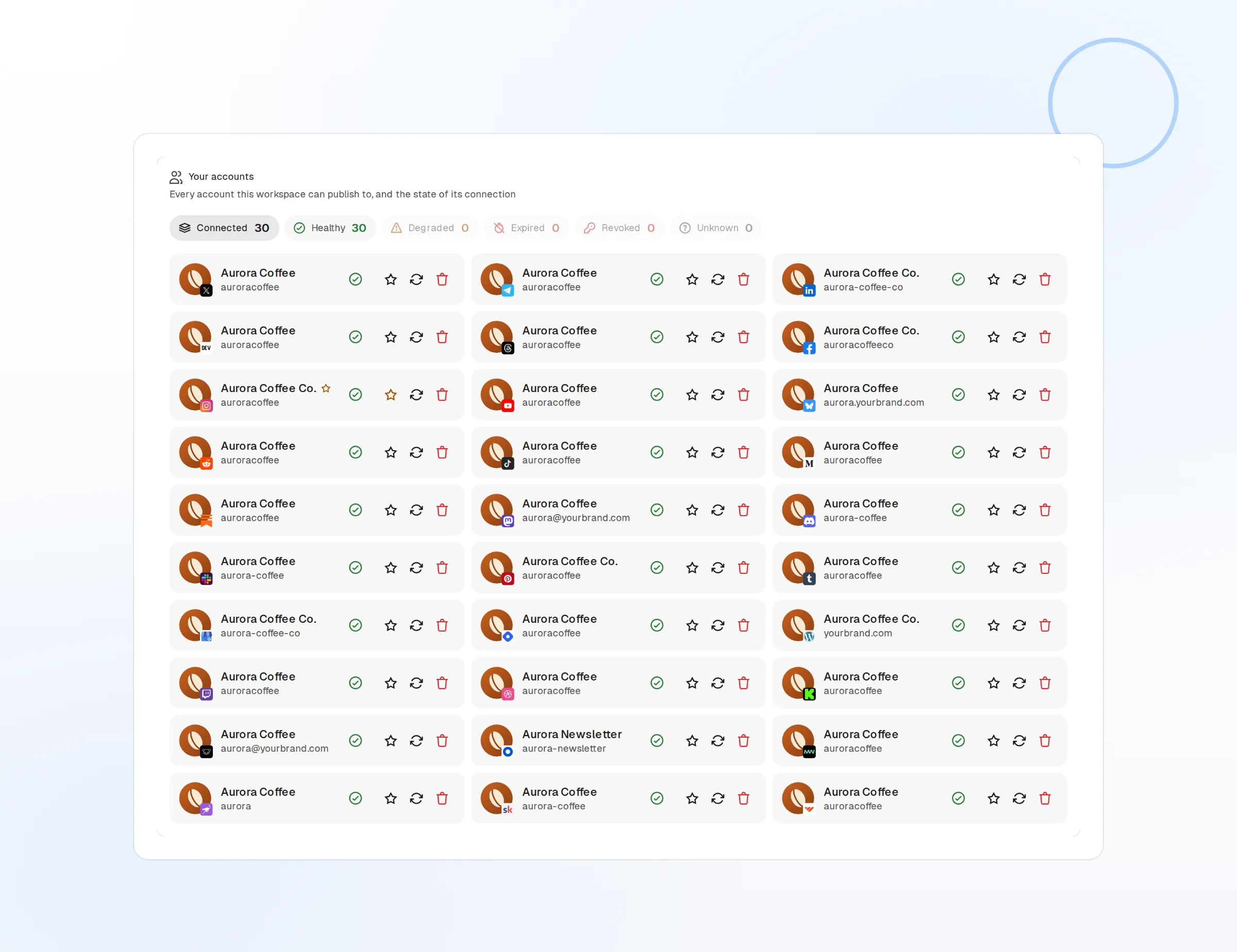
Subscribers stay put
We never import or store your list.
Token access
A scoped API user you can revoke any time.
Encrypted credentials
The token is stored encrypted and used only to create campaigns.
Subject lines and social hooks from the same idea
The email needs a subject, the post needs a hook. FoPost drafts both from one piece of content, keeps your brand voice on each, and rewrites the long version for the list and the short version for the feed.
Try the AI writer
Subject options
Five subject lines to choose from per campaign.
Brand voice
Tone and banned words applied to every draft.
Long to short
The email body becomes the social post in one click.
A publishing calendar that includes email
Newsletters usually live in a separate tool with a separate calendar. Put the weekly issue on the same visual calendar as your posts, drag it when plans change, and let the queue trigger the send.
Fill your calendar
Visual calendar
Newsletter issues next to every other post.
Delivery status
Campaign created and scheduled, or the error from your instance.
Webhooks and API
Publish and failure events pushed to your own tools.
What FoPost publishes to Listmonk
Formats, limits, and how the connection works, so there are no surprises at publish time.
Formats
- Campaign triggering
- List targeting
Limits
- Status
- Roadmap
- Edit after publishing
- No
- Unpublish
- Yes
Connection
Listmonk API URL + token.
Listmonk questions, answered
How do I connect Listmonk?
Do you host email sending?
Which lists can I send to?
Can I use my Listmonk templates and images?
Can I connect several Listmonk instances?
Is there an API for triggering Listmonk through FoPost?
Start publishing to Listmonk today
Starting is free. Connect Listmonk, schedule a week of posts, and see the results before you pay.
Trigger a Listmonk campaign