Publish to your Hashnode blog, custom domain included
Ship Markdown articles to Hashnode through the official GraphQL API with the cover image, subtitle, and tags already set. FoPost drafts the metadata with AI and schedules the release alongside your social posts.
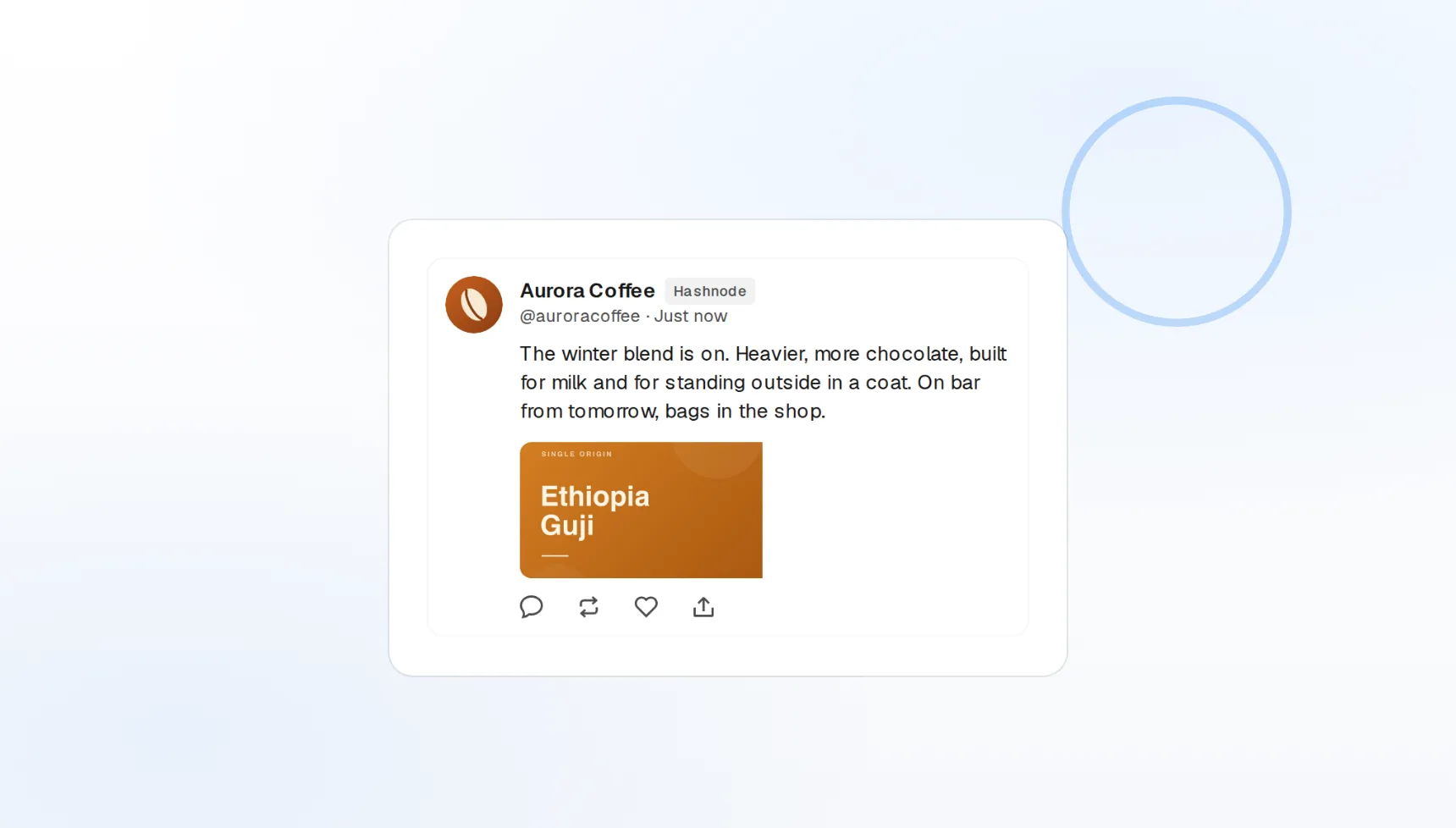
Custom domain
Publishes to your own domain or the default Hashnode one.
Markdown native
Code fences and headings arrive untouched.
Up to 5 tags
Tag for Hashnode’s discovery feed.
Your Hashnode blog, published from where you already write
Draft in the FoPost editor, add a cover image and subtitle, and publish to your Hashnode publication through the official API. Your custom domain, canonical URL, and tags are set on the way out, so the article lands finished.
Publish an article
Custom domains
Publish to a custom-domain or default Hashnode blog.
Canonical URLs
Cross-post from your main blog without splitting SEO.
Cover images
Set the header image with the post from your library.
Technical writing that keeps its formatting
Code blocks, tables, and embeds are the point of a developer blog. FoPost sends your Markdown straight to Hashnode, so a tutorial that renders correctly in the preview renders correctly on your blog.
Write an article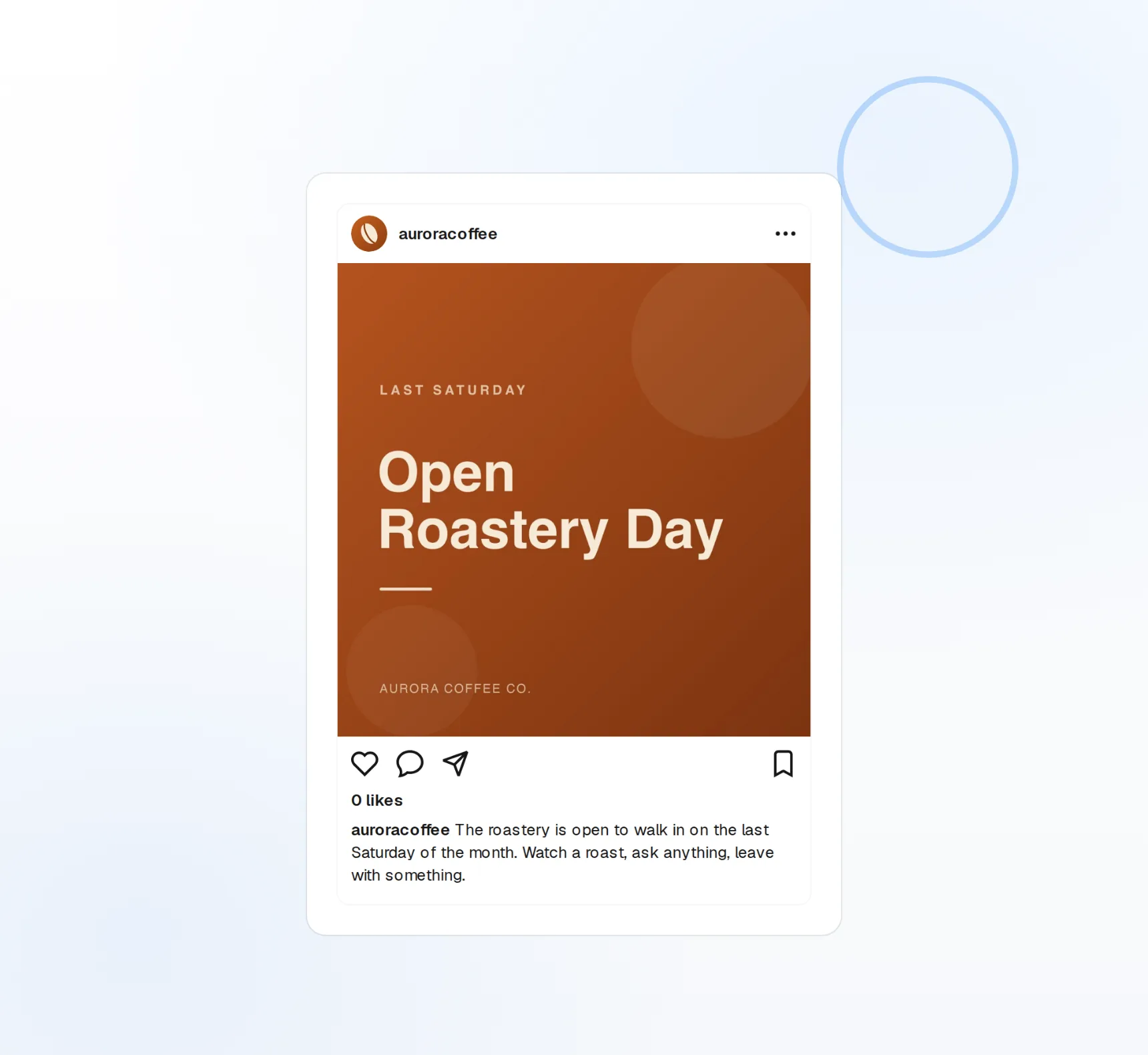
Native Markdown
Fenced code with language highlighting preserved.
Tags
Up to five tags per article, chosen as you publish.
Subtitles
The subtitle Hashnode shows under the title, filled in.
Subtitle, tags, and cover, drafted while you proofread
The article is done; the packaging is not. FoPost reads the finished piece and proposes a subtitle, five tags, and a cover image, then spins the key points into launch posts for every other network.
Try the AI writer
AI subtitle and tags
Proposed from the content, edited in place.
AI cover images
A header image generated to match the post.
Repurpose
The article becomes a thread and a LinkedIn post.
Stagger the series, announce every part
Write a five-part guide in one week and release it over five. Each article publishes at its scheduled time, and the announcement goes to X, Mastodon, and DEV.to from the same draft in the same minute.
Schedule a series
Visual calendar
Drag an article to another day and the schedule follows.
Multi-blog publishing
The same article to Hashnode, DEV.to, and your own blog.
Webhooks and API
Every publish and failure event pushed to your own tools.
What FoPost publishes to Hashnode
Formats, limits, and how the connection works, so there are no surprises at publish time.
Formats
- Article publishing
- Markdown
- Cover images
Limits
- API
- GraphQL
- Format
- Markdown
- Tags
- Up to 5 per article
- Edit after publishing
- Yes
- Unpublish
- Yes
Connection
Hashnode Personal Access Token. Uses the official GraphQL API.
Hashnode questions, answered
How do I connect my Hashnode blog?
Does it work with a custom domain?
Can I set a canonical URL?
What formatting and limits apply?
Can I manage several Hashnode publications?
Is there an API for publishing to Hashnode through FoPost?
Start publishing to Hashnode today
Starting is free. Connect Hashnode, schedule a week of posts, and see the results before you pay.
Publish your first Hashnode article