Schedule posts and announcements to your Whop community
Paying members expect a steady rhythm. FoPost queues the daily prompt, the weekly recap, and the launch announcement to your Whop channels, and mirrors the public version to every other network.
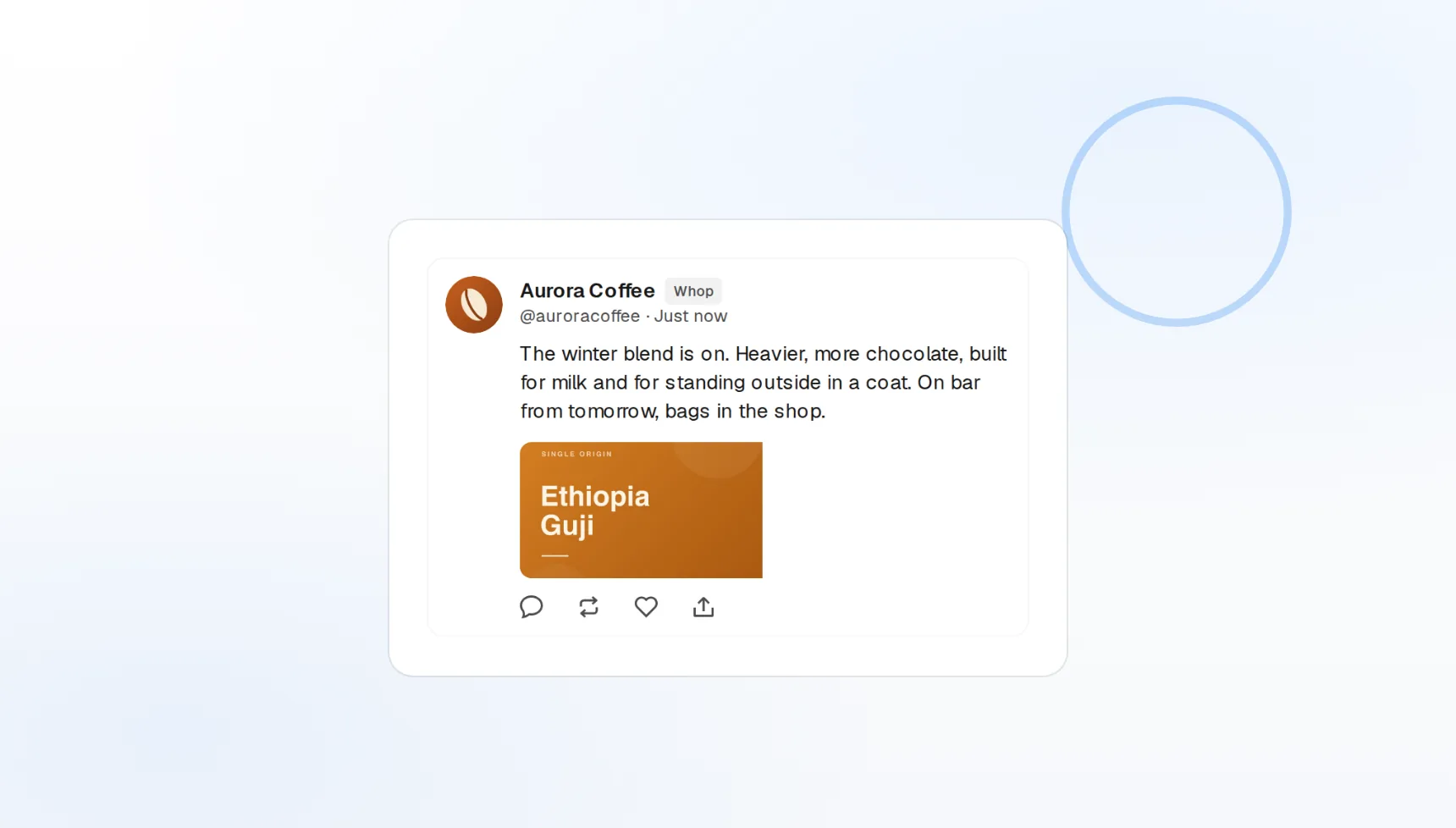
Built for paid communities
Channel posts and announcements, not just a feed.
Recurring drops
Daily questions and weekly recaps on a repeating slot.
Discord and Telegram too
The same update mirrored to your other member channels.
Keep members feeling the value between launches
A quiet community churns. FoPost lets you write a month of prompts, wins, and reminders in one sitting and schedules them per Whop channel, so members see something worth their subscription every day.
Write your first drop
Per-channel posts
Choose the channel for each post from your Whop.
Announcements
Pinned-style updates for launches and changes.
Media attached
Screenshots, graphics, and video on any post.
Drip a launch across the whole week
A course or cohort launch is a sequence, not a single post. Schedule the teaser, the open-cart announcement, the mid-week reminder, and the last-call across Whop, Discord, Telegram, and your public networks from one plan.
Plan a launchSequence on a calendar
Every launch post visible and draggable.
Timed to the minute
Open-cart and close-cart posts publish on time.
Public mirror
The public version to X, Instagram, and LinkedIn.
Community updates in your voice, drafted in seconds
Give FoPost your tone once and it drafts daily prompts, recaps of the week, and launch copy that sounds like the person members paid to hear from. Rewrite any draft for the public feed with one click.
Try the AI writer
Prompt generator
A month of discussion starters from one topic.
Creator voice
Tone and phrases applied to every draft.
Members vs public
One update rewritten for inside and outside the paywall.
Know what actually went out to members
Every scheduled post is logged with its channel, publish time, and delivery status. Failed posts are retried and reported, so a missed announcement never goes unnoticed.
See your log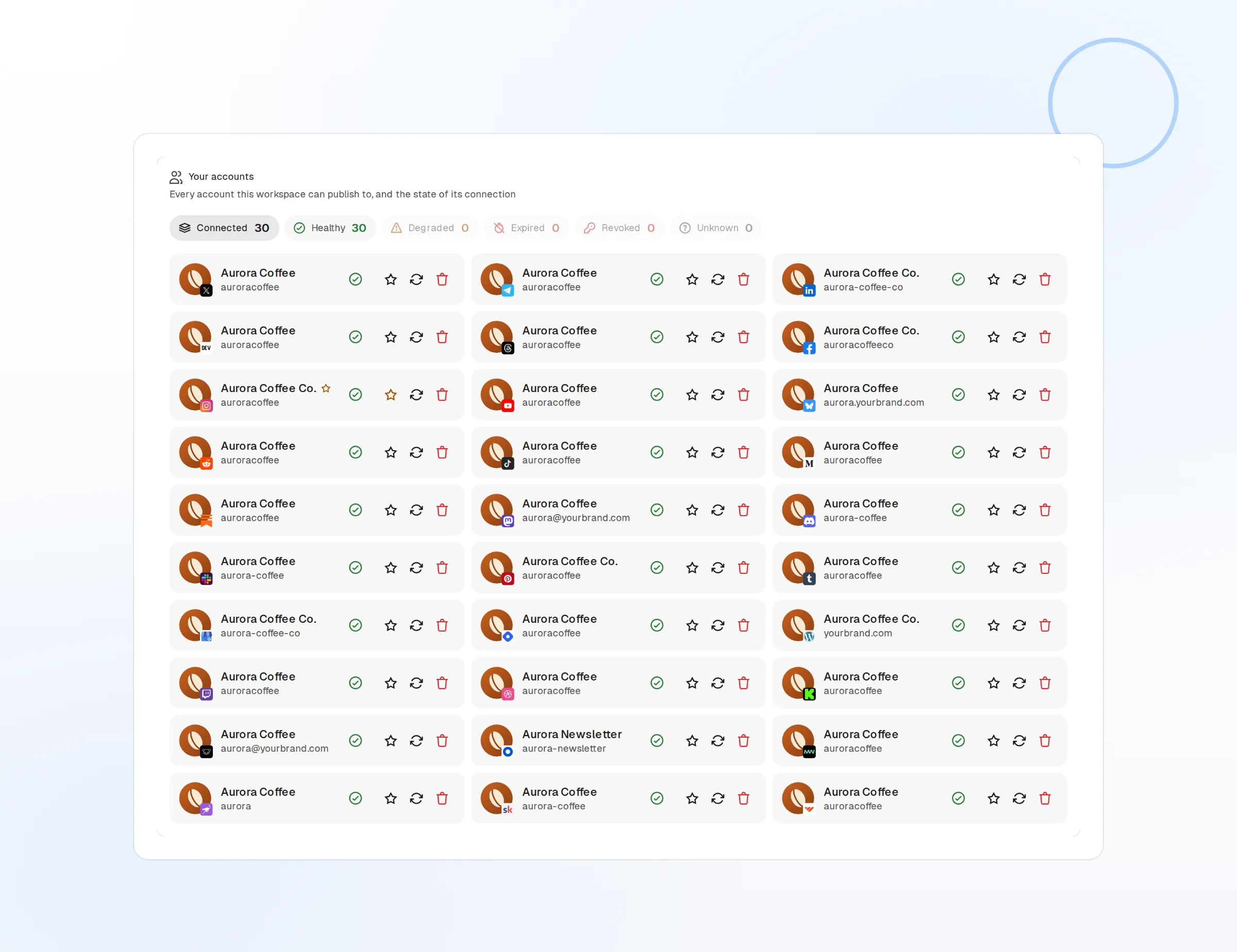
Publish log
Every post with channel, time, and status.
Retries
Failures retried before being reported.
Webhooks and API
Publish events pushed to your own tools.
What FoPost publishes to Whop
Formats, limits, and how the connection works, so there are no surprises at publish time.
Formats
- Community posts
- Announcements
- Media
Limits
- Status
- Roadmap
- Edit after publishing
- No
- Unpublish
- No
Connection
Whop API.
Whop questions, answered
How do I connect my Whop community?
Which channels can I post to?
Can I attach images and video?
Can I schedule recurring posts?
Can I manage several Whop communities?
Is there an API for posting to Whop through FoPost?
Start publishing to Whop today
Starting is free. Connect Whop, schedule a week of posts, and see the results before you pay.
Schedule a Whop announcement