Schedule chat messages to your Kick channel while you stream
Follow reminders, merch links, and go-live announcements land in chat on time without you breaking focus. FoPost sends through the official Kick Public API and posts the same announcement to every other network in the same minute.
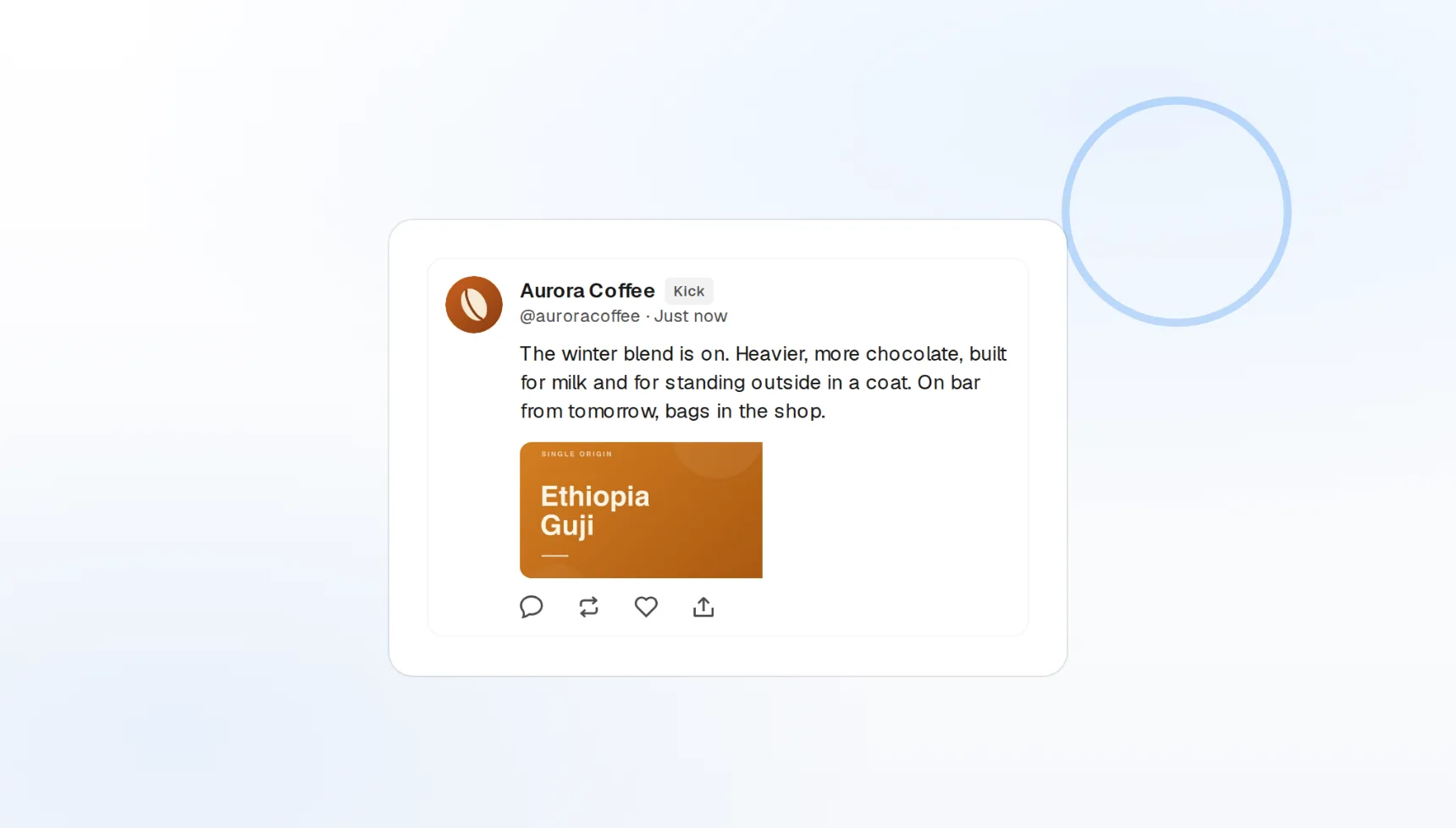
Chat messages
Sent straight to your channel chat.
Timed to your stream
Queue around the hours you go live.
Cross-platform
Kick, X, Discord, and more from one draft.
The reminders you keep forgetting to type
Every streamer means to plug the sub button and the merch drop, then gets lost in the game. Queue those messages in FoPost and they post to chat at the minute you chose, through the official API, as your channel.
Queue a reminder
Channel chat
Messages post to your own channel chat.
Link drops
Merch, socials, and signup links pushed on schedule.
500 characters
The composer counts against the real chat limit.
Evergreen prompts that run every stream
Set a follow prompt to recur every 30 minutes during your usual slot, a Discord invite every hour, a giveaway rule at the top of each stream. Build it once and FoPost repeats it on the cadence you set.
Set up a recurring prompt
Recurring messages
Follow and sub prompts on a fixed cadence.
Stream calendar
See every scheduled message against your go-live times.
Automations
Trigger chat messages from events in your workflow.
Go live everywhere at once
The stream announcement belongs in Kick chat, on X, in Discord, and on every other network your viewers use. Write it once, and FoPost formats it for each and posts them together, so nobody finds out an hour late.
Announce a streamMulti-network
One draft, every channel, same minute.
Community links
Discord and social links in the same message.
Pre-stream countdown
A reminder an hour before and one at go-live.
Chat copy in your voice, not a bot’s
Viewers can tell a canned message from yours. Give FoPost a few examples of how you talk and it drafts reminders, plugs, and announcements that sound like you, short enough to read in a fast chat.
Try the AI writer
AI drafting
Reminders and plugs written in your tone.
Brand voice
Your phrasing and emotes applied to every draft.
Webhooks and API
Every publish and failure event pushed to your own tools.
What FoPost publishes to Kick
Formats, limits, and how the connection works, so there are no surprises at publish time.
Formats
- Channel chat messages
- Cross-platform announcements
Limits
- Character limit
- 500 chars
- API
- Kick Public API
- Edit after publishing
- No
- Unpublish
- No
Connection
Kick OAuth 2.1 (PKCE). Posts send as chat messages to your channel.
Kick questions, answered
How do I connect my Kick channel?
What does a post look like on Kick?
Is there a character limit?
Can I attach images or video?
Can I manage several Kick channels?
Is there an API for posting to Kick through FoPost?
Start publishing to Kick today
Starting is free. Connect Kick, schedule a week of posts, and see the results before you pay.
Schedule your first Kick message