Schedule Google Business Profile posts and photos for every location
Weekly specials, events, and fresh photos keep a profile ranking in local search and Maps. FoPost schedules posts and photo updates to each Business Profile location and mirrors them to every other network.
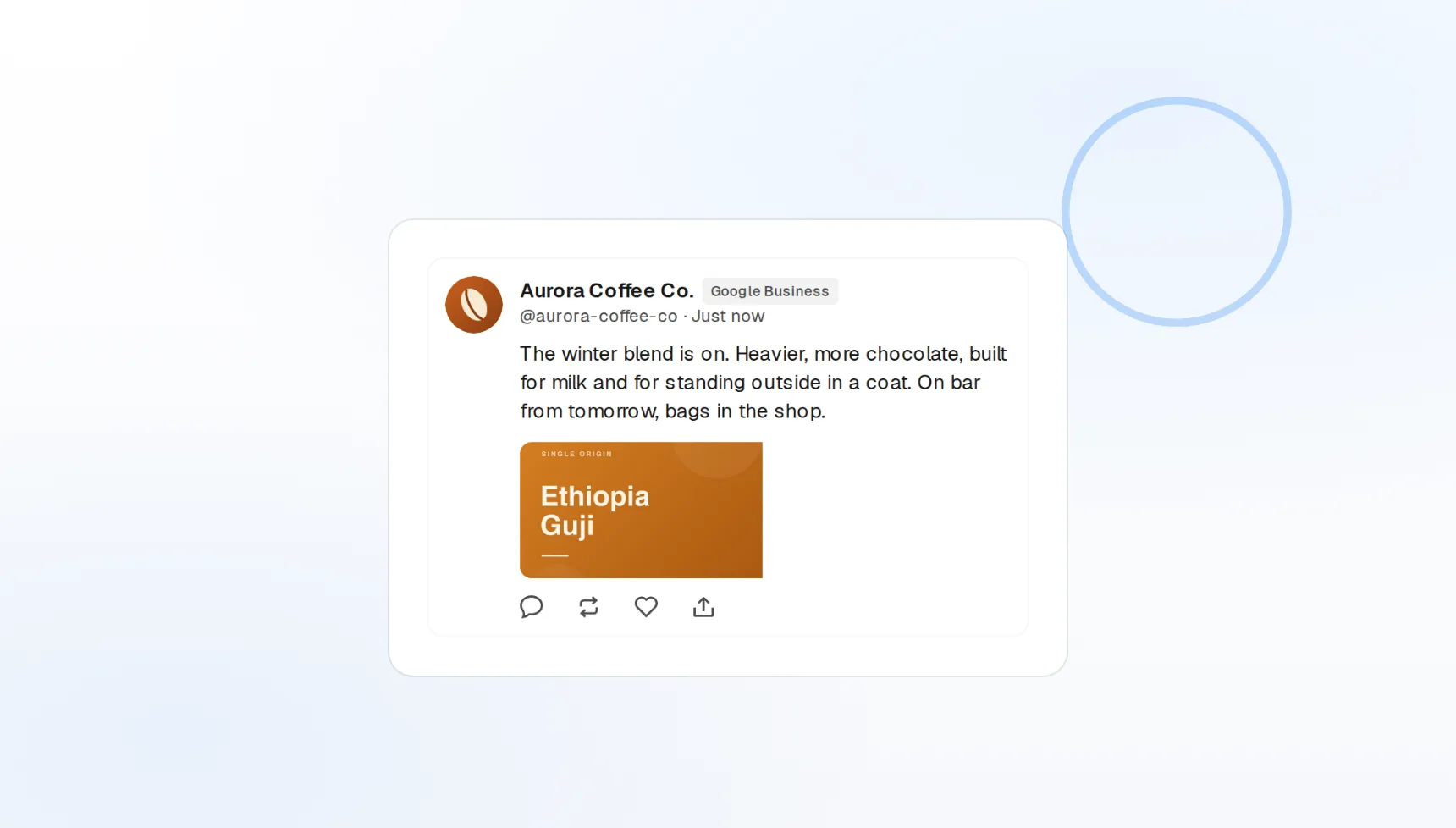
Local search and Maps
Posts show on your profile where customers are searching.
Multi-location
Every storefront from one calendar and one account picker.
Photo updates
Keep the gallery fresh on a schedule.
A fresh post every week, without the Tuesday scramble
Profiles that post regularly look open and active in search results. Write the weekly special, the seasonal hours, or the new-arrival post in FoPost, schedule it, and it appears on your profile on time, within the 1,500 character limit.
Write this week’s post
Update posts
Text and a photo, published to your profile.
Character count
The 1,500 character limit shown as you type.
Call to action
Learn more, call, or book links on each post.
Run one campaign across every location
Chains and agencies manage dozens of profiles. FoPost lists every location your Google account manages, lets you pick one or all of them per post, and reports delivery per location, so a franchise-wide promotion is one post, not fifty.
Add your locations
Location picker
Search and select locations by name or city.
Client workspaces
Agencies keep each client’s locations separate.
Per-location status
Every location reports success or the exact error.
Posts written for people searching nearby
Local posts work when they name the offer, the place, and the reason to come in. FoPost drafts them from a note or a menu item, keeps your brand voice, and rewrites the same offer for Facebook and Instagram.
Try the AI writer
Offer drafts
Three versions of the weekly special in seconds.
Local wording
Neighbourhood and service terms your customers search.
Cross-post rewrite
The same offer shaped for each network.
Keep the gallery current and the calendar full
New photos signal an active business. Schedule photo updates alongside posts on the visual calendar, set recurring slots for the weekly special, and let the queue publish everything while you run the shop.
Fill your calendar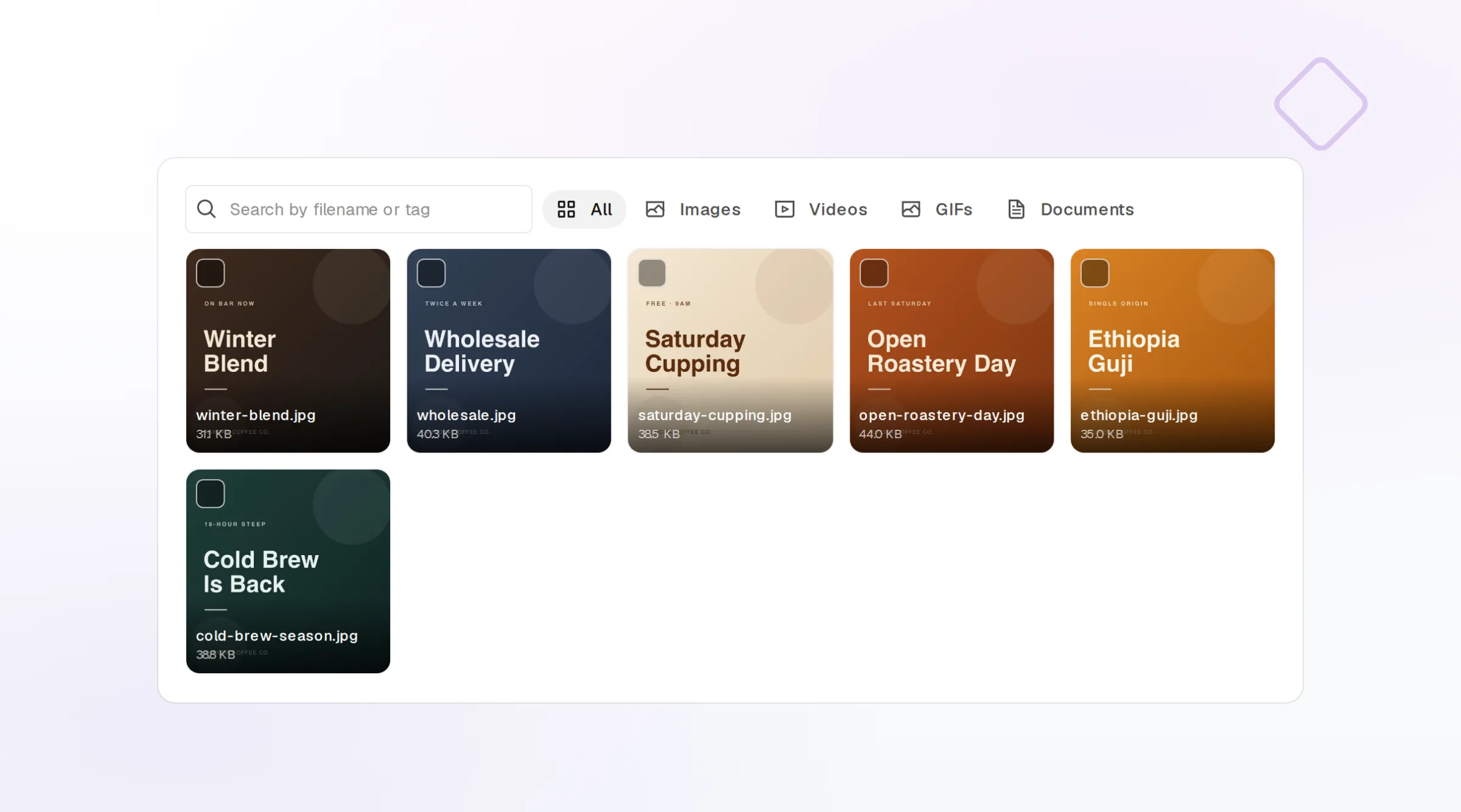
Photo updates
Scheduled uploads to your profile gallery.
Visual calendar
Drag posts across days and locations.
Webhooks and API
Publish and failure events pushed to your own tools.
What FoPost publishes to Google Business
Formats, limits, and how the connection works, so there are no surprises at publish time.
Formats
- Posts
- Photo updates
Limits
- Post limit
- 1,500 chars
- Status
- Roadmap
- Edit after publishing
- No
- Unpublish
- Yes
Connection
Google Business Profile API via OAuth.
Google Business questions, answered
How do I connect my Google Business Profile?
What is the post length limit?
Can I add photos?
Can I post to several locations at once?
Can I manage profiles for different clients?
Is there an API for posting to Google Business Profile through FoPost?
Start publishing to Google Business today
Starting is free. Connect Google Business, schedule a week of posts, and see the results before you pay.
Schedule a Business Profile post