What comes over from Publer
- Every row of the file, as one scheduled post each, up to 5,000 rows.
- Dates in the YYYY/MM/DD HH:mm form Publer uses, in your workspace timezone.
- Links, media and labels. Create the labels first.
Columns it reads
FoPost reads these columns from your Publer bulk scheduling CSV:
- Date
- When it goes out, read in your workspace timezone.
- Text
- The post text.
- Link
- Added to the end of the post text.
- Media URL(s)
- Images or videos, comma separated.
- Label(s)
- Labels in FoPost, matched by name.
Move from Publer to FoPost in 4 steps
- Step 1
Find your Publer file
Use the CSV you filled in for Publer's bulk scheduling. Leave its extra columns in place; they are skipped.
- Step 2
Upload the file
In FoPost, open Posts, choose Import Post, and drop the file in as it is. No renaming columns, no reformatting dates.
- Step 3
Pick the accounts
The file has no accounts column, so choose the accounts the posts go to. They apply to every row.
- Step 4
Check the preview, then import
Every row is checked before anything is created: dates in the past, text over a network limit, an image a network will not take. Fix the file if a row fails, then import. A whole import can be rolled back until a post from it goes out.
Pricing
Start free, then pay only for what you post
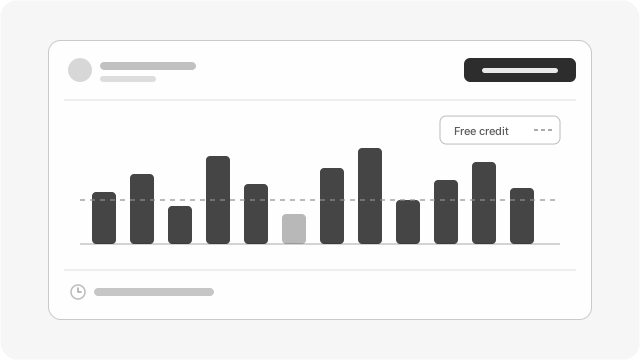
Usage-based, with a free credit every month and no per-seat bill. A quiet month costs less.
Create Free AccountWhat stays behind
- Publer’s other columns: title, alt text, comments, post subtype, call to action, reminder, board or album. They are skipped.
- Posts already scheduled in Publer. Publer exports analytics, not posts, so the spreadsheet is the way across.
- Connected accounts. Each network has to be connected again through its own login.
- Analytics history. Numbers start from the day an account is connected.
Switching from Publer: questions
Do I need to delete the columns that do not come over?
No. Upload the file as it is. Columns that do not come over are skipped.
Do my dates stay the same?
Yes. A date like 2026/04/06 09:00 is read as 9:00 in your workspace timezone, so set the timezone in FoPost to the one you used in Publer before you import.
Can I move the posts already scheduled in Publer?
Not directly. Publer has no export for posts. Put them into a bulk scheduling spreadsheet and import that file.