Run your Shopify blog from the same calendar as your social posts
Write an article, choose which blog on the store it lands on, and schedule it beside the posts that announce it. FoPost can also change an article that is already live, in place, without leaving a duplicate behind.

Edit what is live
Change a published article in place, never as a second post.
Every blog
Pick the blog on the store each article belongs to.
Product catalogue
Read products and update their copy while you write.
Install the app, or paste a token you can revoke
Install FoPost on your store and the store appears in your workspace. Prefer to keep the permissions in your own hands? Create a custom app inside your store admin and paste its Admin API access token instead. Both reach the same blogs and the same products.
Connect a store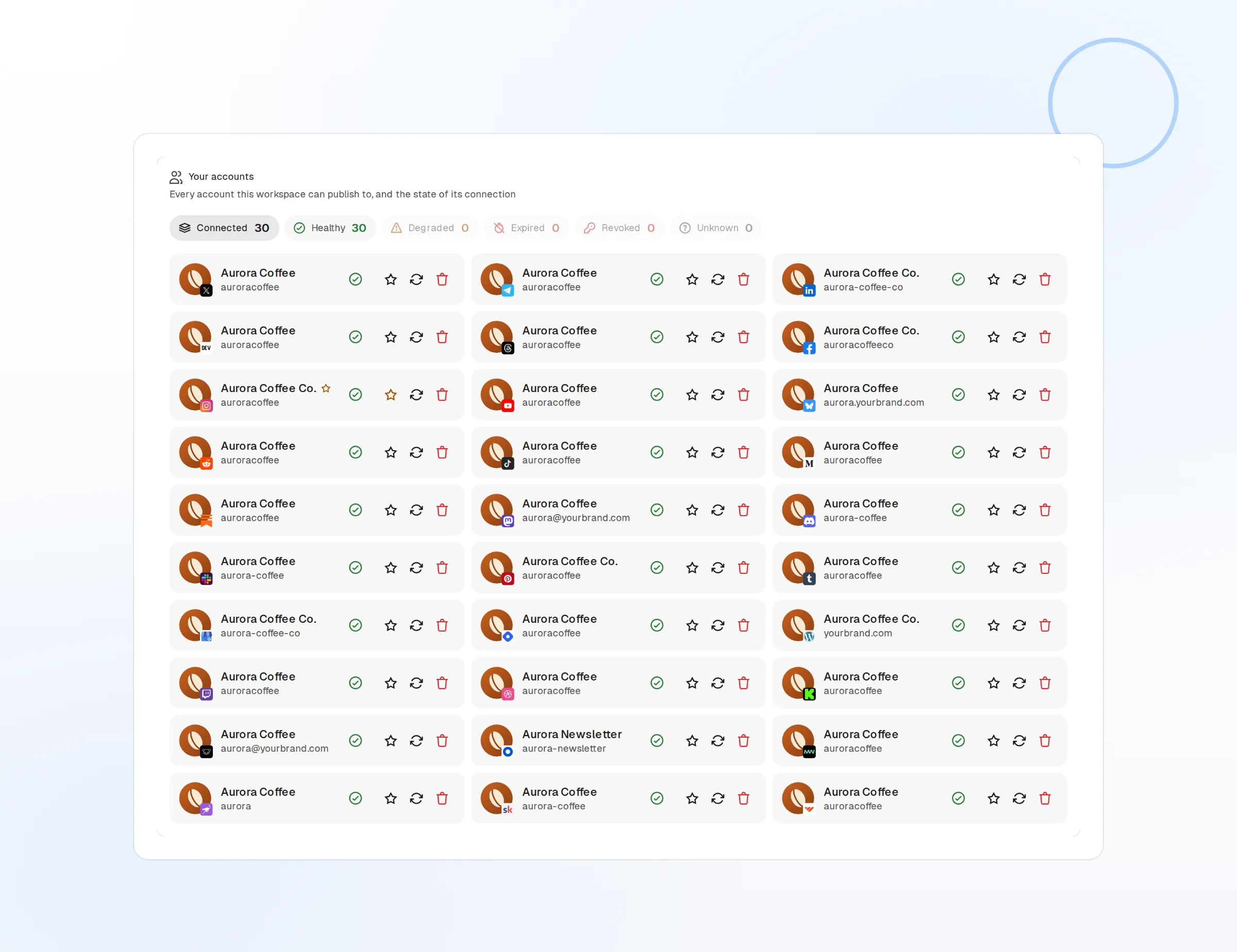
App install
The store owner approves the permissions once.
Admin API token
Made in your own store admin, revocable any time.
Several stores
Every store or client brand in one workspace.
The article arrives finished, on the blog you meant
An article lands with its title, body, summary, tags and featured image already set, on whichever blog you picked. Hold it as a draft to finish in the store admin, or let it go live at the time on your calendar.
Write an article
Draft or live
Publish now, schedule it, or leave it as a draft.
Tags and summary
Set both as you write, not afterwards in the admin.
Scheduled publish
One calendar for the article and its announcements.
Fix a live article without forking it
Prices change, stock runs out, a link breaks. Open the article that is already published, change what is wrong, and the store updates that same article. There is no second post left behind for a customer to find.
Edit a live article
In-place edits
The live article changes; no duplicate appears.
See what is there
Read every article on the blog, drafts included.
Remove an article
Take one down from the store when it is no longer true.
The catalogue is there while you write
Pull up the products you are writing about, check what they cost and whether they are active, and fix a product title or description in the same place. FoPost reads the catalogue with the permissions you granted, and changes only what you ask it to.
Try the AI writer
Product list
Title, status, price and tags, searchable.
AI drafting
Draft the article in your brand voice from the product itself.
Repurpose
The article becomes social posts for every other network.
What FoPost publishes to Shopify
Formats, limits, and how the connection works, so there are no surprises at publish time.
Formats
- Blog articles
- Edit live articles
- Product catalogue
Limits
- Auth methods
- App install or Admin API access token
- Format
- HTML article body
- Blogs
- Every blog on the store
- Edit after publishing
- Yes
- Unpublish
- Yes
Connection
Install the app on your store, or paste an Admin API access token from a custom app you create in the store admin.
Shopify questions, answered
How do I connect my Shopify store?
Which blog does an article publish to?
Can I change an article after it is live?
Can I publish as a draft?
What can it do with my products?
Is there an API for publishing to Shopify through FoPost?
Start publishing to Shopify today
Starting is free. Connect Shopify, schedule a week of posts, and see the results before you pay.
Publish your first Shopify article