Publish to WordPress from the same calendar as your social posts
Write the article, set the featured image, and push it to your site as published, draft, or pending review. FoPost connects through the free official plugin or an Application Password and handles every site you run.
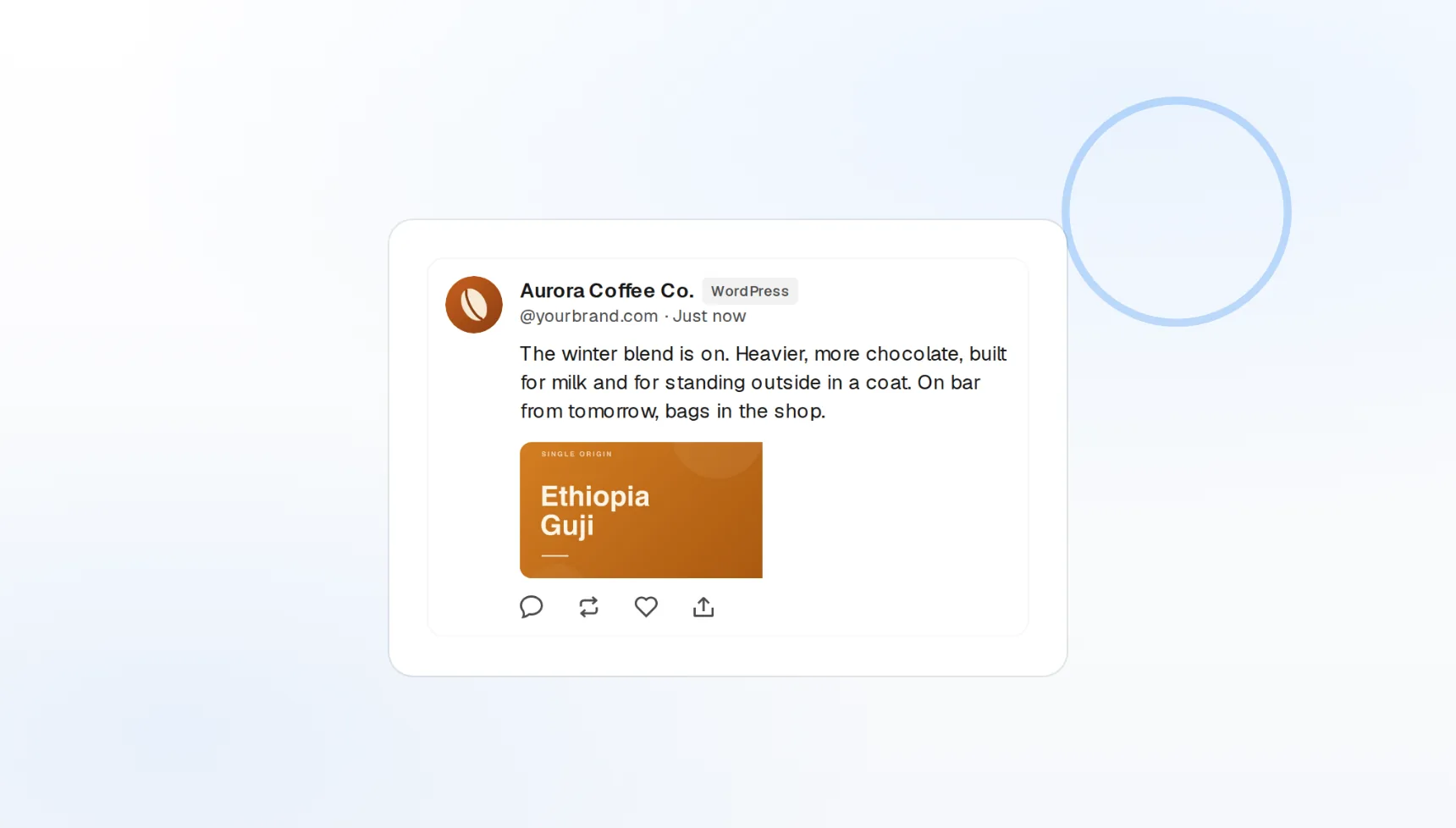
Official plugin
One-click connection from WordPress.org, or an Application Password.
Featured images
Uploaded to your media library and assigned automatically.
Draft or publish
Live, draft, or pending review, per post.
Connect a site in one click, or with a password you can revoke
Install the free FoPost plugin and click Connect, and the site appears in your workspace. Prefer not to add a plugin? Any site on WordPress 5.6 or later can connect with an Application Password instead. Both work with the block editor and the classic editor.
Connect a site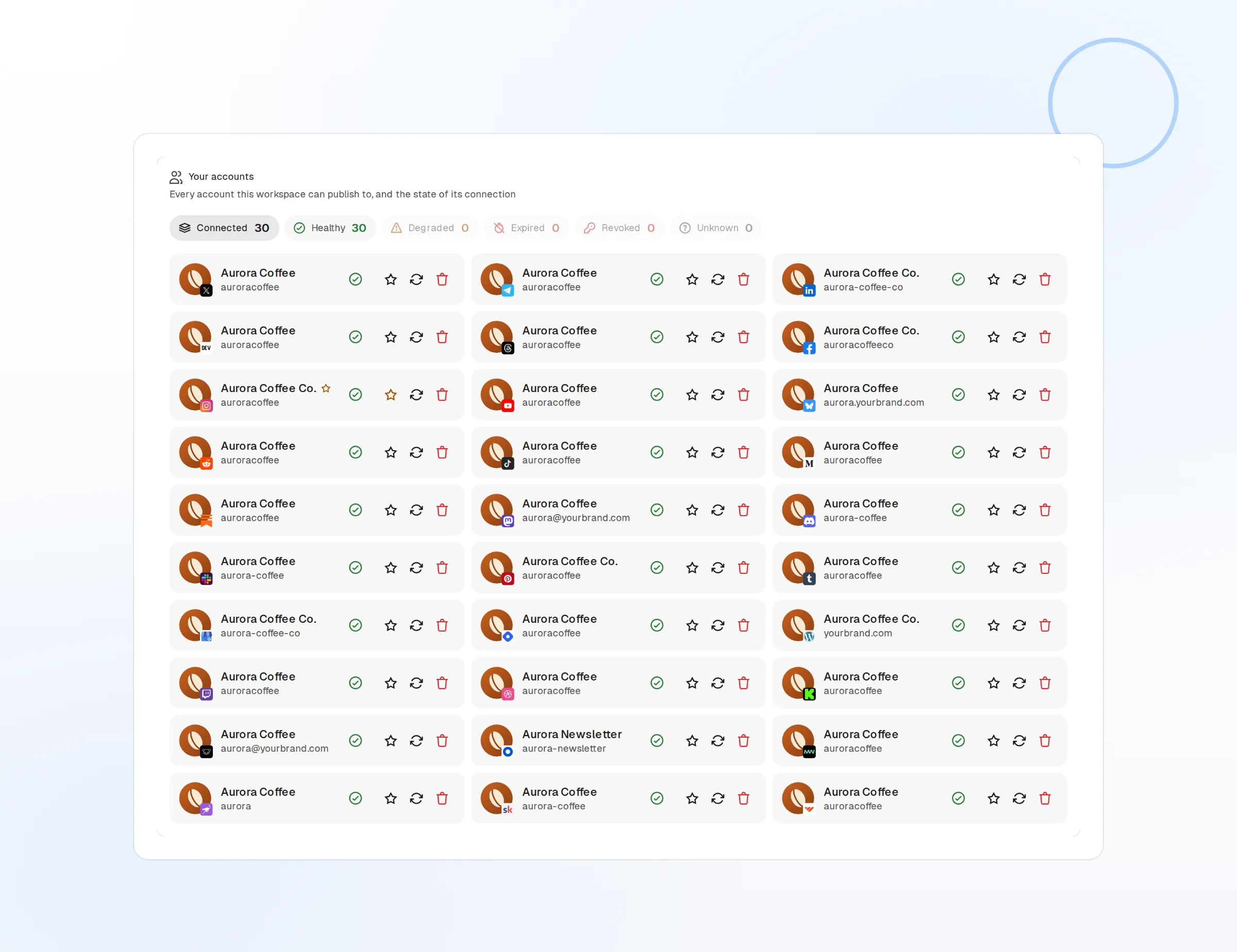
Free plugin
Connects the site and keeps the token on your side.
Application Password
Built into WordPress since 5.6, revocable any time.
Multi-site
Every client or brand site in one workspace.
The post arrives ready, not half-finished
A post pushed from FoPost lands with its title, body, featured image, and status already set. Choose published to go live at the scheduled time, draft to finish in WordPress, or pending review for an editor to approve.
Write a post
Auto-featured image
Uploaded to the media library and attached to the post.
Block editor ready
Publishes to Gutenberg or the classic editor.
Scheduled publish
FoPost handles the timing instead of WordPress cron.
Title, excerpt, and slug, drafted from the article
Finish the writing and let AI handle the metadata. FoPost proposes a search-friendly title, a meta description, and a clean slug from the finished text, in your brand voice, before the post goes out.
Try the AI writer
AI metadata
Title, meta description, and slug in one click.
Brand voice
Tone and vocabulary applied to every draft.
Repurpose
The article becomes social posts for every other network.
Client approves in one place, the site updates itself
Agencies draft in FoPost, send the post for client approval, and push it to the client’s WordPress on sign-off. The blog post and its social announcements ship from the same draft, in the same minute.
Set up approvals
Approvals
A post publishes only after the client signs off.
Editorial calendar
Blog posts and social posts in one view.
Webhooks and API
Every publish and failure event pushed to your own tools.
What FoPost publishes to WordPress
Formats, limits, and how the connection works, so there are no surprises at publish time.
Formats
- Posts
- Featured images
- Draft or publish
Limits
- Auth methods
- Application Password or FoPost plugin
- Format
- HTML / Block Editor JSON
- Featured image
- Auto-uploaded
- Edit after publishing
- Yes
- Unpublish
- Yes
Connection
Application Password (built into WP 5.6+) or the official FoPost plugin.
WordPress questions, answered
How do I connect my WordPress site?
Does it work with WordPress.com?
Can I publish as a draft?
What about featured images and formatting?
Can I manage several sites?
Is there an API for publishing to WordPress through FoPost?
Start publishing to WordPress today
Starting is free. Connect WordPress, schedule a week of posts, and see the results before you pay.
Publish your first WordPress post