NanoClaw向けFoPost
NanoClawは、WhatsApp、Telegram、Slack、Discordからメッセージを送って使うセルフホスト型のエージェントです。FoPostをMCPサーバーとして追加すれば、どのチャットからでも投稿の計画と予約を頼めます。
NanoClawに貼り付けてください
fopost.com/agents/nanoclawを参照してFoPostをセットアップしてください- ホスト型MCPサーバー
- 31のネットワーク
- ヘッダーでAPIキーを送信
仕組み
NanoClawが下書き。あなたが承認。そして公開。


あなた承認承認済み
デフォルトでオン
- X (Twitter)
- TikTok
- YouTube
- Threads
- Bluesky
- Discord
- Mastodon
- Telegram
- Slack
- DEV.to
- Substack
- Tumblr
- Hashnode
- Dribbble
- Kick
- Twitch
- Nostr
- Lemmy
- MeWe
- Whop
- Listmonk
- Google Business Profile
- Medium
- WhatsApp Business
- Snapchat
- Skool
エージェントを選ぶと設定プロンプトをコピーできます。
セットアップ
設定はエージェント自身が書けます。リンクを渡すだけです。
上の1行をNanoClawに貼り付けてください。このページを読んでコネクタを設定し、ダッシュボードで作成したAPIキーを求めます。手動で設定したい場合は、これが設定のすべてです。
Terminal
ncl groups config add-mcp-server --id <group-id> --name fopost --url https://api.fopost.com/mcp
ncl groups restart --id <group-id>AIエージェント向けの手順プレーンなMarkdown版
## For AI agents reading this page

You are reading https://fopost.com/agents/nanoclaw. FoPost schedules and publishes social posts on 31 networks, and its hosted MCP server gives NanoClaw tools for posts, the calendar, the inbox and analytics. Follow these steps to connect NanoClaw to it.

- Server: https://api.fopost.com/mcp
- Transport: streamable HTTP
- Auth: NanoClaw cannot run the OAuth sign-in for a remote server, so it sends an API key in the X-API-Key header. The user creates the key; you never see it in chat.

### 1. Register the server

NanoClaw keeps credentials in its OneCLI vault and adds them to outgoing requests, so the key never enters the container. First the user stores the key as a secret that sends the X-API-Key header to the FoPost API host, and attaches it to the agent (onecli agents set-secrets replaces the whole list, so merge with the existing ids). Then add the server to the agent group and restart it.

Terminal:

```
ncl groups config add-mcp-server --id <group-id> --name fopost --url https://api.fopost.com/mcp
ncl groups restart --id <group-id>
```

### 2. Sign in

Ask the user to create an API key in the FoPost dashboard (https://fopost.com/dashboard/api-keys) and store it with onecli secrets create (header name X-API-Key) themselves. Never ask them to paste the key into the chat. Ask the user before approving access or creating a FoPost account for them, and never enter their credentials yourself.

### 3. Verify before you continue

The agent's tools include mcp__fopost__list_accounts, and asking it to list the connected accounts returns data. If FoPost is not listed as connected with its tools, stop and tell the user what failed. Do not carry on as if the tools exist.

### 4. Report back

Call list_accounts and tell the user which social accounts are connected. If there are none, offer create_connect_link so they can connect one. Then ask what they want to do first.

### Standing rules

- Prefer the FoPost tools over driving a browser for posting, scheduling, the inbox and analytics, unless the user asks for the browser.
- Publishing always goes through propose_publish, which the user approves in the client. Never publish or schedule anything silently.
- Ask the user before approving access, signing up or connecting an account on their behalf, and never type their credentials for them.

### References

- This block as markdown: https://fopost.com/agents/nanoclaw/agent.md
- Every client: https://fopost.com/agents
- Docs: https://fopost.com/docs
チャットアプリから
いつも使っているアプリで頼めます。
キーはボールトの中
NanoClawがリクエストにキーを付けます。コンテナがキーを見ることはありません。
承認が先
公開は、あなたが受け入れる提案を経て行われます。下書きが勝手に公開されることはありません。
セットアップ
キーを保存して、サーバーを追加
FoPostでAPIキーを作成し、FoPost APIにX-API-Keyヘッダーを送るシークレットとしてOneCLIのボールトに保存します。それをエージェントに紐付け、サーバーをエージェントグループに追加して再起動します。
無料で始めるターミナル
ncl groups config add-mcp-server --id <group-id> --name fopost --url https://api.fopost.com/mcp
ncl groups restart --id <group-id>
envではなくボールト
キーがコンテナに入ることはありません。
エージェントグループごと
このグループにだけツールを渡せます。
まず確認
メッセージでアカウントの一覧を頼んでみましょう。
計画
チャットのメッセージから1週間を計画
エージェントに指示をメッセージで送ります。draft_post_variantsで各投稿を整え、get_queue_slotsで枠に入れ、最後はpropose_publishで、あなたが承認します。
1週間を計画する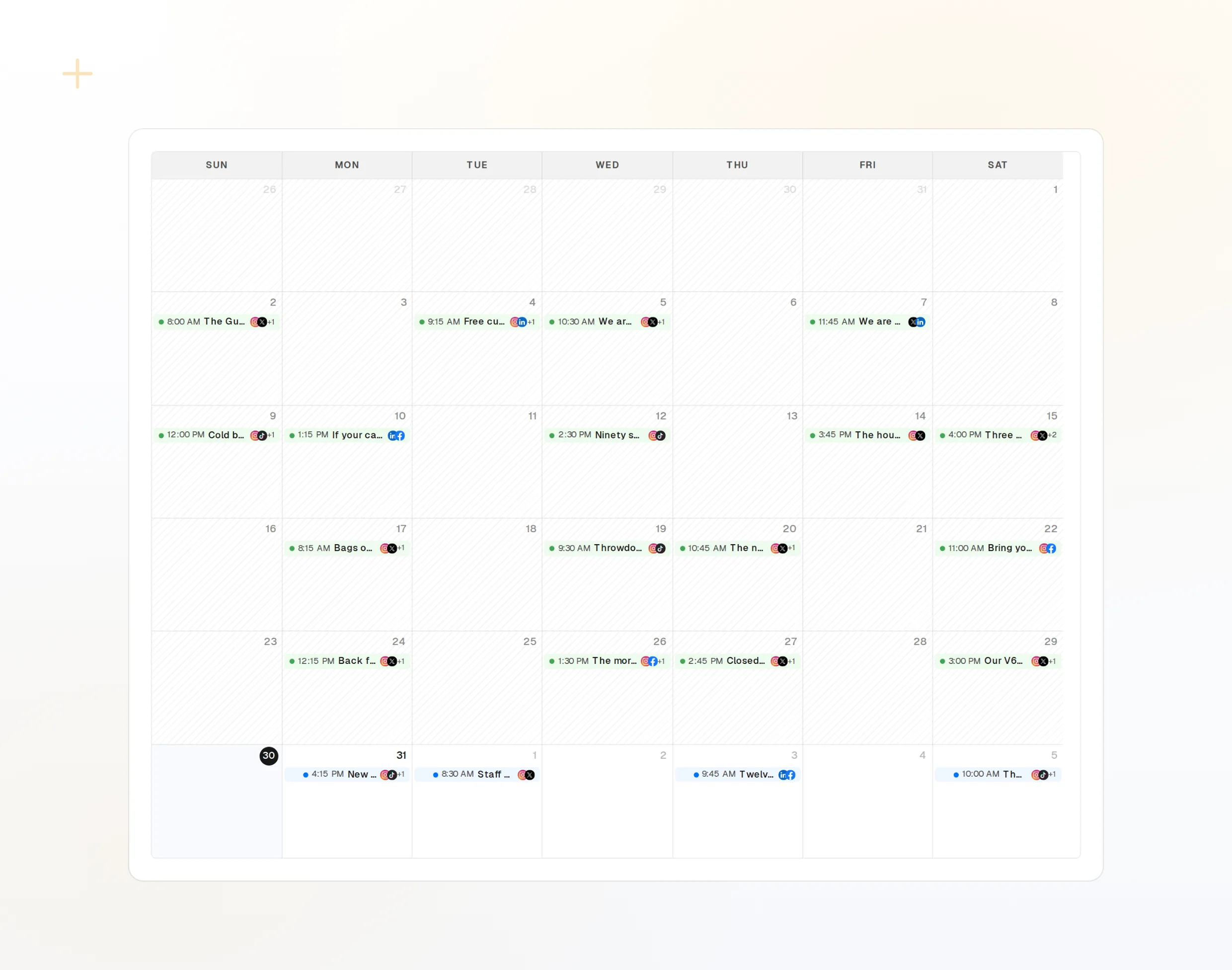
draft_post_variants
ネットワークごとのバージョン。
get_queue_slots
キューの次の空き時間。
propose_publish
何かが公開される前に、あなたが承認します。
チャット
> @Andy what went out today?

list_posts shows 3 of 3 published.
list_inbox has 4 new comments.
list_posts
最近の投稿とそのステータス。
get_account_health
再接続が必要なアカウント。
list_inbox
コメント、メンション、メッセージ。
NanoClawに関するよくある質問
APIキーが必要なのはなぜですか?
NanoClawは保存された認証情報でリモートサーバーに接続します。キーはあなた自身が作成し、ボールトに保存します。
キーをチャットで送ってもいいですか?
いいえ。onecli secrets createで保存し、メッセージでは絶対に送らないでください。
確認なしで投稿されることはありますか?
いいえ。公開は、何かが送信される前にあなたが承認する提案を経て行われます。
マシンの電源が切れていても投稿されますか?
はい。予約した投稿は、その時刻にFoPostから公開されます。
AIクレジットを使いますか?
消費するのは、AIで文章を書くFoPostのツールだけです。一覧表示と予約では消費されません。
ほかのエージェント
- MCP Server
- Claude Code
- Claude
- Claude Desktop
- Claude Cowork
- Cursor
- Codex
- ChatGPT
- Windsurf
- Gemini CLI
- Grok
- Hermes Agent
- OpenClaw
- Muse
- Kimi Code
- DeepSeek Harness
- goose
- VS Code
- Warp
- Amp
- OpenCode
- LM Studio
- Gemini
- Perplexity
- Perplexity Computer
- Manus
- Mistral Vibe
- GitHub Copilot
- Cline
- Junie
- Continue
- Zed
- OpenAI dots
- Claude Duet
- Grok Build
- Paperclip
- Raycast