OpenAI dots için FoPost
Dot'lar, siz yokken hesabınızdaki eklentileri kullanarak çalışmaya devam eden ChatGPT ajanlarıdır. FoPost hizmetini ChatGPT'de bir kez ekleyin; dot'unuz sosyal medya takviminizi yönetebilir.
Bunu OpenAI dots içine yapıştırın
FoPost kurulumunu fopost.com/agents/openai-dots adresinden yap- Barındırılan MCP sunucusu
- 31 ağ
- API anahtarı yok
OpenAI dots taslağı hazırlar. Siz onaylarsınız. Sonra yayına çıkar.


Varsayılan: açık
- X (Twitter)
- TikTok
- YouTube
- Threads
- Bluesky
- Discord
- Mastodon
- Telegram
- Slack
- DEV.to
- Substack
- Tumblr
- Hashnode
- Dribbble
- Kick
- Twitch
- Nostr
- Lemmy
- MeWe
- Whop
- Listmonk
- Google Business Profile
- Medium
- WhatsApp Business
- Snapchat
- Skool
Kurulum promptunu kopyalamak için bir ajan seçin.
Ajan kendi yapılandırmasını yazabilir. Bağlantıyı ona verin.
Yukarıdaki satırı OpenAI dots içine yapıştırın. Bu sayfayı okur, sunucuyu ekler ve FoPost oturumunu kendiniz açabilmeniz için durur. Elle yapmayı mı tercih edersiniz? Yapılandırmanın tamamı bu.
Name: FoPost
URL:  https://api.fopost.com/mcp
Authentication: OAuth## For AI agents reading this page You are reading https://fopost.com/agents/openai-dots. FoPost schedules and publishes social posts on 31 networks, and its hosted MCP server gives OpenAI dots tools for posts, the calendar, the inbox and analytics. Follow these steps to connect OpenAI dots to it. - Server: https://api.fopost.com/mcp - Transport: streamable HTTP - Auth: OAuth sign-in in the user's browser. Do not add an API key or an Authorization header; OpenAI dots discovers the sign-in from the server. ### 1. Register the server You cannot add the server yourself; ask the user to. Dots use the plugins on the user's ChatGPT account. On chatgpt.com open Plugins (chatgpt.com/plugins), choose "+" and "Add custom MCP server", enter the name FoPost and the URL https://api.fopost.com/mcp, choose OAuth, accept the notice and create it as a plugin. Then open the dot and make sure the FoPost plugin is enabled for it. Dots need a Pro, Business Premium or Enterprise plan. ### 2. Sign in The user installs the plugin and signs in to FoPost in the browser when ChatGPT asks. Ask the user before approving access or creating a FoPost account for them, and never enter their credentials yourself. ### 3. Verify before you continue Asking the dot to list the connected FoPost accounts calls list_accounts, shown in the dot's Activity view. If FoPost is not listed as connected with its tools, stop and tell the user what failed. Do not carry on as if the tools exist. ### 4. Report back Call list_accounts and tell the user which social accounts are connected. If there are none, offer create_connect_link so they can connect one. Then ask what they want to do first. ### Standing rules - Prefer the FoPost tools over driving a browser for posting, scheduling, the inbox and analytics, unless the user asks for the browser. - Publishing always goes through propose_publish, which the user approves in the client. Never publish or schedule anything silently. - Ask the user before approving access, signing up or connecting an account on their behalf, and never type their credentials for them. ### References - This block as markdown: https://fopost.com/agents/openai-dots/agent.md - Every client: https://fopost.com/agents - Docs: https://fopost.com/docs
Tek eklenti
ChatGPT'de ekleyin, dot'unuz da kullanabilsin.
Anahtar değil, oturum açma
ChatGPT, erişimi onaylamanız için FoPost sayfasını tarayıcıda açar.
Önce onay
Yayınlama, kabul ettiğiniz bir öneriden geçer. Taslaklar asla kendiliğinden yayınlanmaz.
Eklentiyi ChatGPT'de ekleyin
chatgpt.com adresinde Plugins'i açın, "+" ve Add custom MCP server'ı seçin. FoPost ve https://api.fopost.com/mcp girin, OAuth'u seçin ve eklenti olarak oluşturun. FoPost hesabınızla oturum açın, ardından eklentinin dot'unuz için etkin olduğundan emin olun.
Ücretsiz BaşlaName: FoPost
URL: https://api.fopost.com/mcp
Authentication: OAuthPro ve üzeri
Dot'lar Pro, Business Premium veya Enterprise planı gerektirir.
Yapıştırılacak anahtar yok
Bunun yerine oturum açarsınız.
Önce kontrol edin
Dot'tan hesaplarınızı listelemesini isteyin.
Tek bir sohbet değil, sürekli bir iş
Dot'unuza bir brif verin: her pazartesi haftayı draft_post_variants ile taslak olarak hazırlasın ve get_queue_slots ile zaman dilimlerine yerleştirsin. Her çalıştırma, kabul ettiğiniz bir propose_publish ile biter.
Haftanı Planla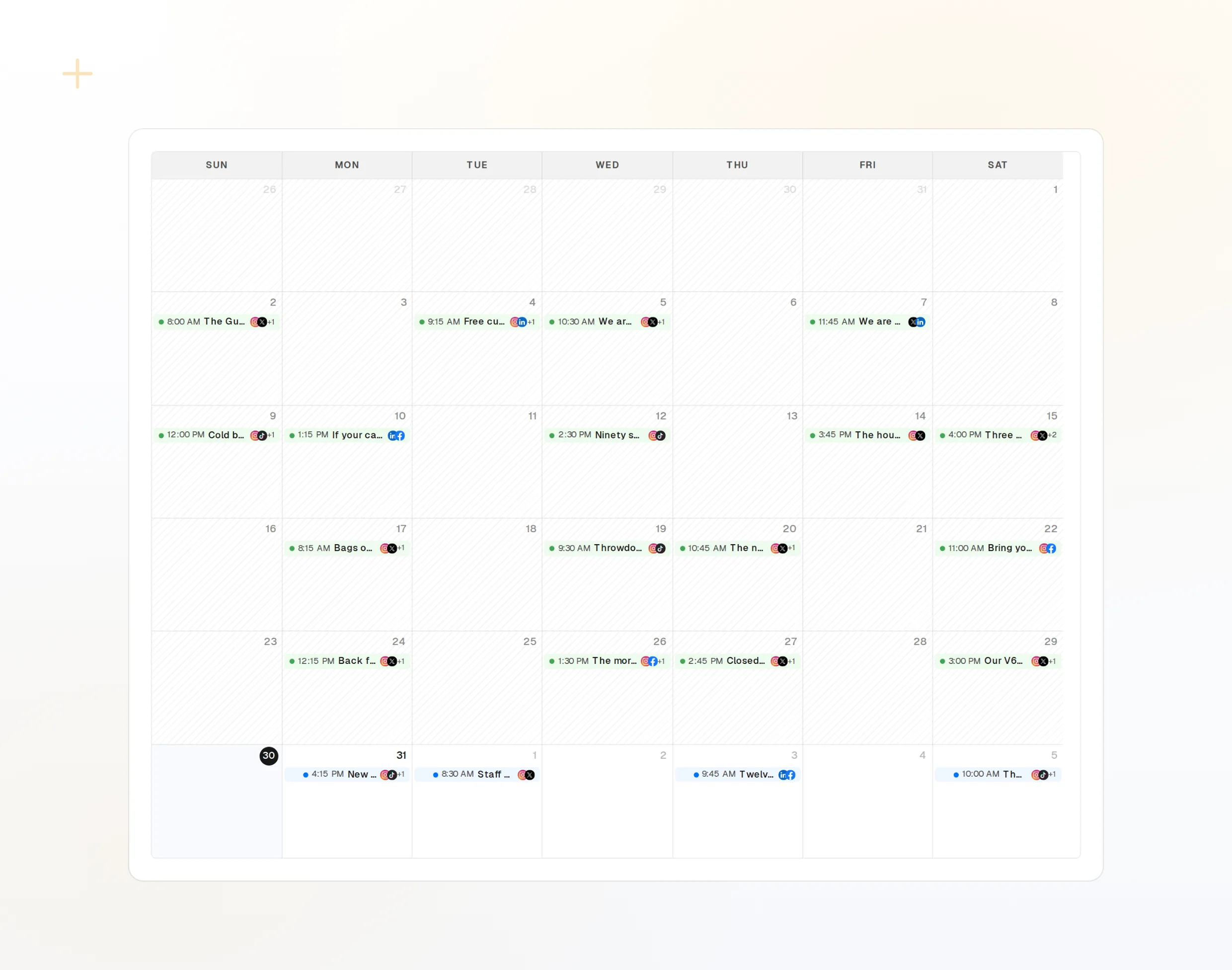
draft_post_variants
Her ağ için bir sürüm.
get_queue_slots
Kuyruğunuzdaki sıradaki boş zamanlar.
propose_publish
Herhangi bir şey yayına çıkmadan önce siz onaylarsınız.
İş bitince bir rapor alın
Okuma araçları neyin yayınlandığını, hangi hesapların yeniden bağlanması gerektiğini ve gelen kutusunda neyin beklediğini raporlar.
Ücretsiz Başla> Using FoPost, how did this week go?
list_posts shows 10 of 10 published.
list_inbox has 8 new comments.list_posts
Son gönderiler ve durumları.
get_account_health
Hangi hesapların yeniden bağlanması gerektiği.
list_inbox
Yorumlar, bahsetmeler ve mesajlar.
OpenAI dots hakkında sorular ve yanıtlar
API anahtarına ihtiyacım var mı?
Kurulum ChatGPT'den farklı mı?
Sormadan paylaşım yapar mı?
Ben yokken çalışmaya devam edebilir mi?
Yapay zeka kredilerimi kullanır mı?
Diğer ajanlar
- MCP Server
- Claude Code
- Claude
- Claude Desktop
- Claude Cowork
- Cursor
- Codex
- ChatGPT
- Windsurf
- Gemini CLI
- Grok
- Hermes Agent
- OpenClaw
- Muse
- Kimi Code
- DeepSeek Harness
- goose
- VS Code
- Warp
- Amp
- OpenCode
- LM Studio
- Gemini
- Perplexity
- Perplexity Computer
- Manus
- Mistral Vibe
- GitHub Copilot
- Cline
- Junie
- Continue
- Zed
- Claude Duet
- Grok Build
- NanoClaw
- Paperclip
- Raycast
FoPost'u OpenAI dots üzerinden çalıştırın
Başlamak ücretsiz ve MCP sunucusu dahil. Kurulum satırını ajanınıza yapıştırın, oturum açın ve ilk gönderinizi oradan planlayın.
Ücretsiz Başla