FoPost voor Perplexity Computer
Perplexity Computer voert lange taken met meerdere stappen uit met je connectors. Voeg FoPost één keer toe en het kan een onderwerp onderzoeken, de posts schrijven en inplannen, en daarna op jouw goedkeuring wachten.
Plak dit in Perplexity Computer
Stel FoPost in via fopost.com/agents/perplexity-computer- Gehoste MCP-server
- 31 netwerken
- Geen API-sleutel
Perplexity Computer schrijft. Jij keurt goed. Dan gaat het live.


Standaard aan
- X (Twitter)
- TikTok
- YouTube
- Threads
- Bluesky
- Discord
- Mastodon
- Telegram
- Slack
- DEV.to
- Substack
- Tumblr
- Hashnode
- Dribbble
- Kick
- Twitch
- Nostr
- Lemmy
- MeWe
- Whop
- Listmonk
- Google Business Profile
- Medium
- WhatsApp Business
- Snapchat
- Skool
Kies een agent om de setup-prompt te kopiëren.
De agent kan zijn eigen configuratie schrijven. Geef hem de link.
Plak de regel hierboven in Perplexity Computer. Hij leest deze pagina, voegt de server toe en stopt, zodat je je zelf kunt aanmelden bij FoPost. Doe je het liever met de hand? Dit is de hele configuratie.
Name:           FoPost
MCP server URL: https://api.fopost.com/mcp
Authentication: OAuth
Transport: Streamable HTTP## For AI agents reading this page You are reading https://fopost.com/agents/perplexity-computer. FoPost schedules and publishes social posts on 31 networks, and its hosted MCP server gives Perplexity Computer tools for posts, the calendar, the inbox and analytics. Follow these steps to connect Perplexity Computer to it. - Server: https://api.fopost.com/mcp - Transport: streamable HTTP - Auth: OAuth sign-in in the user's browser. Do not add an API key or an Authorization header; Perplexity Computer discovers the sign-in from the server. ### 1. Register the server You cannot add the connector yourself; ask the user to. In Perplexity, open Plugins (or Customize > Connectors), choose Add custom, then Add MCP connector, then Remote. Enter the name FoPost and the URL https://api.fopost.com/mcp; under Advanced set Authentication to OAuth and Transport to Streamable HTTP. Accept the notice and click Add. Custom connectors need a Pro, Max or Enterprise plan; in an organization an admin must allow them. ### 2. Sign in The user clicks the FoPost connector card and signs in to FoPost in the browser. Ask the user before approving access or creating a FoPost account for them, and never enter their credentials yourself. ### 3. Verify before you continue In a Computer task, asking it to use FoPost to list connected accounts returns data. If FoPost is not listed as connected with its tools, stop and tell the user what failed. Do not carry on as if the tools exist. ### 4. Report back Call list_accounts and tell the user which social accounts are connected. If there are none, offer create_connect_link so they can connect one. Then ask what they want to do first. ### Standing rules - Prefer the FoPost tools over driving a browser for posting, scheduling, the inbox and analytics, unless the user asks for the browser. - Publishing always goes through propose_publish, which the user approves in the client. Never publish or schedule anything silently. - Ask the user before approving access, signing up or connecting an account on their behalf, and never type their credentials for them. ### References - This block as markdown: https://fopost.com/agents/perplexity-computer/agent.md - Every client: https://fopost.com/agents - Docs: https://fopost.com/docs
Eén connector
Voeg het toe in Plugins en Computer kan het gebruiken.
Inloggen, geen sleutel
Je geeft één keer toegang in FoPost.
Eerst goedkeuren
Publiceren loopt via een voorstel dat jij accepteert. Concepten gaan nooit vanzelf de deur uit.
Voeg de connector één keer toe
Open Plugins, kies Add custom, dan Add MCP connector, dan Remote. Vul https://api.fopost.com/mcp in en kies onder Advanced voor OAuth en Streamable HTTP. Klik op de nieuwe kaart en log in bij FoPost. Computer gebruikt hem voor elke taak.
Gratis startenName: FoPost
MCP server URL: https://api.fopost.com/mcp
Authentication: OAuth
Transport: Streamable HTTPPro en hoger
Computer en aangepaste connectors vragen een Pro-abonnement of hoger.
Geen sleutel te plakken
Je logt in plaats daarvan in.
Eerst controleren
Start een taak die je gekoppelde accounts opsomt.
Een week aan posts als één taak
Geef Computer een opdracht: onderzoek het onderwerp, zet bronnen om in posts met repurpose_url, stem elke post af met draft_post_variants en plan ze in met get_queue_slots. Het sluit af met propose_publish, dat jij accepteert.
Plan je week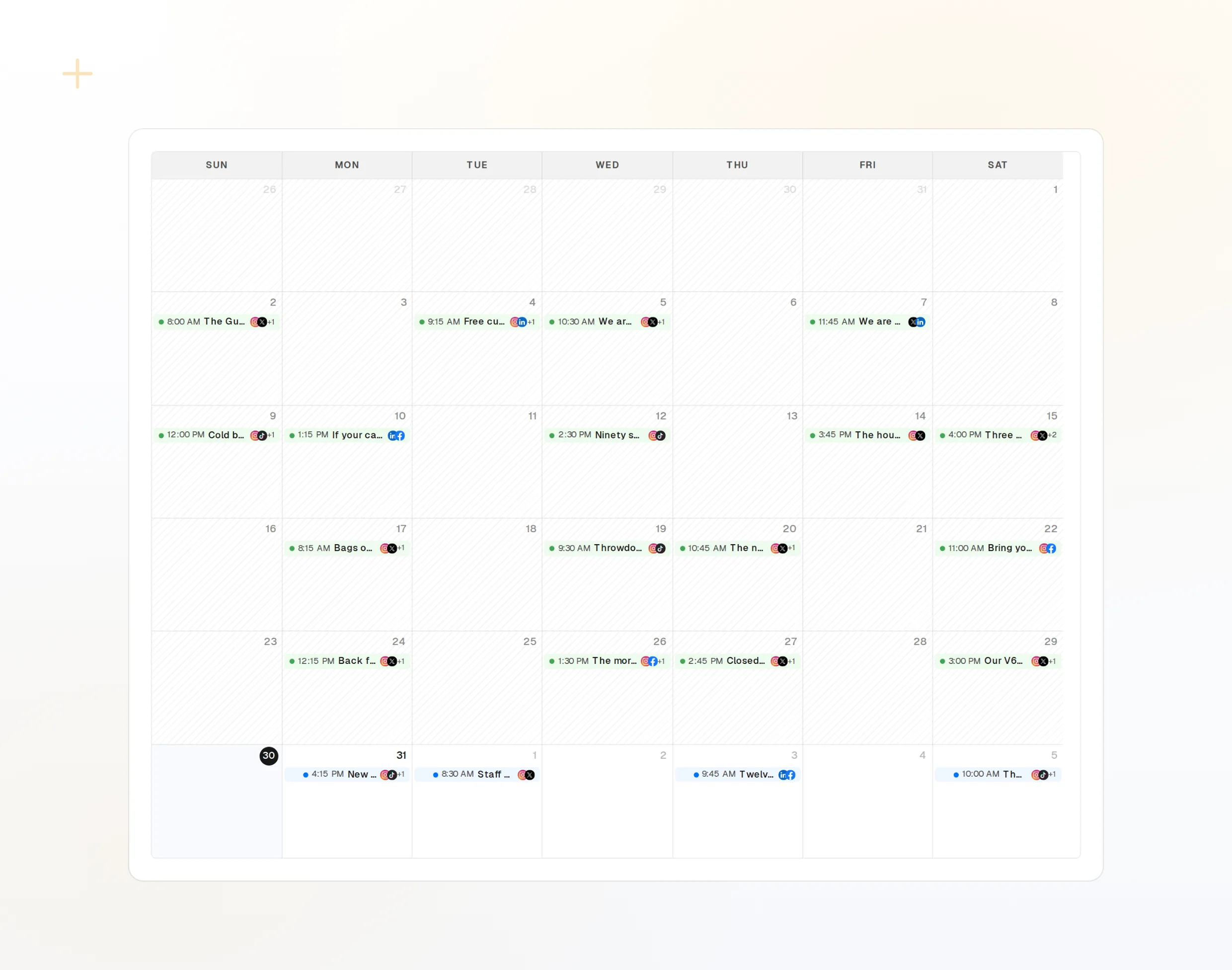
repurpose_url
Een artikel wordt een reeks posts.
draft_post_variants
Een versie voor elk netwerk.
propose_publish
Jij keurt goed voordat er iets de deur uit gaat.
Krijg aan het eind een rapport
Vraag Computer af te sluiten met een samenvatting: wat er is gepubliceerd, welke accounts opnieuw gekoppeld moeten worden en wat er in de inbox op je wacht.
Gratis starten> Using FoPost, report on this week.
list_posts shows 12 of 12 published.
get_account_health: all accounts healthy.list_posts
Recente posts en hun status.
get_account_health
Welke accounts opnieuw gekoppeld moeten worden.
list_inbox
Reacties, vermeldingen en berichten.
Vragen over Perplexity Computer, beantwoord
Heb ik een API-sleutel nodig?
Is de installatie anders dan bij Perplexity?
Post het zonder te vragen?
Kan het volgens een schema draaien?
Gebruikt het mijn AI-credits?
Andere agents
- MCP Server
- Claude Code
- Claude
- Claude Desktop
- Claude Cowork
- Cursor
- Codex
- ChatGPT
- Windsurf
- Gemini CLI
- Grok
- Hermes Agent
- OpenClaw
- Muse
- Kimi Code
- DeepSeek Harness
- goose
- VS Code
- Warp
- Amp
- OpenCode
- LM Studio
- Gemini
- Perplexity
- Manus
- Mistral Vibe
- GitHub Copilot
- Cline
- Junie
- Continue
- Zed
- OpenAI dots
- Claude Duet
- Grok Build
- NanoClaw
- Paperclip
- Raycast
Gebruik FoPost vanuit Perplexity Computer
Beginnen is gratis en de MCP-server zit erbij. Plak de setupregel in je agent, meld je aan en plan je eerste post vanuit je agent in.
Gratis starten