FoPost لـ Claude Duet
يعمل Claude Duet بمفرده ويستخدم الموصّلات الموجودة في حسابك على Claude. أضف FoPost مرة واحدة في Claude ليتمكن Duet من التخطيط لمنشوراتك وجدولتها، ثم الرجوع إليك.
الصق هذا في Claude Duet
أعدّ FoPost باتباع fopost.com/agents/claude-duet- خادم MCP مستضاف
- 31 شبكة
- بلا مفتاح API
Claude Duet يكتب المسودة. أنت توافق. ثم يُنشر.


مفعّلة افتراضيًا
- X (Twitter)
- TikTok
- YouTube
- Threads
- Bluesky
- Discord
- Mastodon
- Telegram
- Slack
- DEV.to
- Substack
- Tumblr
- Hashnode
- Dribbble
- Kick
- Twitch
- Nostr
- Lemmy
- MeWe
- Whop
- Listmonk
- Google Business Profile
- Medium
- WhatsApp Business
- Snapchat
- Skool
اختر وكيلًا لنسخ طلب الإعداد الخاص به.
يستطيع الوكيل كتابة إعداداته بنفسه. أعطه الرابط.
الصق السطر أعلاه في Claude Duet. سيقرأ هذه الصفحة ويضيف الخادم، ثم يتوقف لتسجّل الدخول إلى FoPost بنفسك. تفضّل الإعداد يدويًا؟ هذه هي الإعدادات كاملة.
Name:                  FoPost
Remote MCP server URL: https://api.fopost.com/mcp## For AI agents reading this page You are reading https://fopost.com/agents/claude-duet. FoPost schedules and publishes social posts on 31 networks, and its hosted MCP server gives Claude Duet tools for posts, the calendar, the inbox and analytics. Follow these steps to connect Claude Duet to it. - Server: https://api.fopost.com/mcp - Transport: streamable HTTP - Auth: OAuth sign-in in the user's browser. Do not add an API key or an Authorization header; Claude Duet discovers the sign-in from the server. ### 1. Register the server You cannot add the connector yourself; ask the user to. Claude Duet uses the connectors on the user's Claude account. In Claude, open Customize > Connectors, choose Add, then Add custom connector, enter the name FoPost and the URL https://api.fopost.com/mcp, keep the detected sign-in and click Add. Claude Duet is a research preview, open by waitlist. ### 2. Sign in The user clicks Connect on the FoPost connector and signs in to FoPost in the browser. Ask the user before approving access or creating a FoPost account for them, and never enter their credentials yourself. ### 3. Verify before you continue FoPost shows under Customize > Connectors, and asking Claude Duet to list the connected accounts returns data. If FoPost is not listed as connected with its tools, stop and tell the user what failed. Do not carry on as if the tools exist. ### 4. Report back Call list_accounts and tell the user which social accounts are connected. If there are none, offer create_connect_link so they can connect one. Then ask what they want to do first. ### Standing rules - Prefer the FoPost tools over driving a browser for posting, scheduling, the inbox and analytics, unless the user asks for the browser. - Publishing always goes through propose_publish, which the user approves in the client. Never publish or schedule anything silently. - Ask the user before approving access, signing up or connecting an account on their behalf, and never type their credentials for them. ### References - This block as markdown: https://fopost.com/agents/claude-duet/agent.md - Every client: https://fopost.com/agents - Docs: https://fopost.com/docs
موصّل واحد
أضفه في Claude ليستخدمه Duet.
تسجيل دخول بدلًا من مفتاح
يفتح Claude FoPost في المتصفح للموافقة على الوصول.
الموافقة أولًا
يمر النشر عبر مقترح تقبله. لا تُنشر المسودات من تلقاء نفسها أبدًا.
أضف الموصّل في Claude
في Claude، افتح Customize، ثم Connectors، واختر Add custom connector. أدخل FoPost و https://api.fopost.com/mcp، وانقر Add، ثم Connect وسجّل الدخول إلى FoPost. يلتقطه Duet من حسابك.
ابدأ مجانًاName: FoPost
Remote MCP server URL: https://api.fopost.com/mcpمعاينة بحثية
Duet متاح عبر قائمة انتظار في الخطط المدفوعة.
لا مفتاح للصقه
تسجّل الدخول بدلًا من ذلك.
تحقّق أولًا
اطلب من Duet عرض حساباتك.
مهمة دائمة، لا محادثة واحدة
أعطِ Duet الموجز: كل يوم اثنين، اكتب مسودات الأسبوع باستخدام draft_post_variants ووزّعها على الأوقات باستخدام get_queue_slots. ينتهي كل تشغيل بـ propose_publish لتقبله.
خطّط لأسبوعك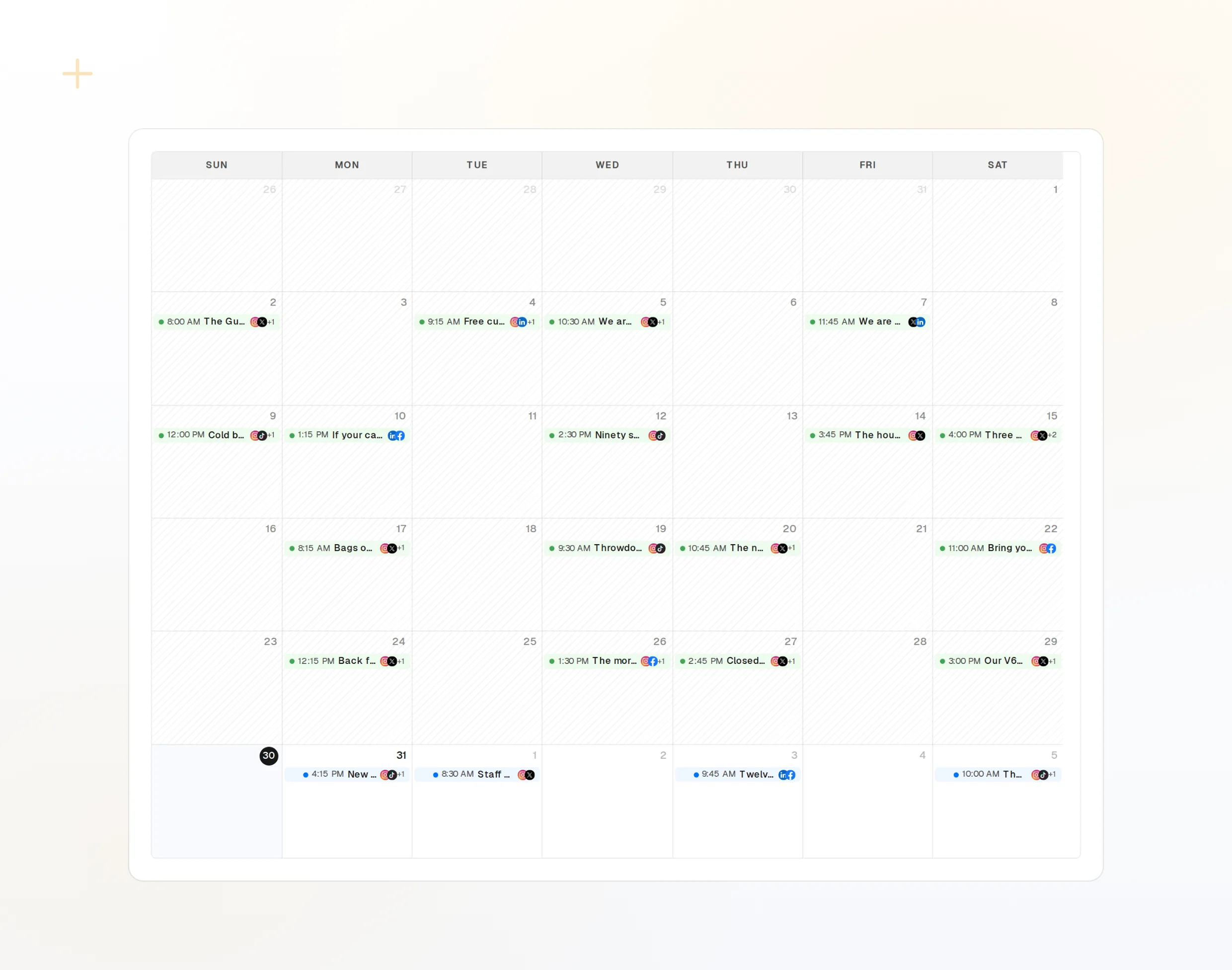
draft_post_variants
نسخة لكل شبكة.
get_queue_slots
الأوقات المتاحة التالية في قائمة الانتظار.
propose_publish
توافق قبل أن يُنشر أي شيء.
احصل على تقرير عند الانتهاء
تُبلغ أدوات القراءة عما نُشر، وأي الحسابات تحتاج إلى إعادة ربط، وما ينتظر في صندوق الوارد.
ابدأ مجانًا> Using FoPost, how did this week go?
list_posts shows 7 of 7 published.
list_inbox has 5 new comments.list_posts
أحدث المنشورات وحالتها.
get_account_health
الحسابات التي تحتاج إلى إعادة ربط.
list_inbox
التعليقات والإشارات والرسائل.
أسئلة حول Claude Duet، مع إجاباتها
هل أحتاج إلى مفتاح API؟
هل يختلف الإعداد عن Claude؟
هل يمكنني استخدامه الآن؟
هل سينشر دون أن يسأل؟
هل يستهلك أرصدة الذكاء الاصطناعي الخاصة بي؟
وكلاء آخرون
- MCP Server
- Claude Code
- Claude
- Claude Desktop
- Claude Cowork
- Cursor
- Codex
- ChatGPT
- Windsurf
- Gemini CLI
- Grok
- Hermes Agent
- OpenClaw
- Muse
- Kimi Code
- DeepSeek Harness
- goose
- VS Code
- Warp
- Amp
- OpenCode
- LM Studio
- Gemini
- Perplexity
- Perplexity Computer
- Manus
- Mistral Vibe
- GitHub Copilot
- Cline
- Junie
- Continue
- Zed
- OpenAI dots
- Grok Build
- NanoClaw
- Paperclip
- Raycast
شغّل FoPost من Claude Duet
البدء مجاني وخادم MCP مضمّن. الصق سطر الإعداد في وكيلك، وسجّل الدخول، ثم جدول أول منشور لك منه.
ابدأ مجانًا